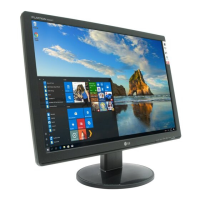
A15
On Screen Display(OSD) Selection and Adjustment
Main menu Sub menu Description
EZ ZOOMING
The OSD screen will appear when you touch the FUN button on the left bottom of the
monitor.
EZ Zoom lowers the display’s resolution in
single-step increments. Depressing the button
once lowers the resolution by one step; while a
second button-press returns the resolution to
the original display settings.
*This function is operated only if the
forteManager is installed to PC.
4:3 IN WIDE
To select the image size of the screen.
*4:3 : Depending on the input video signal ratio,
it is automatically changed to an optimized
screen ratio.
WIDE
4:3



 To Next Page
 Loading...