53
(3) Activate/Deactivate Sensor:
Turn the power switch on by pressing WATER LEVEL + PROCESS and START/PAUSE button together.
Test mode : Only I-SENSOR LED is on and display shows current sensing mode
Current display
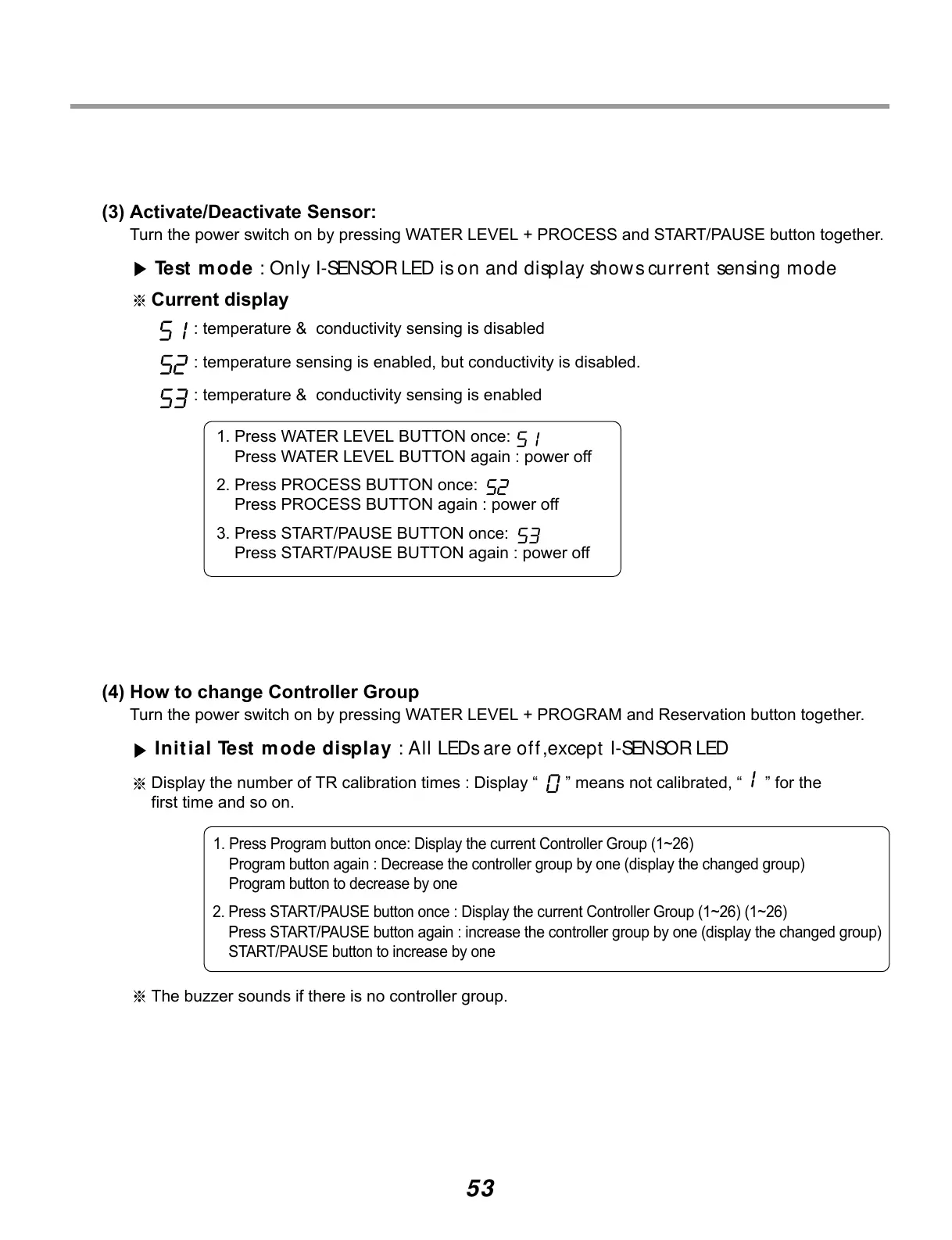
: temperature & conductivity sensing is disabled
: temperature sensing is enabled, but conductivity is disabled.
: temperature & conductivity sensing is enabled
1. Press WATER LEVEL BUTTON once:
Press WATER LEVEL BUTTON again : power off
2. Press PROCESS BUTTON once:
Press PROCESS BUTTON again : power off
3. Press START/PAUSE BUTTON once:
Press START/PAUSE BUTTON again : power off
(4) How to change Controller Group
Turn the power switch on by pressing WATER LEVEL + PROGRAM and Reservation button together.
Initial Test mode display : All LEDs are off ,except I-SENSOR LED
Display the number of TR calibration times : Display “ ” means not calibrated, “ ” for the
first time and so on.
1. Press Program button once: Display the current Controller Group (1~26)
Program button again : Decrease the controller group by one (display the changed group)
Program button to decrease by one
2. Press START/PAUSE button once : Display the current Controller Group (1~26) (1~26)
Press START/PAUSE button again : increase the controller group by one (display the changed group)
START/PAUSE button to increase by one
The buzzer sounds if there is no controller group.


 To Next Page
 Loading...