23
ENGLISH_Index
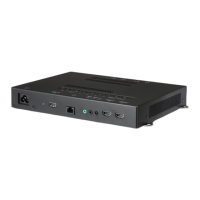
USING the WP401/WP402 SET
Connecting to a PC
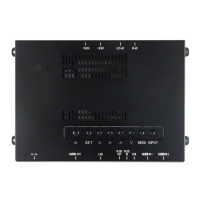
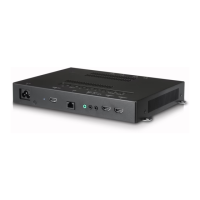
The WP401/WP402 does not include the monitor. You can connect WP401/WP402 to a monitor to view the picture
on it.
Your WP401/WP402 set supports the feature.
: A PC will have a built-in driver for WP401/WP402, no extra software is needed.
External Device Connection
Connect a HD receiver, DVD, or VCR player to the WP401/WP402 set and select an appropriate input mode.
Some of the cables are not provided. For the best picture quality, connecting external devices to your set using HDMI
cables is recommended.
NOTE
• It is recommended to use the WP401/WP402 set with an HDMI connection for the best image quality.
• To comply with the specifications of the product, use a shielded interface cable with ferrite core, such HDMI cable
provided with the product.
• To minimize the impact of electromagnetic waves, secure the cables with cable ties.
• Use a High Speed HDMI
®
/™ Cable.
• If you want to use HDMI-PC mode, you must set the input label to PC mode.
• When HDMI PC is used, a compatibility problem might occur.
• Use a certified cable with the HDMI logo attached. If you do not use a certified HDMI cable, the screen may not
display or a connection error may occur.
• Recommended HDMI cable types
- High Speed HDMI
®
/™ cable
- High Speed HDMI
®
/™ cable with Ethernet
CAUTION
• If using a DP to HDMI dongle, make sure to use a dongle certified by the graphics card manufacturer.
• When connecting to multi-channel ports of a graphics card, make sure to use DP to HDMI dongles of the same model.
• It may not be compatible with monitors from other companies.
Using the Input List
(HOME) →
• HDMI1 → HDMI2 → DisplayPort


 To Next Page