8
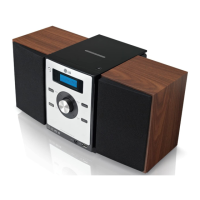
MICRO Hi-Fi SYSTEM ] USER GUIDE
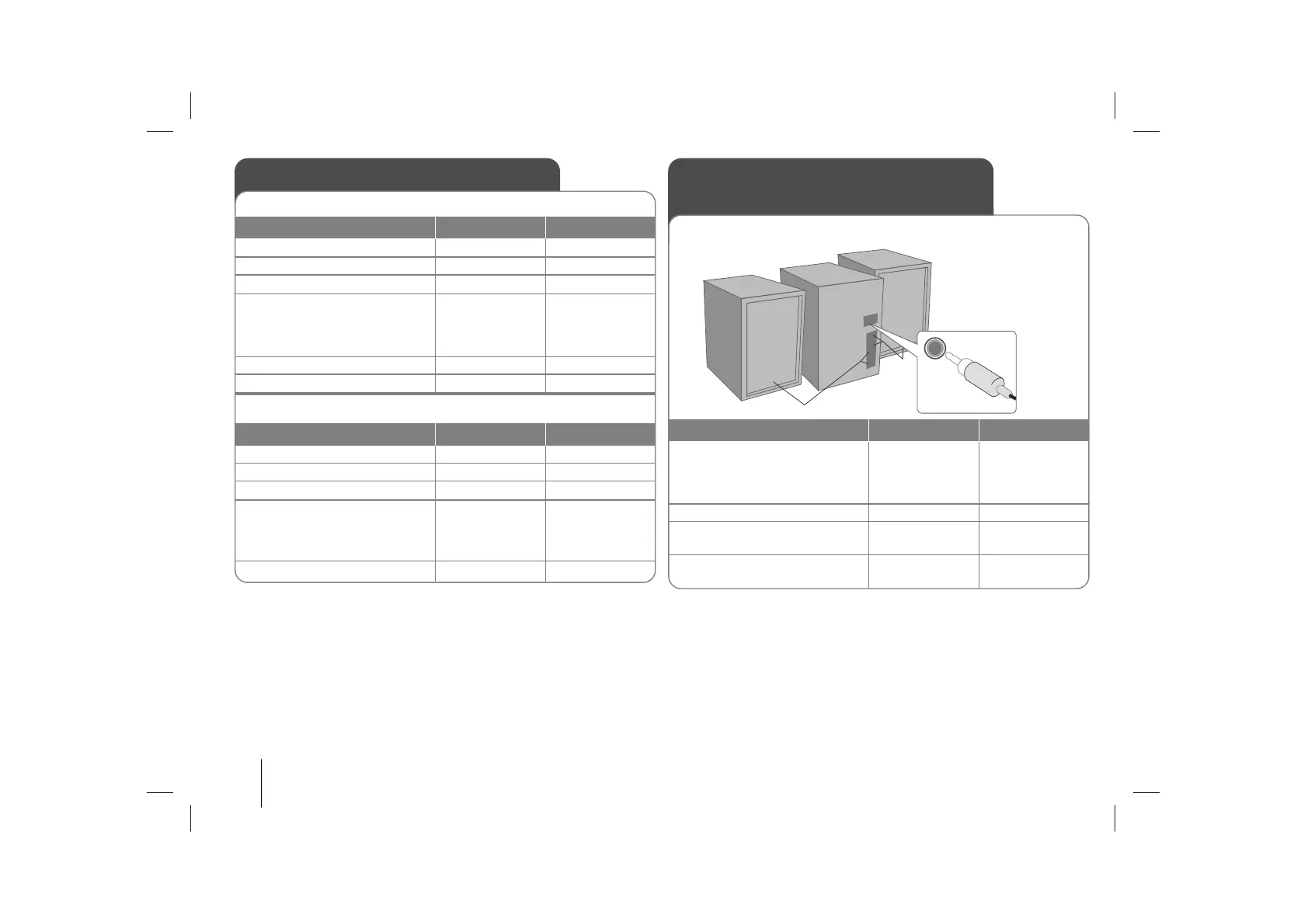
Listening to music from
your portable player
The player can be used to play the music from many types of portable
player.
Recording
Record from a CD or radio to cassette
1. Open the tape door:
2. Insert a blank tape:
3. Close the tape door:
4. Select a mode (FM/AM, CD,
PORTABLE or USB (OPTIONAL))
in which you want to record:
- For CD, press
BB
/
[]
.
5. Start the Recording:
6. To stop a Recording:
ON PLAYER ON REMOTE
xx
Z
FUNCTION
z
xx
Z
FUNCTION
CD Synchronized Recording
1. Open the tape door:
2. Insert a blank tape:
3. Select the CD function:
4. Start the Recording:
The synchronized recording is
started automatically after about
7 seconds.
5. To stop a Recording:
ON PLAYER ON REMOTE
xx
Z
FUNCTION
z
xx
Z
FUNCTION
1. Connect the portable player
by plugging the unit into
PORTABLE IN on the back of
the player.
2. Turn the power on:
3. Select the PORTABLE
function:
4. Turn the portable player on
and start it playing:
ON PLAYER ON REMOTE
11
/
]]
FUNCTION
POWER
FUNCTION


 To Next Page