10
Use Status
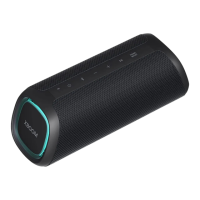
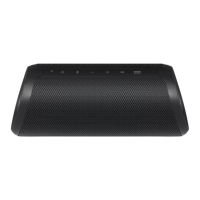
When you turn on the speaker or press and hold the Power button for 2 seconds, the battery LED is turned on
for 3 seconds according to the battery status.
LED LED Status / Battery Status
Turns on in green. / The battery level is above 70 %.
Turns on in amber. / The battery level is between 10~70 %.
Itblinksredcontinuouslyandyoucanhearanoticationsoundonce./
The battery level is below 10 %, and the battery needs to be charged.
Note
• The battery status cannot be checked while charging.


 To Next Page
 Loading...