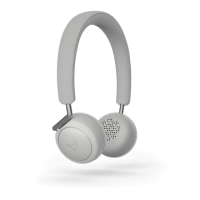
To activate Siri on your Q Adapt On-Ear, simply press and hold the Touch Interface with two
fingers for approx. 5 seconds until music stops and you hear an audio cue from your iOS device.
On-Ear - Bluetooth Setup
Step 1
Power on your Q ADAPT On-Ear headphones and press and hold the Function button on the
right hand side to get connected. The lights in the Touch Interface will blink side-to-side to
indicate Setup mode.
Step 2
Find your Q ADAPT On-Ear headphones in the Bluetooth menu on your smartphone or tablet
and hit connect.


 To Next Page