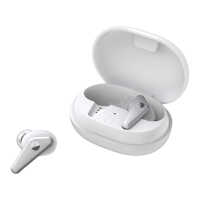
Short press the function button in the charging case, to check it's battery level. A red light will
blink when the battery is low, or else the white light will blink
When both earbuds are in the charging case, press and hold the function button for 2s to enter
Bluetooth pairing mode
Smart Noise Cancelling
CityMix® Smart noise cancelling automatically adjusts to an appropriate CityMix® level
according to your surroundings and motions
CityMix® Smart is disabled by default. You can change the settings in the Libratone app
* You can also adjust the noise cancelling level manually in the App
Wear Detect


 To Next Page