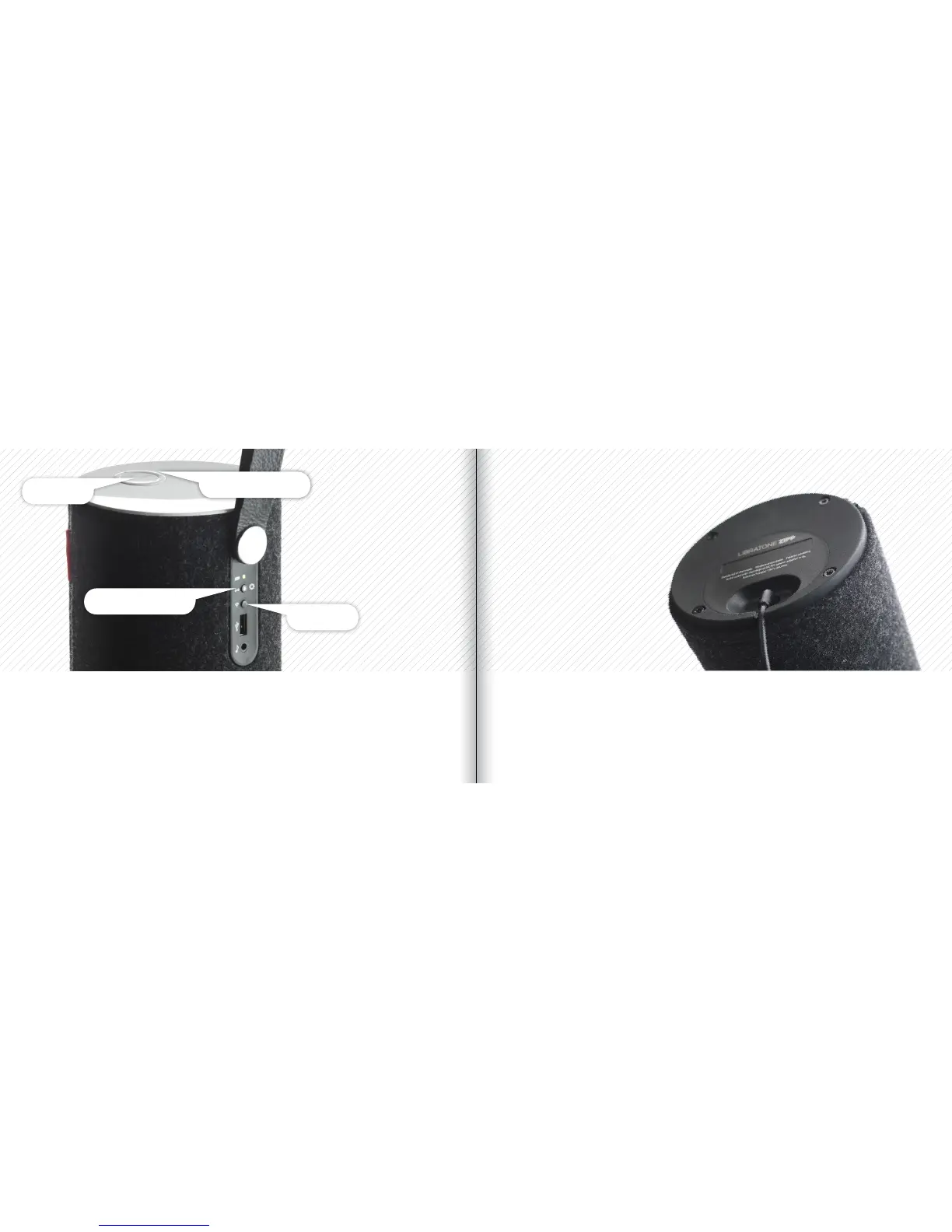
BATTERY CHARGINGFACTORY RESET
Connect the power adapter into a working electrical outlet. Plug-in the other end of the power
adapter into the bottom of your Libratone Zipp speaker. The “Battery Indicator” starts
pulsing green. Leave it connected to mains until the “Battery Indicator” light turns solid
green, which indicates that it is fully charged. A full charge takes approximately 1½-2 hours.
To clear all speaker settings on your Libratone Zipp you need to perform a factory reset.
• Press and hold the “PlayDirect”, “AirPlay” and the “Logo Button” simultaneously until the
“Status Indicator” starts to pulse yellow, then release buttons.
• When the “Status Indicator” starts pulsing white, your speaker is reset to factory settings.
Status Indicator
AirPlay
Logo Button
PlayDirect & Setup
30 31



 To Next Page