EasyManua.ls Logo

Life Gear 97875 - User Manual

Life Gear 97875
29 pages
Print Icon
To Next Page IconTo Next Page
Loading...
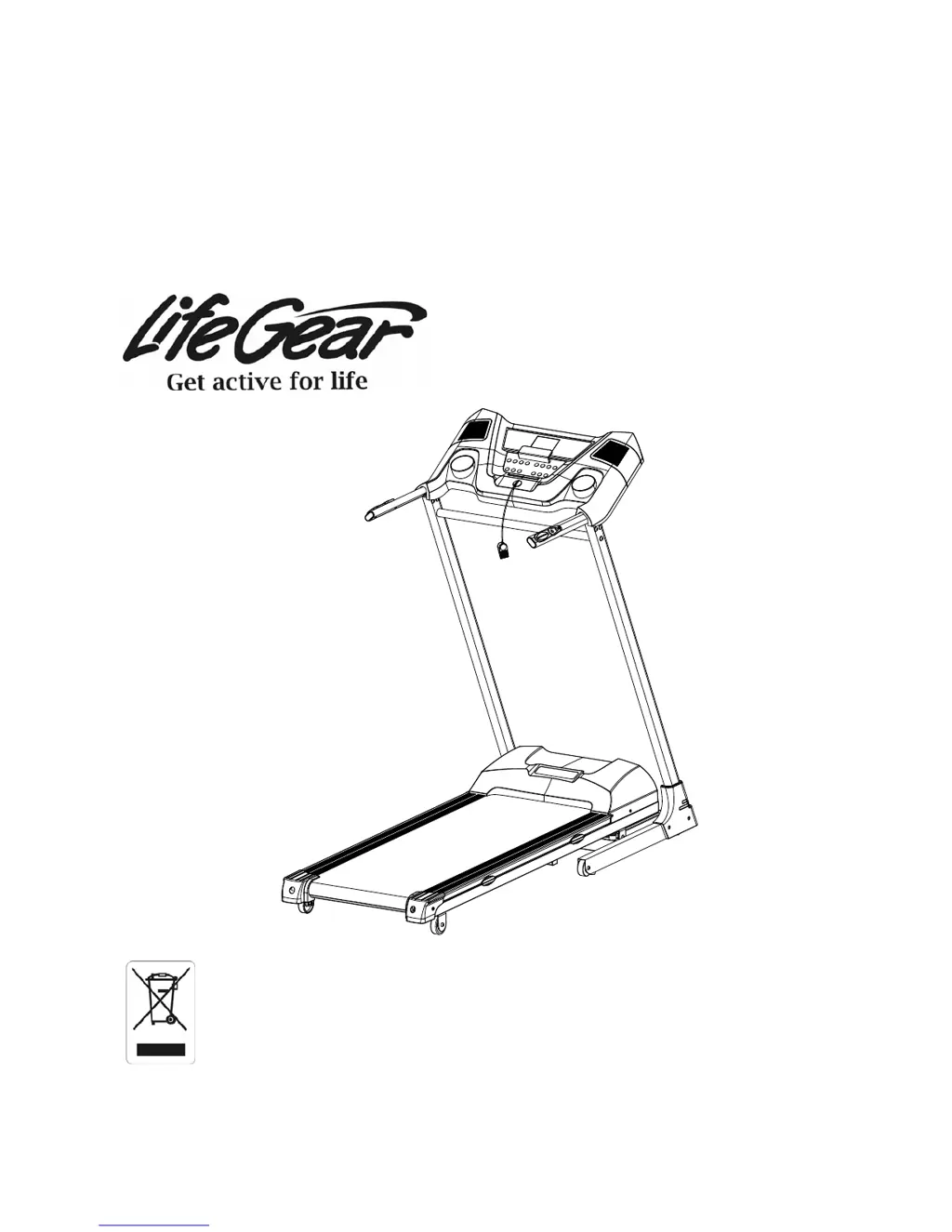
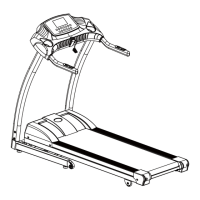
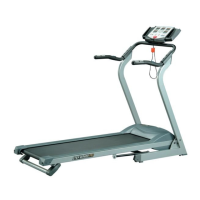
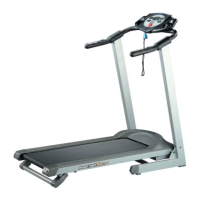
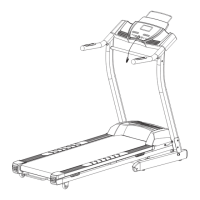
FRONTIER PRO PROGRAMMABLE
MOTORIZED TREADMILL
ITEM NO: 97875
OWNER’S MANUAL
IMPORTANT: Read all instructions carefully before using this product. Retain this
owner’s manual for future reference.
The specifications of this product may vary from this photo and are subject to change
without prior notice.
2014, July

Questions and Answers

  • J
    jfosterAug 15, 2025
    Why Life Gear 97875 display is not working?
    • R
      riggscoryAug 15, 2025
      If your Life Gear Treadmill display is not working (no sound and image), it might be due to several reasons: * There may be no power source. Ensure the power cord is plugged into a wall outlet and that the wires are correctly connected. * A sudden shutdown can occur if the program time has counted down to zero. * Wires might have a bad connection. Inspect the wire connections, reconnect them, or replace them if necessary. If the issue persists, consider replacing the console.
  • G
    gwhiteheadAug 18, 2025
    What to do if Life Gear 97875 Treadmill will not start?
    • G
      Gregory RodriguezAug 18, 2025
      If your Life Gear Treadmill won't start, check the following: * Ensure the treadmill is plugged into a working wall outlet. * Make sure the Safety Tether Key is correctly installed. * Check the circuit breaker in your house; if it has tripped, reset it. If it continues to trip, contact an electrician. * The treadmill's circuit breaker may have tripped. Wait 5 minutes and then try to restart the treadmill.
  • S
    sbrownAug 21, 2025
    How to fix Life Gear 97875 no speed?
    • R
      Rick NelsonAug 21, 2025
      If your Life Gear Treadmill shows no speed, it could be due to these reasons: * The computer may not be reading the signal from the speed sensor. Adjust the distance between the speed sensor and the magnet to be within 3mm or replace the speed sensor cable. * There might be loose or inappropriate connections between the computer and the speed sensor. Review the hookup directions and make sure the connections are correct and firm. * Wires may be in bad connection, inspect the wire connections, reconnect the wires or replace the new wires. If none of these steps work, consider replacing the console.
  • N
    Natasha CookAug 25, 2025
    What to do if Life Gear 97875 Treadmill motor has no action?
    • G
      Gary ContrerasAug 26, 2025
      If there's no action from the motor of your Life Gear Treadmill, consider the following: * Check the connected wires to the motor and ensure they are properly re-connected. * Make sure you have pressed the ST/SP (Start/Stop) button. * Verify that the safety tether key is correctly positioned and not loose. * Ensure you are using the correct power source and control board. * Wires may be in bad connection, inspect the wire connections, reconnect the wires or replace the new wires. If the issue persists, the console may be defective and needs replacement.
  • A
    Amy HendrixAug 27, 2025
    How to fix Life Gear Treadmill belt slips?
    • P
      pgonzalezAug 27, 2025
      If the belt on your Life Gear Treadmill slips, it's likely that the belt is not tight enough. Adjust the belt tension to resolve this issue.
  • M
    Michelle HaasAug 30, 2025
    What does E1 error mean on Life Gear Treadmill?
    • R
      Ronald HarveyAug 30, 2025
      The E1 error on your Life Gear Treadmill indicates that the computer cannot get the signal from the speed sensor for 15 seconds. To resolve this: * Adjust the gap between the speed sensor and the magnet to be within 3 mm. * Reconnect or change the speed sensor cable or related wires. * For wrong reaction of the speed sensor, reconnect and firm the connections. * Reconnect the motor cable wire if the motor signal couldn't reach the console.
  • G
    Gail CookSep 2, 2025
    Why Life Gear 97875 Treadmill belt hesitates when stepped on?
    • S
      Shannon LopezSep 2, 2025
      If the belt on your Life Gear Treadmill hesitates when stepped on: * Not enough lubrication applied onto the running deck, so apply lubricant. * The belt may be too tight, therefore adjust belt tension.
  • C
    Caitlin OdomSep 5, 2025
    What to do if Life Gear 97875 has no pulse signal?
    • M
      Mark RichardSep 5, 2025
      If your Life Gear Treadmill shows no pulse signal: * Ensure that the computer can get the signal from the hand pulse sensors, review hookup directions and make correct, firm connections. * Wires may be in bad connection, inspect the wire connections, reconnect the wires or replace the new wires. If the issue continues, the console may be defective and require replacement.
  • C
    Christopher DiazSep 8, 2025
    How to fix Life Gear Treadmill belt is not centred?
    • C
      Charles RobertsSep 8, 2025
      If the belt on your Life Gear Treadmill is not centered, it means that the running belt tension is not even across the rear roller. Centre the belt to fix this.
  • J
    Justin LynnSep 12, 2025
    What does E2 error mean on Life Gear 97875 Treadmill?
    • T
      Tracy HuffmanSep 12, 2025
      The E2 error on your Life Gear Treadmill is related to the EEPROM IC. Try the following: * Reconnect the IC chip, and ensure it is in the correct position. * If problem persists, the IC chip may be of bad quality or have the wrong data. Change the EEPROM IC chip. If the new IC chip doesn't solve the problem, replace the console.

Summary

One Year Limited Warranty

Important Safety Instructions

Parts List

Hardware List

Assembly Instructions

Step 1

Attaching handlebar support tubes to the base frame and securing them with bolts and washers.

Step 2

Attaching the cross bar to the handlebar support tubes using bolts and washers.

Step 3

Connecting sensor cables to the computer and securing the computer to the handlebar support tubes.

Step 4

Attaching handlebar support tube covers to the base frame using bolts.

Step 5

Adjusting the rear roller adjustment bolts for proper belt alignment.

Lifting Up & Setting Down the Treadmill

Operating the Computer

Quick Start

Basic steps to start exercising, adjust speed and incline, and understand display windows.

Computer Button Functions

Explanation of the functions of various buttons on the computer console for controlling the treadmill.

Computer Functions

Details on how TIME, SPEED, DISTANCE, CALORIES, and PULSE are displayed and controlled.

Care, Maintenance & Troubleshooting Guide

Belt Adjustment

Lubrication

Emergency Stop

Life Gear 97875 Specifications

General IconGeneral
FoldingYes
Speed0.5 - 10 mph
Programs12 preset programs
DisplayLCD
Heart Rate MonitoringPulse sensors

Related product manuals