Problem Possible Reason How to Resolve
Treadmill is not working
No power Insert the plug into a wall outlet.
Power switched off
Flip the Power switch on the front
of the unit to the ON position.
Safety key not in
position
Insert the safety key into the slot
at the front of the treadmill.
Short circuit Contact customer support.
Fuse burned out Contact customer support.
Keypad not functioning
Broken or
disconnected
buttons
Contact customer support.
Running belt is not
smooth
Not enough
lubrication
Lubricate with silicone oil. See
instructions on page 32.
Running belt too
tight
Adjust the tightness of running
belt. See instructions on page 34.
Running belt is skidding
Running belt too
loose
Adjust the tightness of running
belt. See instructions on page 34.
ADDITIONAL FEATURES
BLUETOOTH FUNCTION
You can connect to a fitness app via Bluetooth to manage your workouts.
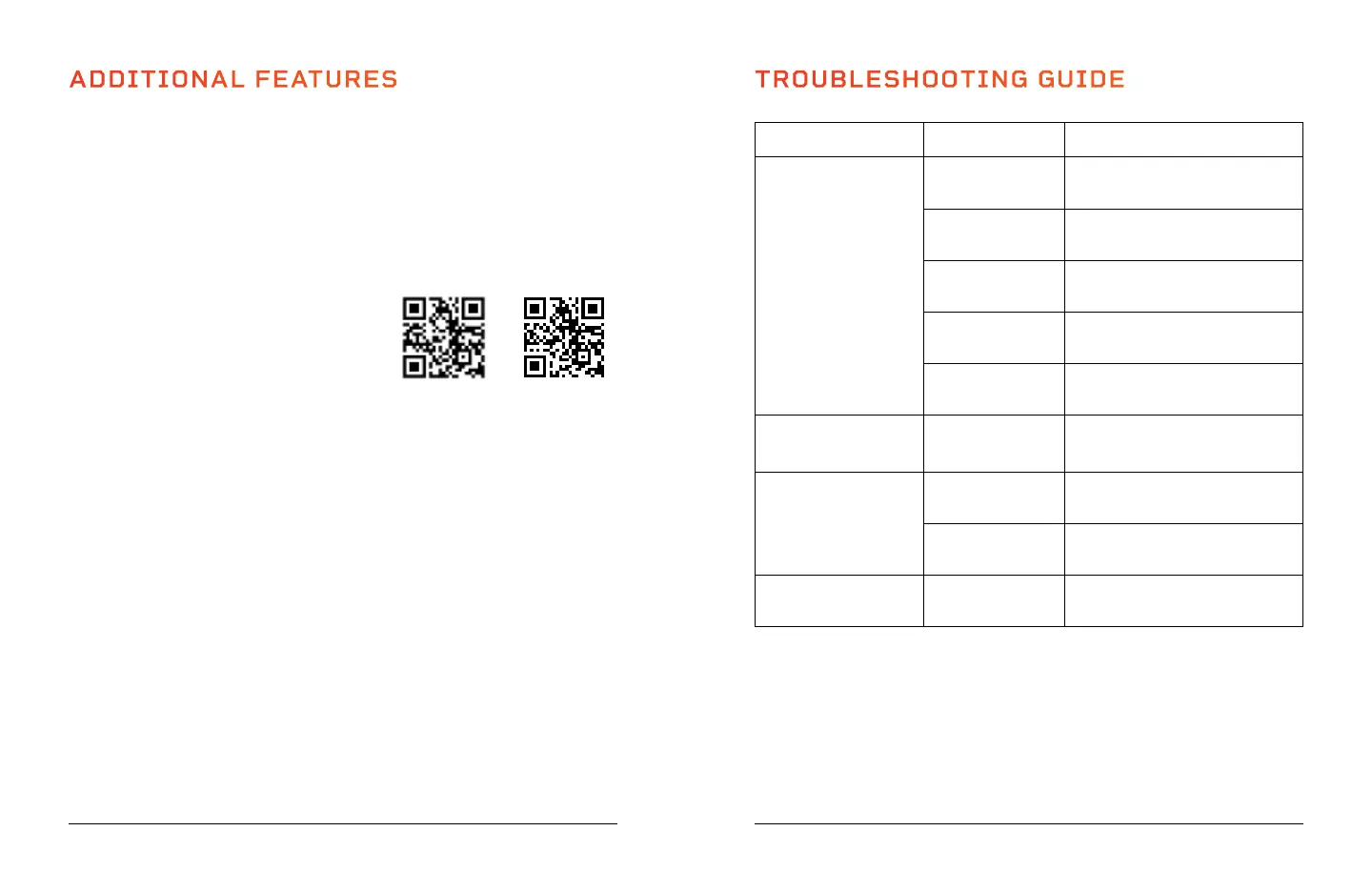
1. Scan one of the QR codes below to download your preferred fitness app from the
App Store or Google Play. If you do not already have a QR Scanner app, you will
need to download one first.
2. On your cell phone or tablet, go to “Settings,” then “Bluetooth” to turn on
Bluetooth.
3. In the device list, connect to your Electrostride.
4. Open the app and create an account.
Now, you can create a personalized exercise plan
in the app. You can follow structured training
workouts, including walking/running routes
around the world. Track calories burned, your
speed, workout duration, and all of your workout
activity information. Create training goals,
complete fitness challenges, and more.
Some features may require in-app purchase or a paid plan. Visit support.kinomap.com
for Kinomap app help and FAQ.
METRIC AND BRITISH/IMPERIAL SYSTEM CONVERSION
By default, values are shown in miles, inches, and pounds. You may convert the
measurement system to metric if you prefer.
1. Make sure the safety key is not inserted in its slot.
2. Press the Program and Mode buttons simultaneously. The display will show “1.0”,
which means the system has been converted to metric. Values will now display in
kilometers, centimeters, and kilograms.
3. To change the system back to the British/Imperial system, press the Program and
Mode buttons simultaneously. The display will show “0.6” which means the system
will now display values in miles, inches, and pounds.
TROUBLESHOOTING GUIDE
36 Electrostride User Manual Lifepro
Recovery + Fitness Collection 37
KinomapAnyRun


 To Next Page