6 Plush User Manual Lifepro
GET STARTED
WHAT’S IN THE BOX
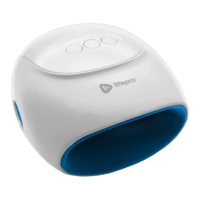
• Lifepro Plush Hand Massager
• USB Charging Cable
• Finger Roller Accessory
• User
Manual
• Carrying Bag
FIRST STEPS
1. Remove your Plush from the shipping box and remove all packaging from
the unit and accessories.
2. Inspect the device and accessories for shipping damage.
3. Read carefully through this user manual and all safety instructions
before using the Plush.
4. Go to plush.lifeprofitness.com and register your product within
14 days of purchase to activate your lifetime warranty.
5. Complete the steps in the EASY-START SETUP GUIDE on page 7 to
begin using your Plush.
CUSTOMER SUPPORT
If you have any questions about setting up your Plush, we’re here
to help. Call or email us and an experienced customer support
representative will be happy to assist you: (732) 456-6063 or
support@lifeprofitness.com.
PLUSH
HAND MASSAGER
RECOVERY + FITNESS
Recovery + Fitness Collection 7
FULLY CHARGE THE BATTERY
• Ensure the massager is OFF
before charging.
• Charge the battery fully, for up to
5 hours, before using your hand
massager for the first time.
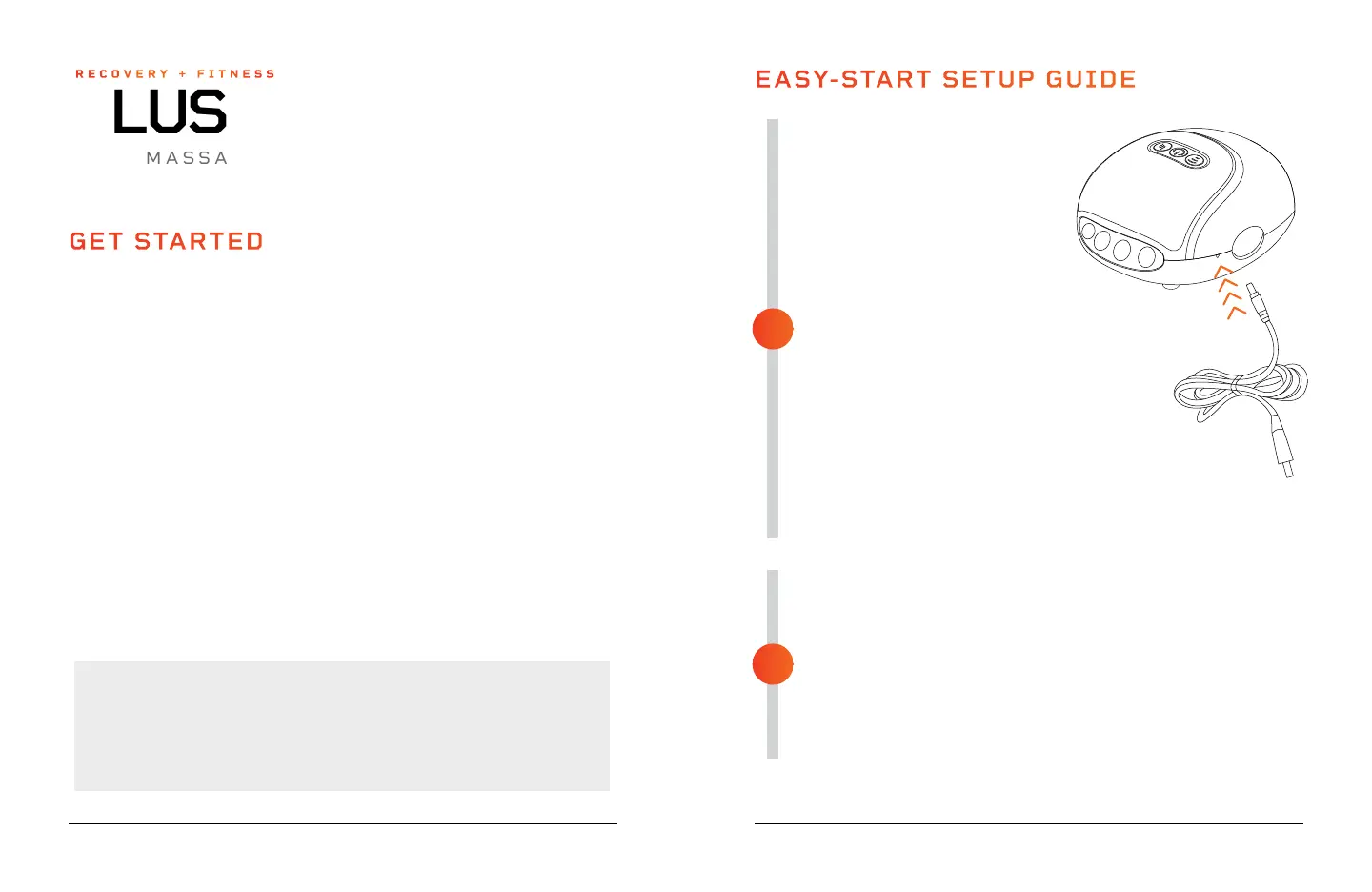
• Plug the USB charging cable into
the charging port on the side of
the device.
• Then, plug the USB end of the
charging cable into either:
• A 5V 1A or 2A USB adapter,
such as a cell phone charging
adapter (a 2A charger will
charge faster). Then, plug the
USB charger into a wall outlet.
• A USB port on a laptop,
computer, or other device.
• When fully charged, the Power/ Battery button
LED on the control panel will turn solid blue.
PREPARING TO USE THE PLUSH
• Make sure the Plush is fully charged and powered OFF.
• Place the Plush on a flat, level surface.
• Wash and dry your hands thoroughly.
• Place a hand, palm down, into the cloth-lined massage chamber.
• Put your fingers in each of the four finger openings (rear) and your
thumb into the proper thumb opening (left or right).
• Press the Power/Battery button to turn on the Plush.
WARNING: Be sure to remove any jewelry and accessories, including
bracelets and rings before using the Plush.
EASY-START SETUP GUIDE
2
1


 To Next Page