10 Plush User Manual Lifepro
Recovery + Fitness Collection 11
OPERATING INSTRUCTIONS
Please read the operating instructions before using the Plush.
Keep this manual for reference.
CHARGING THE BATTERY
• Fully charge the Plush Hand Massager for up to 5 hours before using it
for the first time.
• Always power off the device before charging.
• The Power/Battery button LED is red when charging. When the battery
is fully charged, the button will go from red to blue.
• The Battery LED is blue when the battery is full. When the battery is
low, the Battery LED will turn red. When the battery is below 20%, the
red LED will flash and the Plush will automatically shut down soon. If
this occurs, please charge the device before using it again.
• You may charge the battery at any time, regardless of battery level.
• Average run-time varies depending on the settings used. The average
run-time is 2–3 hours per charge when using heat and/or operating at
high intensity. The average run-time is 4–5 hours when not using heat
and/or operating at low intensity.
USING YOUR PLUSH
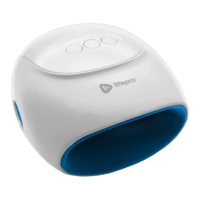
1. Insert a clean, dry hand into the massage chamber.
2. Slide your fingers in each of the four finger openings (rear) and your
thumb into the proper thumb opening (left or right).
3. Press the Power/Battery button on the control panel for 2 seconds
to turn ON the Plush. Once the unit is powered on, the Power/Battery
button will light up blue. The massage begins automatically at the
default intensity level, L1. Heat is off by default.
4. Press the Intensity button to increase massage intensity to L2. The
button lights up. Press it a second time to return to L1. The light goes
off.
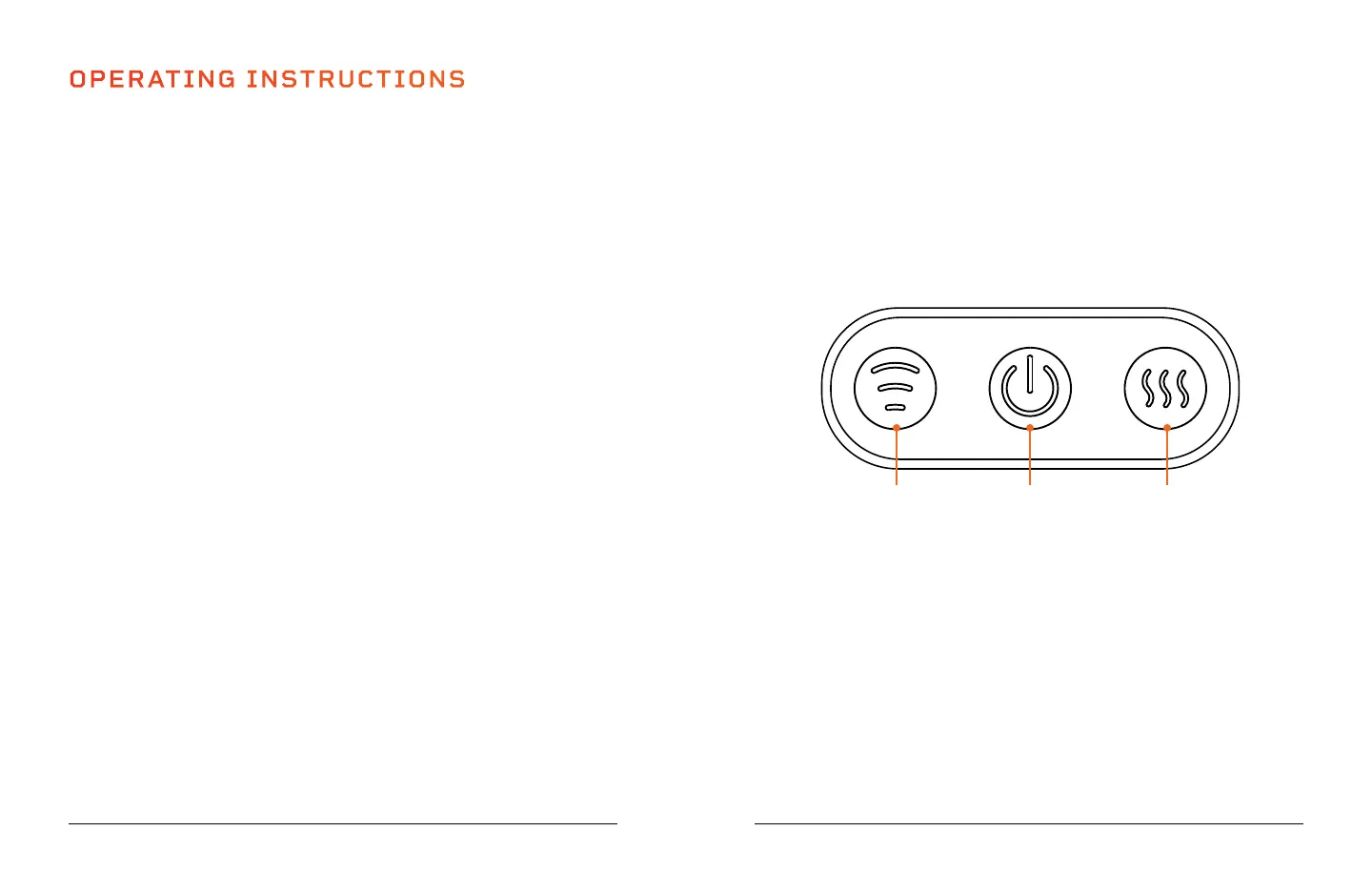
1 2 3
1. Intensity Button: Press the button to toggle through the two intensity
levels (L1–L2). The default intensity is L1 (low). Press the button to
set the vibration to L2 (high).
2. Power/Battery Button: Press and hold the Power/Battery button for
2 seconds to turn on/off the Plush.
3. Heat Button: Press to turn on/off the heat function. Heat is off by
default.
5. Press the Heat button to turn ON the heat function. The button lights
up red. Press a second time to turn OFF the heat function.
6. Press the Power/Battery button for 2 seconds to turn off the unit at
any time. Always power off the unit after each use and wait for the air
pressure to release before removing your hand from the massager.
7. The Plush will automatically shut down after 15 minutes of use.
Press and hold the Power/Battery button for 2 seconds if you wish to
continue using the device.
USING THE CONTROL PANEL


 To Next Page