10 Sonic M1 User Manual Lifepro SoarFX Collection 11
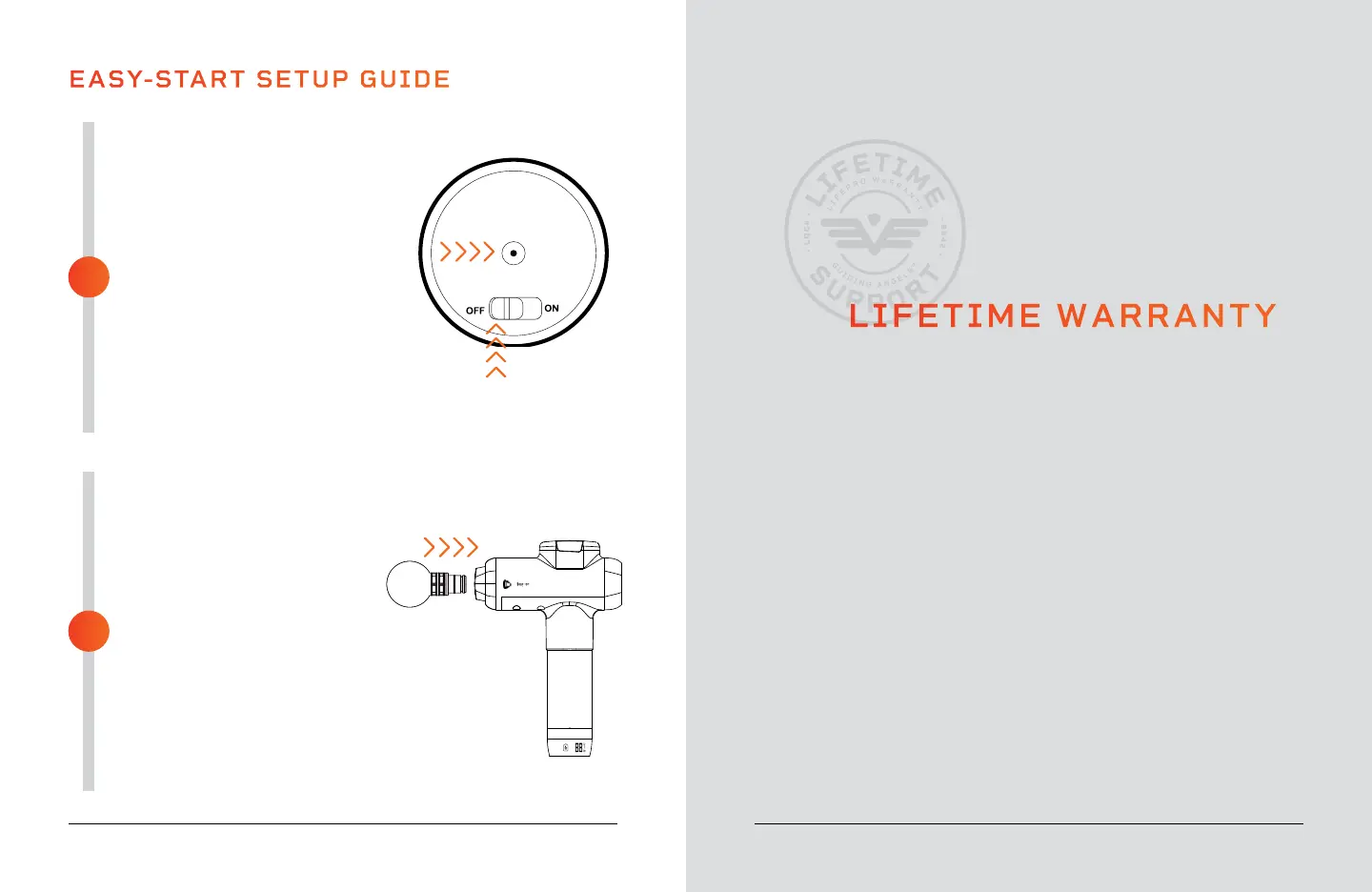
FULLY CHARGE THE BATTERY
• Charge the battery fully before
using your Sonic M1 for the
first time.
• Ensure the Sonic M1 is OFF
before charging.
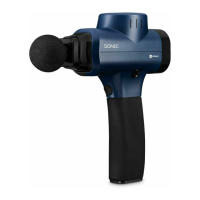
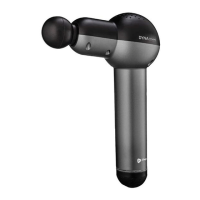
• Connect the DC charging
adapter to the charging port on
the bottom of the handle.
• Plug the adapter into a wall
outlet. The battery icon on the
base of the handle will light
up indicating that the device is
charging.
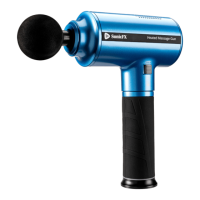
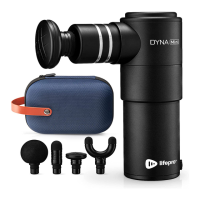
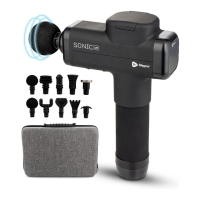
INSERT A MASSAGE
ATTACHMENT
• Make sure the Sonic M1 is fully
charged to 100% and powered
OFF.
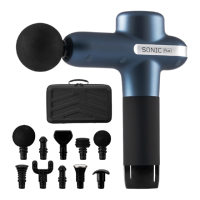
• Select the desired massage
attachment.
• Insert the stem of the massage
attachment into the nozzle of
the Sonic M1.
• Press the massage attachment
in firmly to secure it.
• See ATTACHMENT & SPEED
OPTIONS on page 12.
EASY-START SETUP GUIDE
2
1
LIFETIME WARRANTY
Lifepro creates quality, durable exercise
products and we stand by that quality with
a lifetime warranty on all of our products.
If your Sonic M1 ever breaks (and we
doubt it will), we’ll send you replacement
parts and show you how to repair it. If
your Sonic M1 cannot be repaired, we’ll
replace it—free of charge. Register your
Sonic M1 at sonicm1.lifeprofitness.com
to activate your warranty within 14 days
of purchase.


 To Next Page