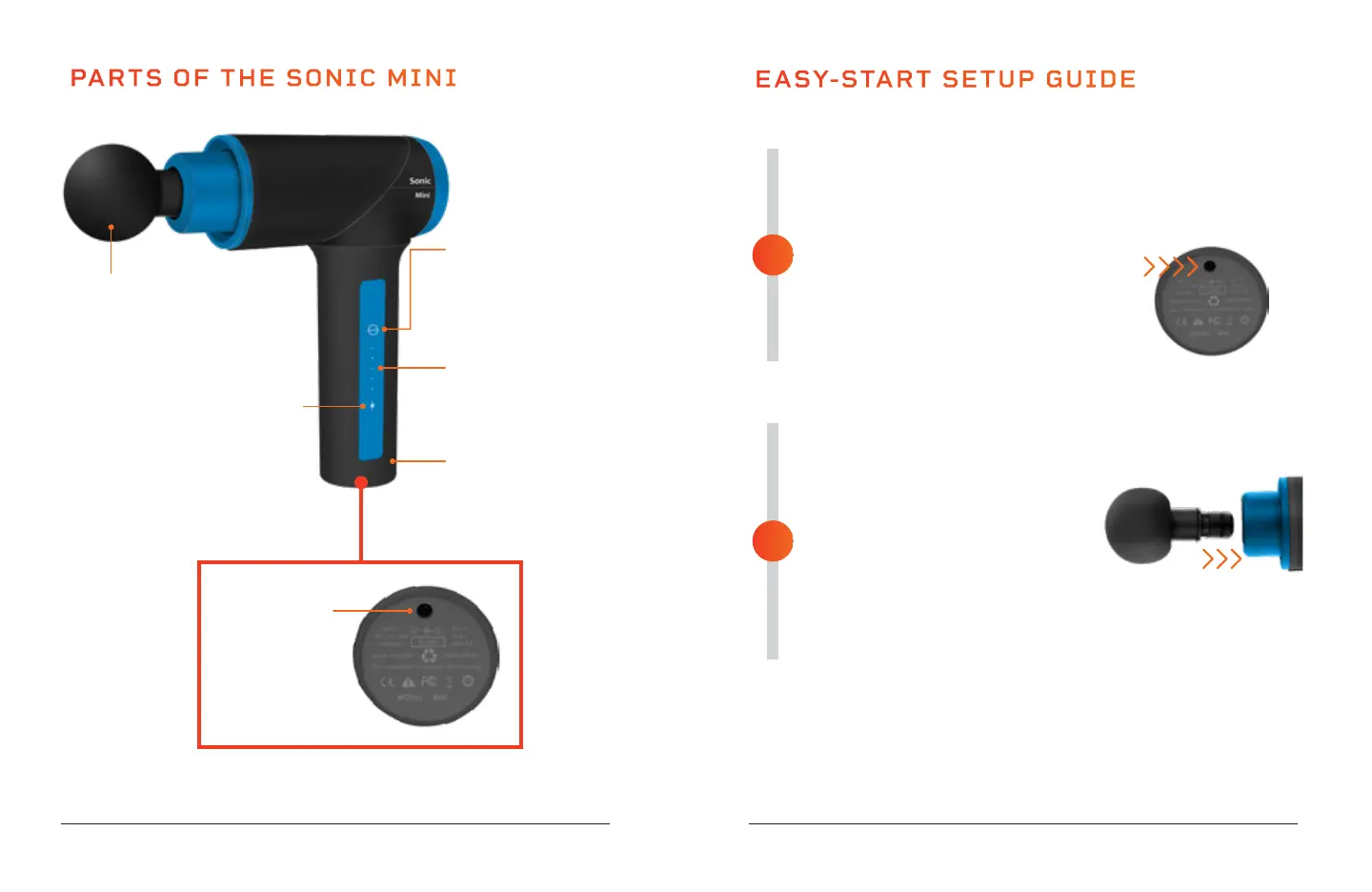
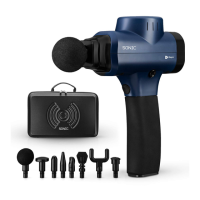
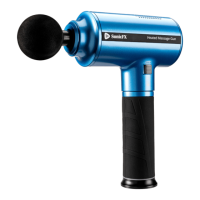
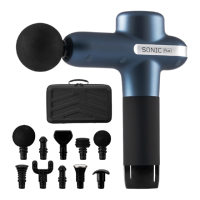
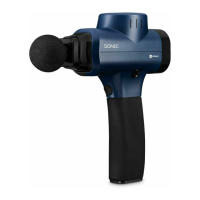
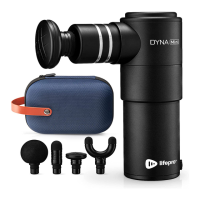
PARTS OF THE SONIC MINI
Massage
Attachment
(1 of 6)
Battery/Handle
Battery AC
Power Adapter
Charging Port
SoarFX Collection 9 8 Sonic Mini User Manual Lifepro
FULLY CHARGE THE BATTERY
• Ensure the Sonic Mini is OFF before
charging.
• Charge the battery fully (for up to
5 hours) before using your Sonic Mini
for the first time.
• Connect the AC adapter to the
charging port at the base of the
battery.
• Plug the adapter into a wall outlet.
INSERT A MASSAGE ATTACHMENT
• Make sure the Sonic Mini is fully
charged and powered OFF.
• Select the desired massage
attachment.
• Insert the stem of the attachment
into the nozzle of the Sonic Mini.
• Press the attachment in firmly to
secure it.
• See ATTACHMENT & SPEED OPTIONS
on page 12.
EASY-START SETUP GUIDE
2
1
Power/Speed Button
• Press and hold to Power ON
and OFF the Sonic Mini
• Quick press to change speed
Speed Indicator LEDs
The 5 LEDs indicate which of
the 5 vibration/speed levels is
selected.
Battery Indicator LED
• 71-100% = Green
• 31-70% = Yellow
• 0-30% = Red


 To Next Page