13 14
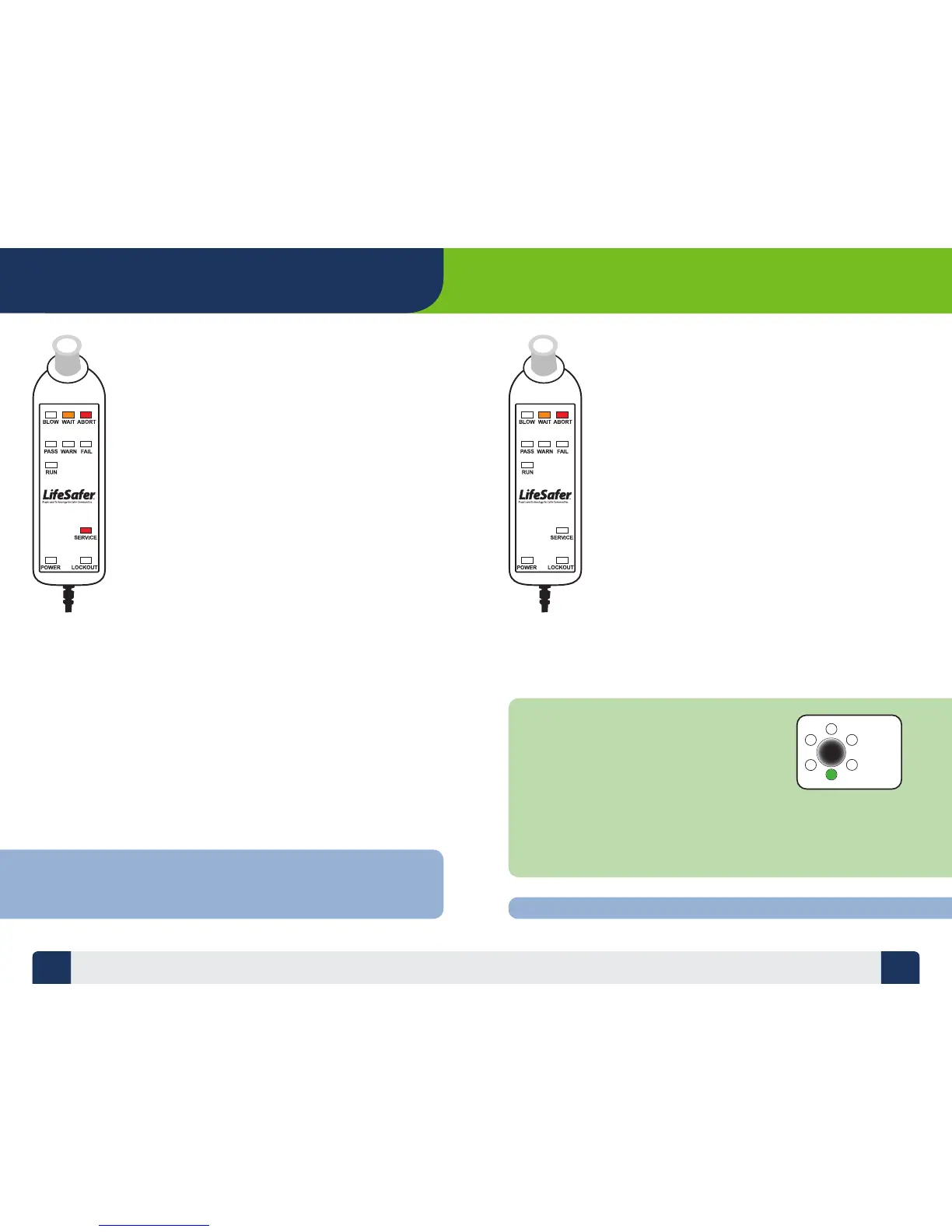
Abort Light (Red)
The ABORT light indicates the Device did not detect a
proper breath sample, meaning either the blow was too
hard or too soft, or the tone was not detected. You will
also hear a distinct tone upon aborting a breath test.
Aborting the test in this fashion does not mean you failed
the test and is dierent than a Camera Abort caused by
taking the Handset out of view of the Camera.
(See Camera Abort on next page).
Once you have aborted, the WAIT light will come on for
45 seconds while the Device prepares itself to accept
another test.
If you have too many Aborts, the WAIT light glows while
the Device is resetting or re-stabilizing itself. The WAIT
light could stay on for up to 5 minutes during this wait
period. When the Device is ready for another test, the
WAIT light will ash and the Handset will emit a
‘BLAP-BLAP’ sound.
If the Device has not stabilized after the wait period
and the Device is not ready to test, the SERVICE light
and LOCKOUT light will begin to ash and the WAIT
light will stay on. If this ever happens call your Service
Provider immediately.
TROUBLESHOOTING
TIP: If you get an ABORT, change your mouthpiece, try to relax, take a
couple of deep breaths and try again. You should never blow so hard
as to make yourself feel light-headed or dizzy.
Camera Abort
If the Camera is unable to track the Handset during
the blow sequence, the ABORT light will go on.
You will also hear a ‘BLAP BLAP’ tone and the
orange WAIT light will ash. Once you have aborted,
the orange WAIT light will come on for 45 seconds
while the Device prepares itself to accept another
breath test.
NOTE: When the target tracking is turned on
and the Camera is successfully tracking the
Handset during the test period, the green light
on the Camera will illuminate. If target tracking
is enabled and you do not observe the green
light come on during the test, you are most likely
not in the correct position.
The Camera optimally tracks the Interlock at a
distance between 18 - 24 inches. Target tracking
is not enabled in all jurisdictions.
TIP: Keep the Handset Target in clear view of the Camera throughout the Test!


 To Next Page