5
GETTING TO KNOW YOUR SYSTEM
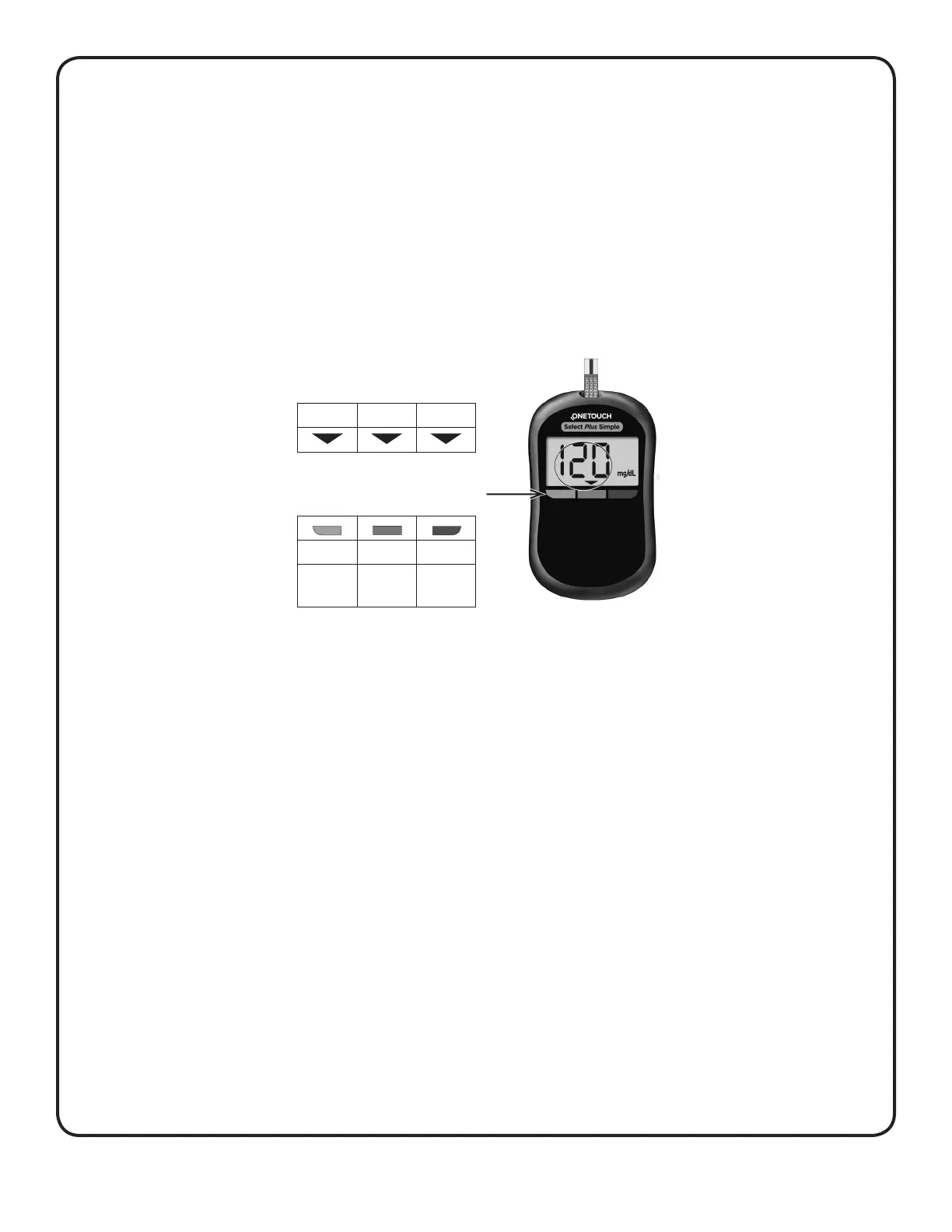
The Range Indicator feature
The OneTouchSelect Plus Simple
®
Meter automatically lets
you know if your glucose result is below, above or within the
meter's range limits. It does this by displaying your current
glucose result with a Range Indicator Arrow pointing to a
corresponding Colour Range Indicator Bar below the meter
display. Use the Range Indicator Arrow and Colour Bar to
interpret your results.
A Range Indicator Arrow will appear just below your result
after each test.
Range Indicator
Low In range High
Colour Range Indicator Bars
(Blue) (Green) (Red)
Below
range
In range Above
range
Example
In range result
For details about the Range Indicator, see “Viewing your
result” in Section2.



 To Next Page