12
BLOOD GLUCOSE TESTING
Prepare the meter and view the last result
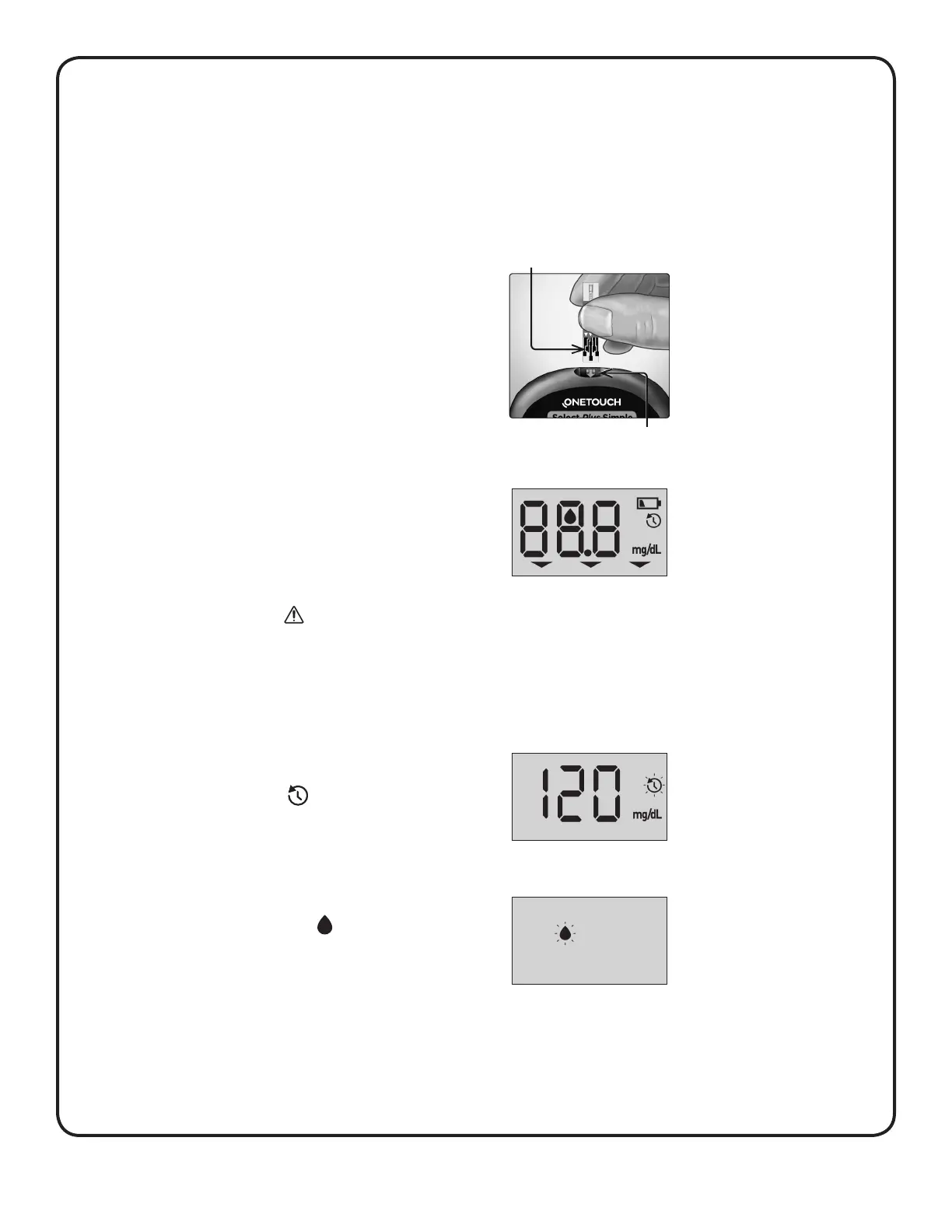
1. Insert a test strip to turn the meter on
Insert a test strip into the test strip port with the contact bars
facing you.
Contact bars
Test strip port
A start-up screen will appear for a
few seconds. All segments shown
here should appear briefly on the
display, indicating your meter is
working properly.
Your last result will then appear
and the last result icon will blink
( ). If this is your first time
using the meter, dashes will
appear instead of a result. See
“Error and other messages” in
Section6.
CAUTION:
If any segments shown here are missing in the start-up
screen, there may be a problem with the meter. Contact
Customer Care.
If the meter does not power on, check the battery. See
“Replacing the battery” in Section5.
Next, the flashing blood drop
icon ( ) will appear on the
display. You can now apply your
blood sample to the test strip.



 To Next Page