29
BATTERY
5 Battery
Replacing the battery
Your OneTouchSelect Plus Simple
®
Meter uses one CR2032
lithium coin cell battery.
IMPORTANT: Use only one CR2032 lithium coin cell battery
with your meter. Do Not use rechargeable batteries. The meter
will not function if an incorrect battery type is installed.
If the meter does not turn on, you may need to replace the
battery. See below for instructions.
WARNING: CHEMICAL BURN HAZARD. DO NOT INGEST
BATTERY. This product contains a coin/button cell battery.
If swallowed, it can quickly cause severe internal burns and
can lead to death. Keep new and used batteries away from
children. If you think batteries might have been swallowed,
seek immediate medical attention.
WARNING: Certain batteries may cause leaking which can
damage the meter or cause the battery to lose power sooner than
normal. Replace leaking battery immediately.
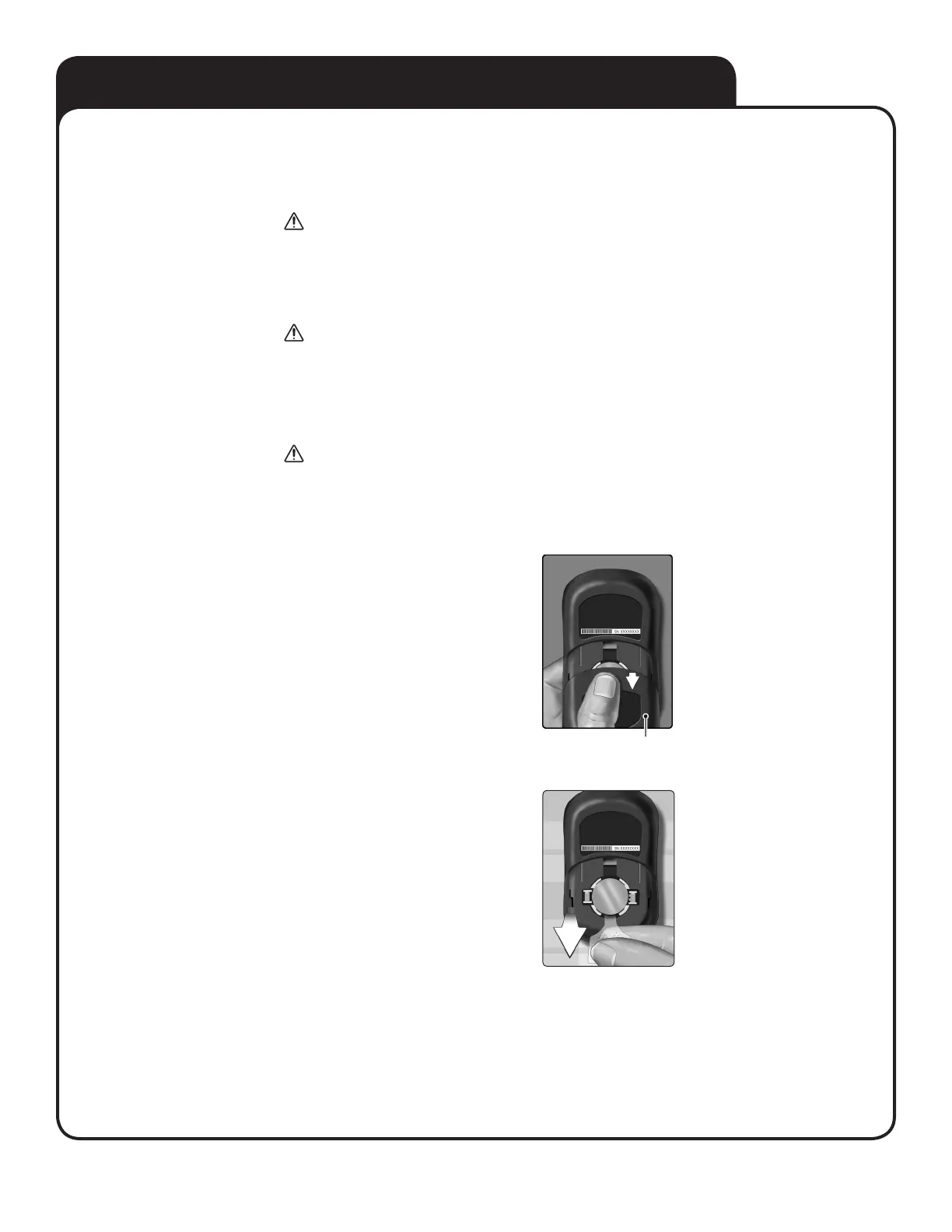
1. Remove the old battery
Start with the meter turned off.
Remove the battery cover by pressing
and sliding it downward.
Pull up on the battery ribbon to lift the
battery out of the compartment.
Battery cover



 To Next Page