30
BATTERY
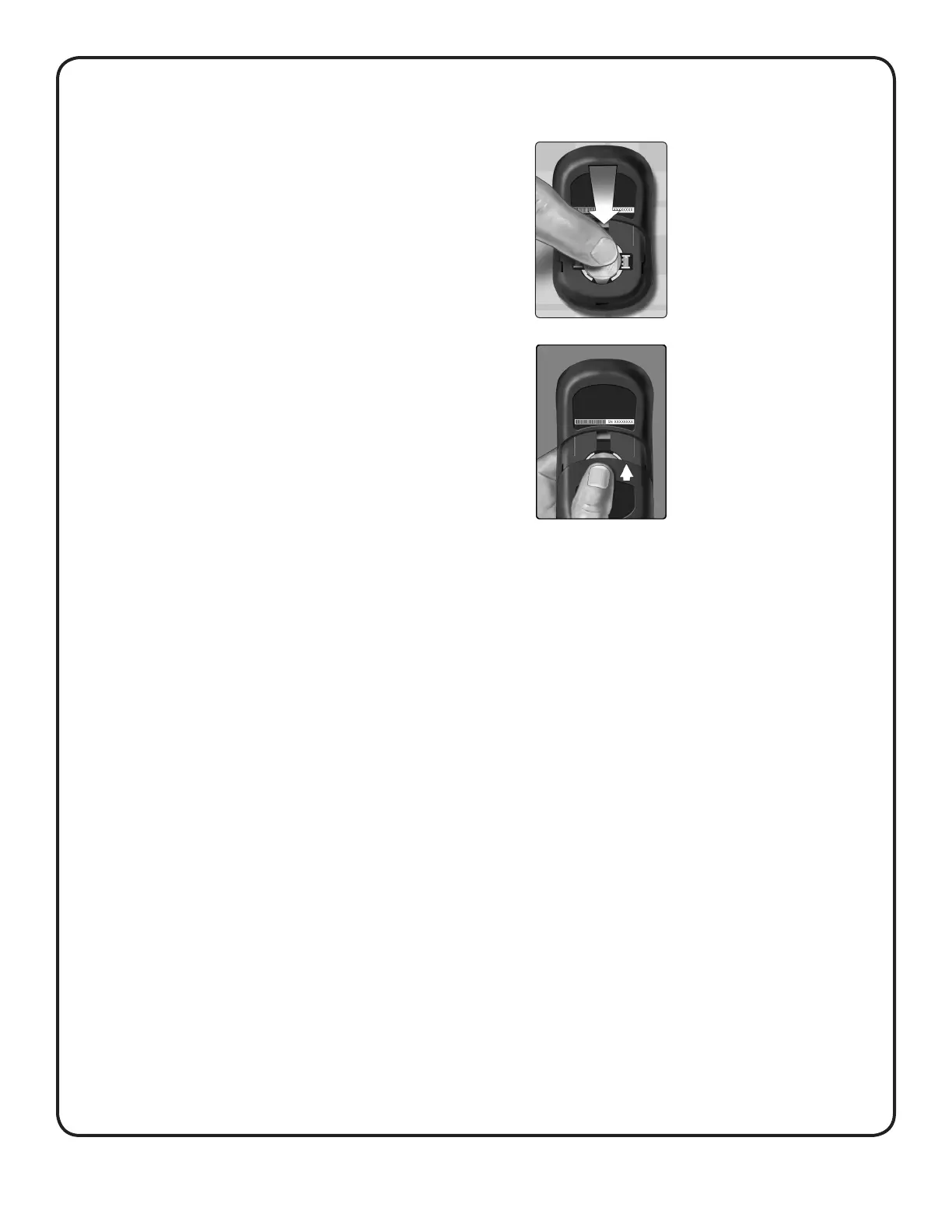
3. Replace battery cover by sliding it
upwards onto the meter
If the meter does not power on after
you have replaced the meter battery,
check that the battery is correctly
installed. If the meter still does not
power on, contact Customer Care.
4. Dispose of battery
Dispose of the battery according to your local environmental
regulations.
2. Insert the new battery
Insert one CR2032 lithium coin cell
battery on top of the battery ribbon,
with the plus (+) side up.



 To Next Page