19
E. TROUBLESHOOTING AND DETAILED
INFORMATION ABOUT YOUR SYSTEM
Troubleshooting
The OneTouch® SelectSimple™ Meter displays messages
and will beep when there are problems with the test strip,
with the meter, or when your blood glucose levels are higher
than 600 mg/dL or lower than 20 mg/dL. Messages do not
appear in all cases when a problem has occurred. Improper
use may cause an inaccurate result without producing an
error message.
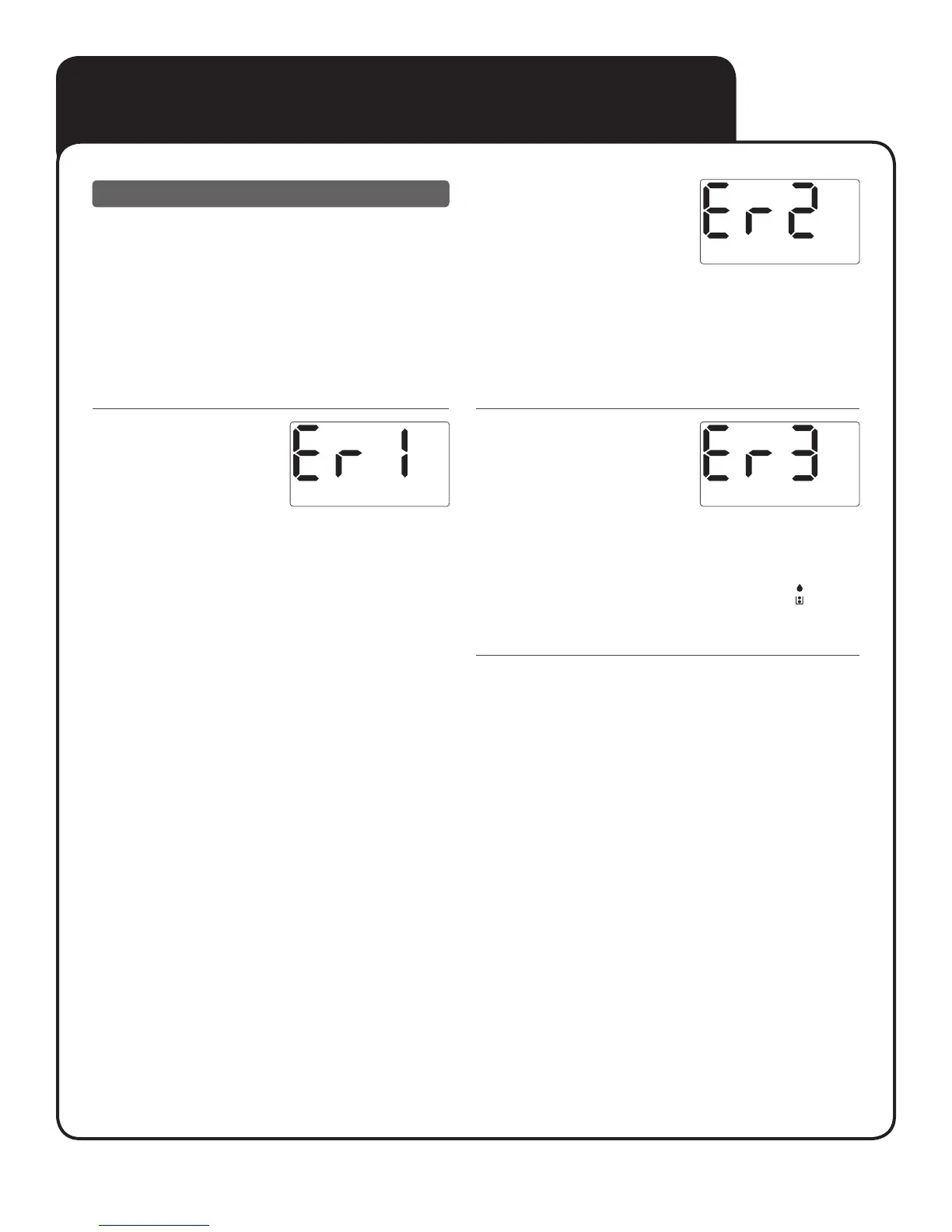
What it means
Error message could be caused
either by a used test strip or a
problem with the meter.
What to do
Repeat the test with a new test strip; see Section B, Testing
your blood glucose. If this message continues to appear, contact
customer service at 1800 225544 or 022-30845544.
What it means
Error message indicates there
is a problem with the meter.
What to do
Do Not use the meter. Contact customer service at
1800 225544 or 022-30845544.
What it means
Error message indicates that the
blood or control solution sample
was applied before the meter was
ready.
What to do
Repeat the test with a new test strip. Apply a blood or control
solution sample only after the blinking blood drop icon
appears
on the display. If this message continues to appear, contact
customer service at 1800 225544 or 022-30845544.



 To Next Page