20
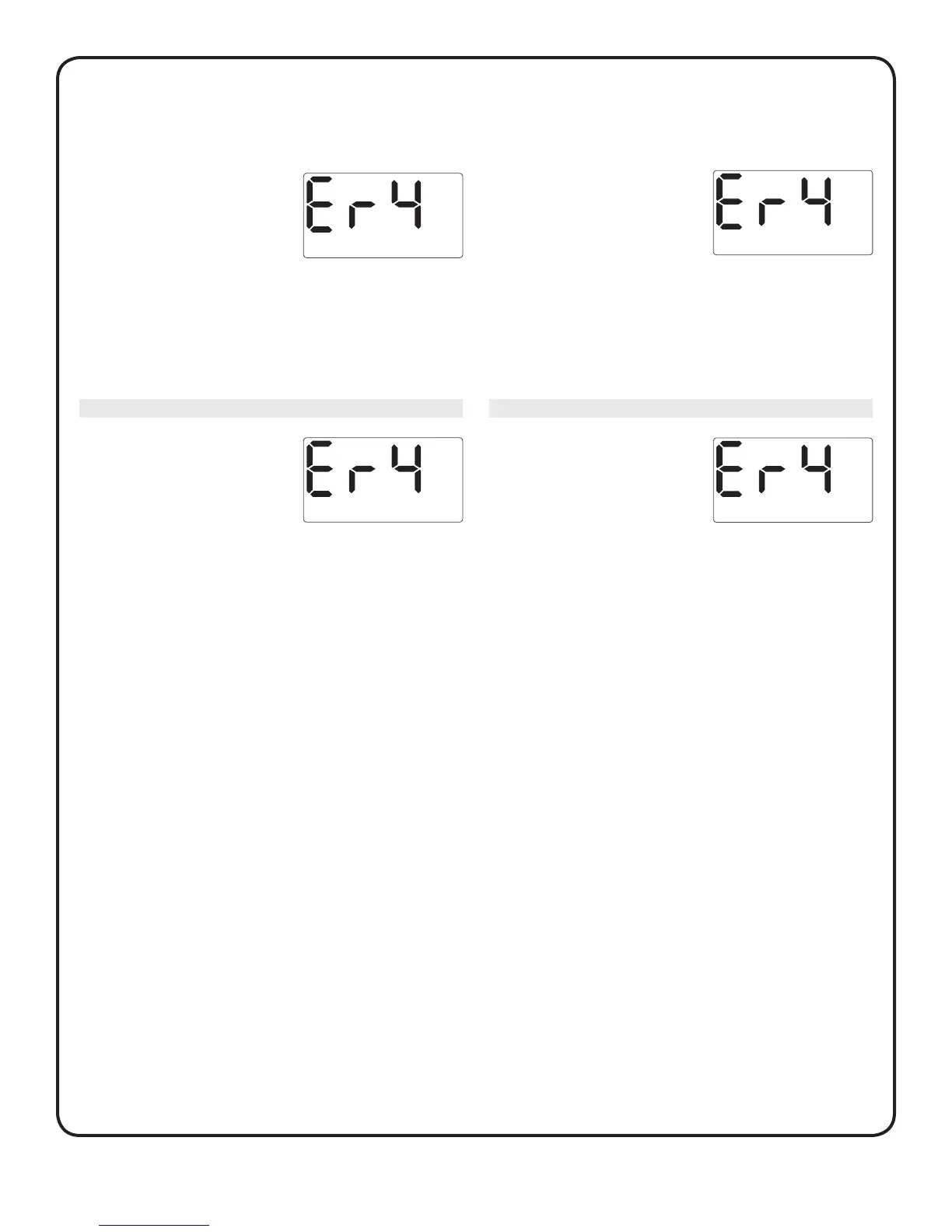
One of the following may apply:
What it means
You may have high glucose and have
tested in an environment near the
low end of the system’s operating
temperature range 10–44°C.
What to do
Make sure you are testing within the operating range 10–44°C,
and repeat test with a new test strip; see Section B, Testing
your blood glucose. If this error message appears again, contact
customer service at 1800 225544 or 022-30845544.
What it means
There may be a problem with the
test strip. For example, it may have
been damaged or moved during
testing.
What to do
Make sure you are testing within the operating range 10–44°C,
and repeat test with a new test strip; see Section B, Testing
your blood glucose. If this error message appears again, contact
customer service at 1800 225544 or 022-30845544.
Error 4 continues to the right
OR
One of the following may apply:
What it means
There may be a problem with
the meter.
What to do
If this error message appears again, contact customer service at
1800 225544 or 022-30845544.
What it means
The sample was improperly applied.
What to do
If you applied the sample incorrectly, review blood application
(see Section B, Testing your blood glucose) or control solution
testing (see Section C, Control solution testing) and repeat the
test with a new test strip. If the error message appears again,
contact customer service at 1800 225544 or 022-30845544.
Error 4 begins to the left
OR



 To Next Page