5
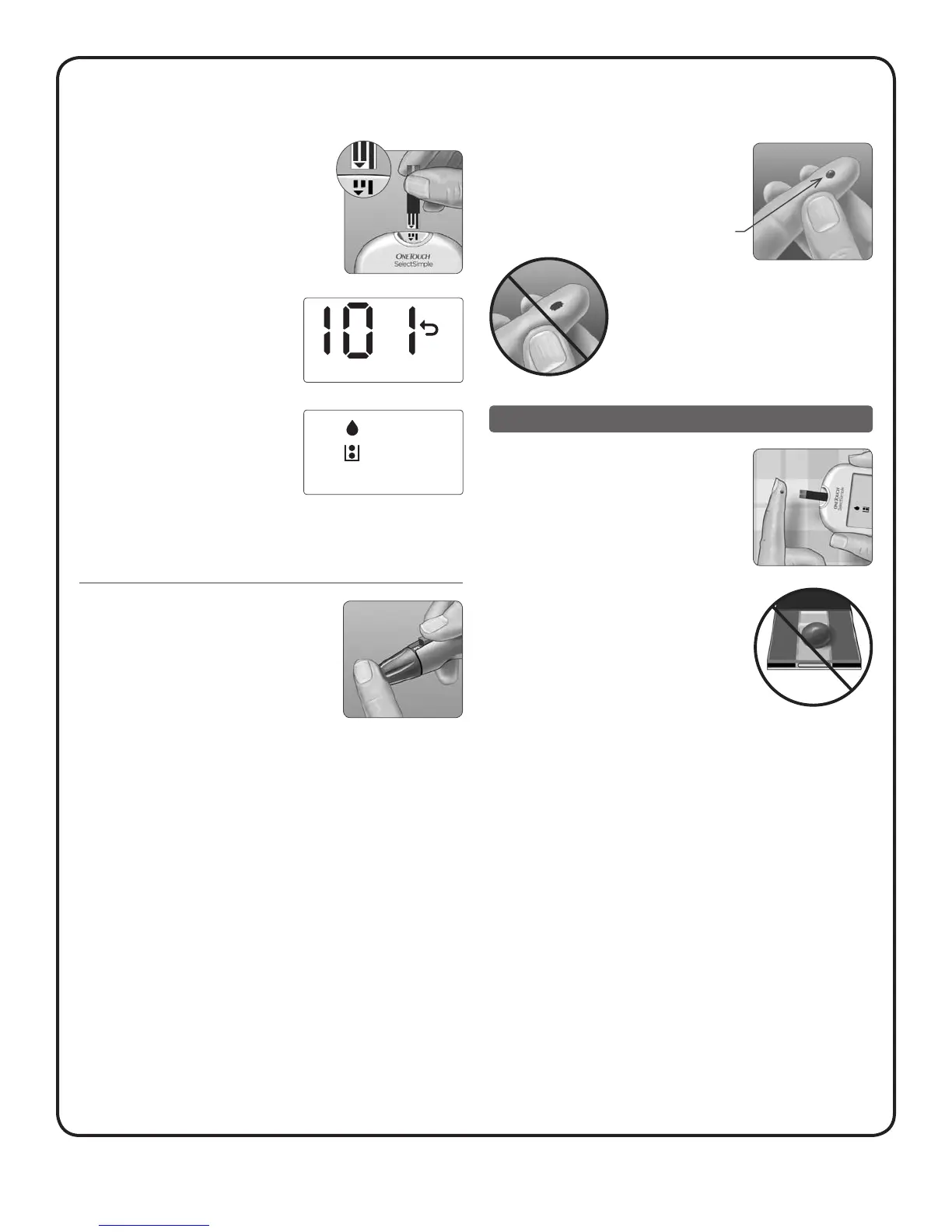
6. Insert a test strip to turn the
meter on
Insert a test strip into the test strip port
as shown, with the contact bars facing you
and the arrow pointing down.
After the start-up test screen, your
last result (blood glucose or control
solution test) will appear on the
display, and the back arrow icon
will blink.
After your last result is displayed,
your meter will beep and an icon
appears showing a drop with a test
strip that fills. This indicates that
your meter is ready for you to apply
a blood sample. You have 2 minutes
to apply a blood sample before the
meter turns off.
7. Lance your finger
Hold the lancing device firmly against
the side of your finger. Press the
release button.
8. Get a round drop of blood
Gently squeeze your finger until you get a
round drop of blood.
If the blood smears or runs, do not
use that sample. Wipe the area and
gently squeeze another drop of blood
or puncture a new site.
Applying blood and reading results
1. Prepare to apply the sample
Keeping your finger extended and steady,
move the meter and test strip toward the
blood drop.
Do Not apply blood on the top of the
test strip.
Approximate
size



 To Next Page