18
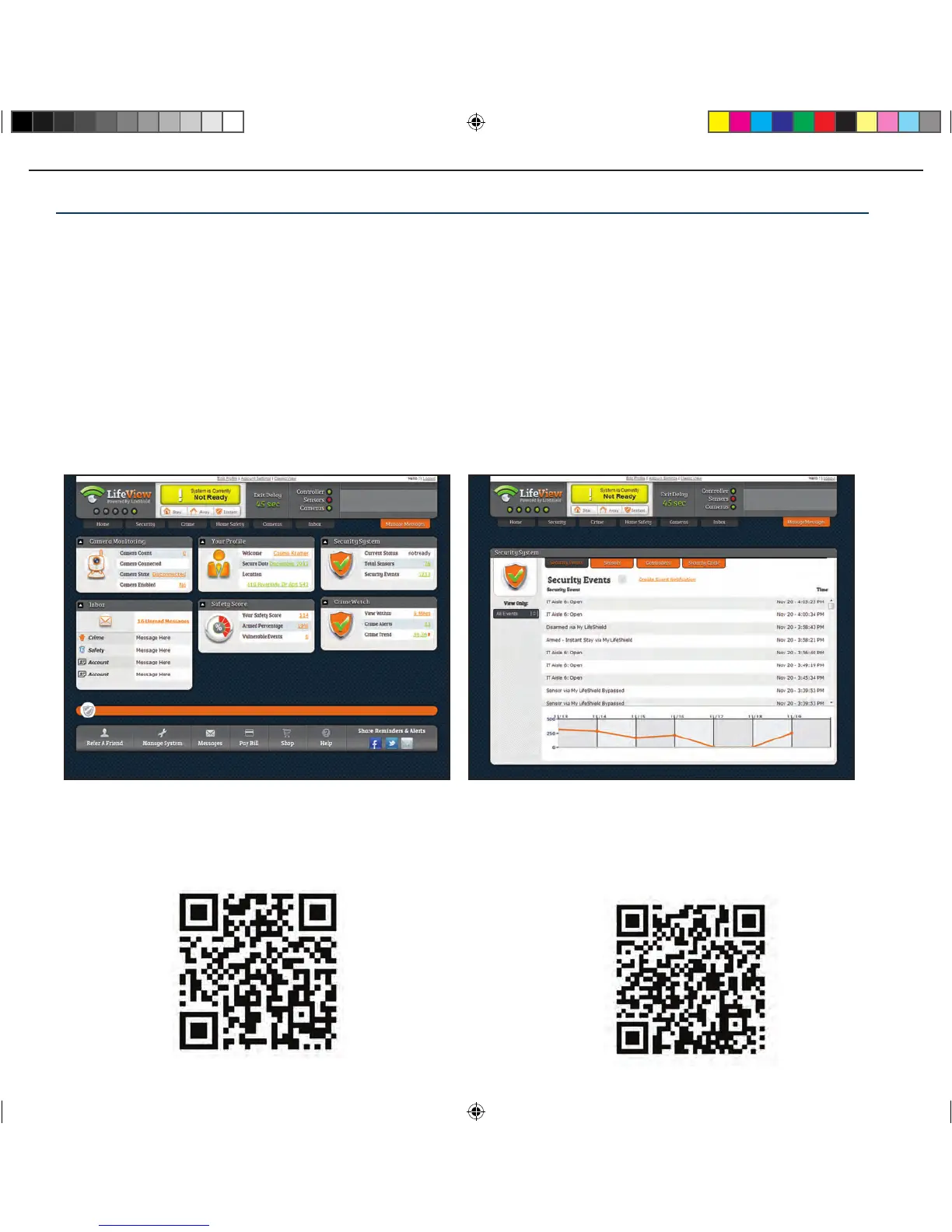
DOWNLOAD THE FREE LIFEVIEW MOBILE APPS SO YOU’LL ALWAYS
HAVE ACCESS TO YOUR SYSTEM NO MATTER WHERE YOU ARE!
Download LifeView for
Apple iPhone
Download LifeView for
Android
SETUP COMPLETE To complete the activation process please call 888-387-8521.
Using Your LifeShield Security System
Now that you’ve set up and activated your system, you have a chance to find out how LifeShield
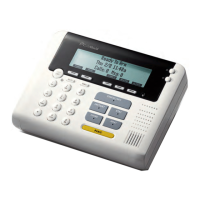
can fit into your everyday life. You can access your security system from your Console, Keychain
Remote, LifeView web application or LifeView mobile applications.
Using Your System:
1. Arming your system (p 19 & 20)
2. Disarming your system (p 20)
3. Panicking your system (p 20)
4. Responding to an alarm (p 21)


 To Next Page