OPERATION AND ADJUSTMENT
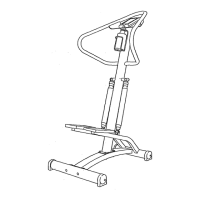
Place the stepper on a level surface. Keep the electronic monitor out of direct sunlight or the LCD ::
displaymay be damaged. The stepper features precision hydraulic cylinders for long life and trouble-
free Operation;due to the nature of hydraulic cylinders, the floor underneath the steppel:shouldbe
covered to protect it in case of slightoil leakage.
Hold the handlebars in the most comfortable position. If desired, rest your forearms on the handlebars
and hold the fronts of the handlebars. Step onto the pedals and begin stepping, alternately pressingthe
dght and left pedals down with a smooth, continuous motion. Because the pedals move independently,
it is important to maintain a continuous motion or both pedals will.sink to the floor. Change the height of
your step or the stepping resistance as necessary untilyou can comfortably maintain a continuous
motion (see CHANGING THE STEPPING RESISTANCE below).
As you step, you can exemise your upper leg muscles by keeping your feet flat on the pedals. To focus
on your calf muscles, rise on your toes as you step. Stand erect or lean forward slightlyasyou
exercise; always keep your back straightin order to avoid injury.
WARNING: Always keep your feet on the pedals when stepping, or the pedals may become
separated from the resistance cylinders, causing serious injury.
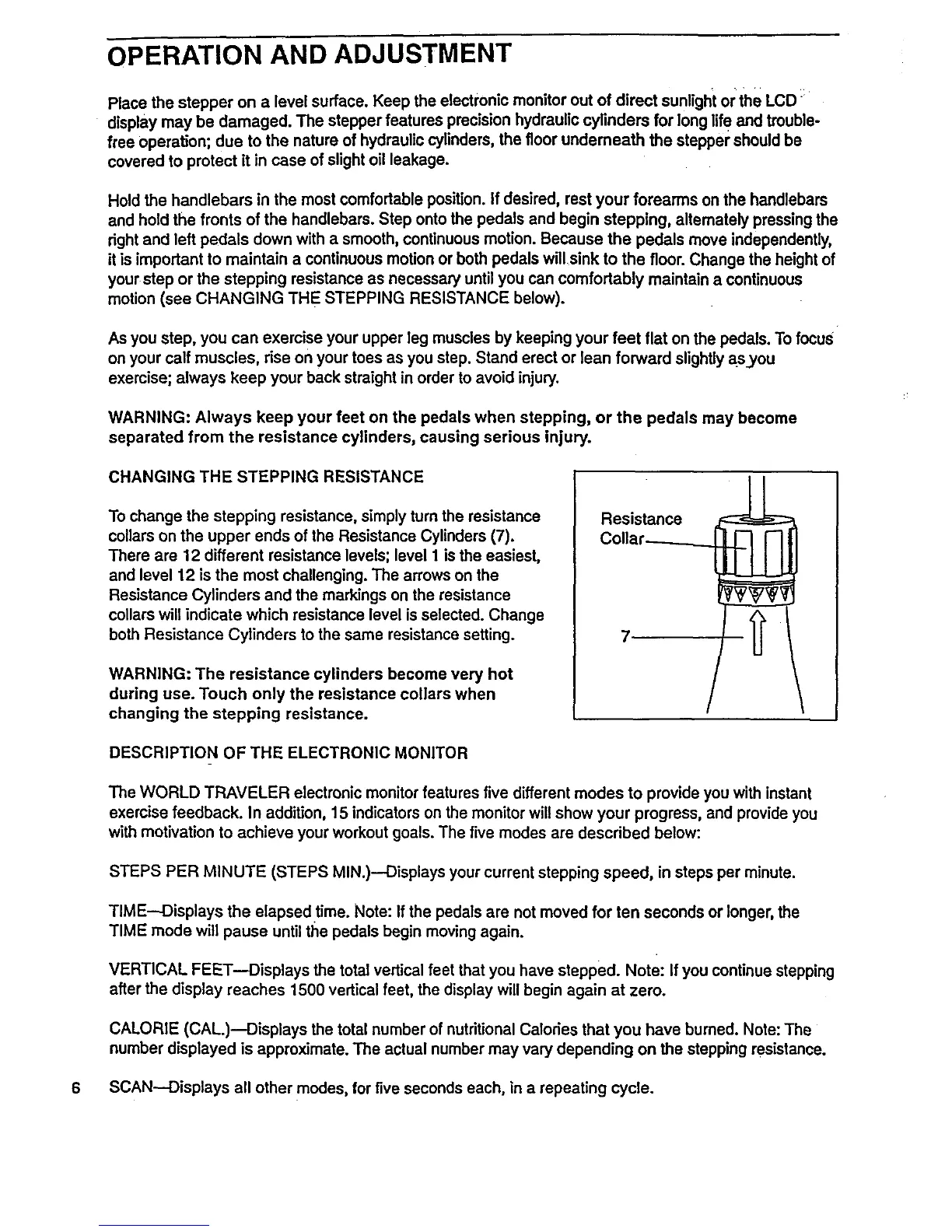
CHANGING THE STEPPING RESISTANCE
To change the stepping resistance, simply turnthe resistance
collars on the upper ends of the Resistance Cylinders (7).
There are 12 different resistance levels; level I is the easiest,
and level 12 is the most challenging. The arrows on the
Resistance Cylinders and the markings on the resistance
collars will indicate which resistance level is selected. Change
both Resistance Cylinders to the same resistance setting.
WARNING: The resistance cylinders become very hot
during use. Touch only the resistance collars when
changing the stepping resistance.
Resistance
Collar_
DESCRIPTION OF THE ELECTRONIC MONITOR
The WORLD TRAVELER electronicmonitor features five different modes to provide you with instant
exercise feedback. In addition, 15 indicatorson the monitor willshow your progress, and provideyou
with motivationto achieve your workout goals. The five modes are described below:
STEPS PER MINUTE (STEPS MIN.)--Displays your current stepping speed, in steps per minute.
TIME--Displays the elapsed time. Note: If the pedals are not moved for ten seconds or longer, the
TIME mode will pause until the pedals begin movingagain.
VERTICAL FEET--Displays the total vertical feet that you have stepped. Note: If you continuestepping
after the display reaches 1500 vertical feet, the display will begin again at zero.
CALORIE (CAL.)--Displays the total number of nutritional Calodes that you have burned. Note: The
number displayed is approximate. The actual number may vary depending on the stepping resistance.
6 SCAN-Displays all other modes, for five seconds each, in a repeating cycle.


 To Next Page
 Loading...