18
18
IF YOU GET AN ERROR,
1. Note the error code number
2. Unplug the grill
3. Take the action indicated below
4. Plug in grill to reset
5. Restart the grill
6. Ensure the controller rmware is up to date. To update the controller rmware, simply click the menu icon in the phone app and select UPDATE VERSION from the drop-down menu.
This will update the controller on the smoker—not the phone app.
Er1 Chamber Temperature Sensor Check wire connection to the chamber temperature sensor. It’s located inside the smoker
control panel
If necessary, contact customer service
Er2 Pellet Igniter Check wire connection to the pellet igniter. It’s located inside the smoker control panel
If necessary, contact customer service
Er3 Blower Fan Check wire connection to the blower fan. It’s located inside the smoker control panel
If necessary, contact customer service
Er4 Auger Motor Check for blockage in the auger
Check wire connection to the auger motor
If necessary, contact customer service
Er5 Start-Up Process Unsuccessful Vacuum and clean out the burn pot
Check the hopper and confirm it has pellets
Check the burn pot to confirm pellets are being sent
If necessary, use prime button to advance pellets to the burn pot if empty
Finally, begin start-up cycle again
Er6 Pellet Flame Out Check the hopper and confirm it has pellets
Check the burn pot to confirm pellets are being sent
If necessary, use prime button to advance pellets to the burn pot if empty
Finally, begin start-up cycle again
Er7 Burn Pot Temperature Sensor Check wire connection to sensor inside the smoker control panel
If necessary, contact customer service
Er8 Startup Not Allowed Reduce propane burn by turning down the temperature control knob(s)
Wait for the chamber temperature to drop below 350° F
Finally, begin start-up cycle again
2Hi Auto Shutdown High Temperature Reduce propane burn by turning down the temperature control knob(s)
Wait for the chamber temperature to drop below 350° F
Finally, begin start-up cycle again
2Lo Auto Shutdown Low Temperature
Vacuum and clean out the burn pot
Check the hopper and conrm it has pellets
Check the burn pot to conrm pellets are being sent
If necessary, use prime button to advance pellets to the burn pot if empty
Finally, begin start-up cycle again
Lifetime® Logo on the smoker control panel won’t light up
Verify electric cord is plugged into a working receptacle
Check fuse behind hopper, replace if necessary (see Replacement Parts list)
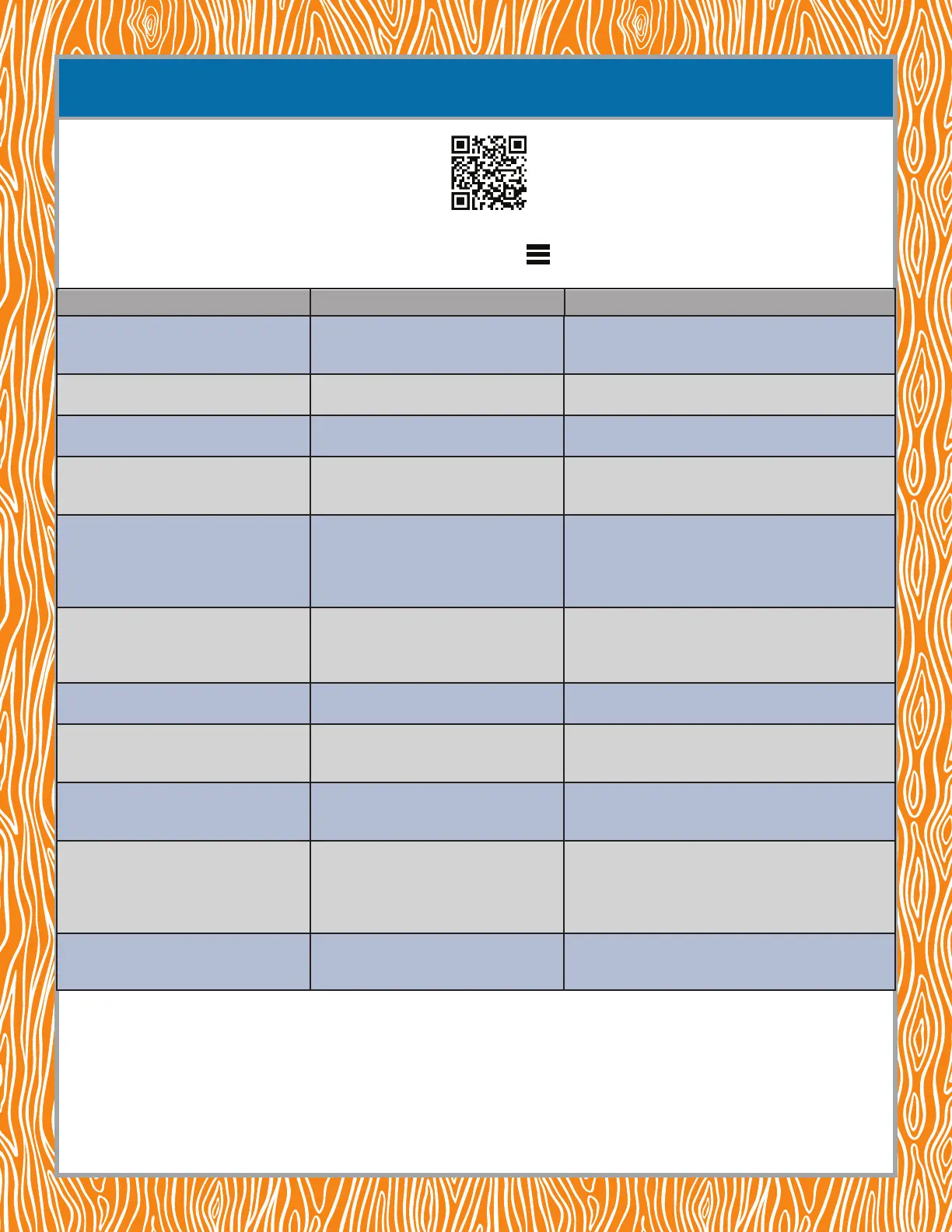
ERROR CODE DESCRIPTION ACTION TO TAKE
If you have any questions regarding this appliance, please call customer service at 1-800-225-3865,
7:00 a.m.–5:00 p.m. Monday–Friday (MST) and 9:00 a.m.–1:00 p.m. Saturday (MST).
TROUBLESHOOTING PELLET SMOKER ERROR CODES
http://go.Lifetime.com/grill-app-help
For information on troubleshooting the Lifetime® Grill app, use your phone to
follow the QR code, or enter the link address in your browser. There you will
nd instructions and videos for using and troubleshooting the app.


 To Next Page
 Loading...