8 Setting ILS Network ID
ILS Network Addressing:
* Notes:
1 – Matches ILS Master ID.
2 – ILS Masters must be programmed to accept.
3 – Will respond to Remote Polls, Status Requests and Commands.
Note: Refer to the instructions included with your particular
device(s) in order to set corresponding control IDs.
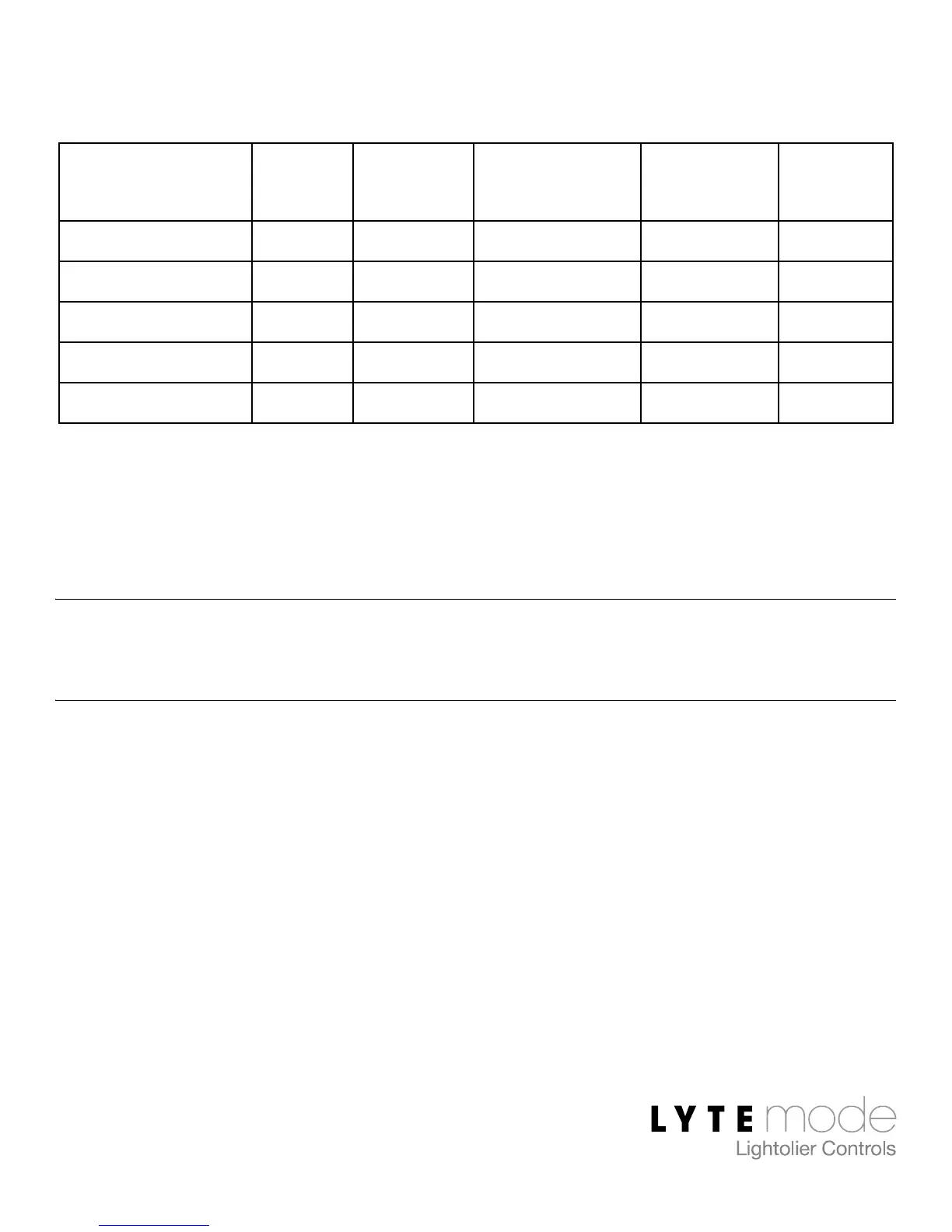
Device ID Sub-ID Devices / ID
Remotely
Polled?
Notes *
Remote 1-255 0 Multiple No 1
Global Remote 1-255 0 Multiple No 2
Remote Keypad 1-255 0-7 1 Yes 3
IntelliSight (ITS) 1-255 0-7 1 Yes 3
Channel Master 1-255 0-7 1 Yes 3


 To Next Page