Basic Operation:
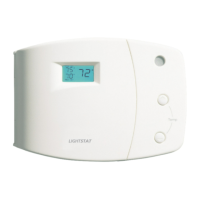
• Steady temperature display indicates actual room temperature.
• Set temperature with comfort slide.
• Display will illuminate briey when temperature slide is moved.
• Flashing display indicates comfort slide setting.
• Solid dot in upper right corner of display indicates a call for heat or cool.
• Flashing dot in middle of display indicates that a time delay is in effect.
• Temperature range and setbacks are programmed at the factory.
• Night setback is automatic when there is a drop in the room light level.
• Setback mode is indicated by a green light.
Check the inside cover for your model’s temperature range and setback.
Application Notes:
When connecting the TG series (power robbing) thermostats to a furnace control board or
electronic ignition model, one of (3) potential issues may occur.
1. When not calling for heat, the furnace falsely starts its heating cycle.
2. When calling for heat, the furnace is “chattering” or does not complete its heat cycle.
3. The display goes blank at times.
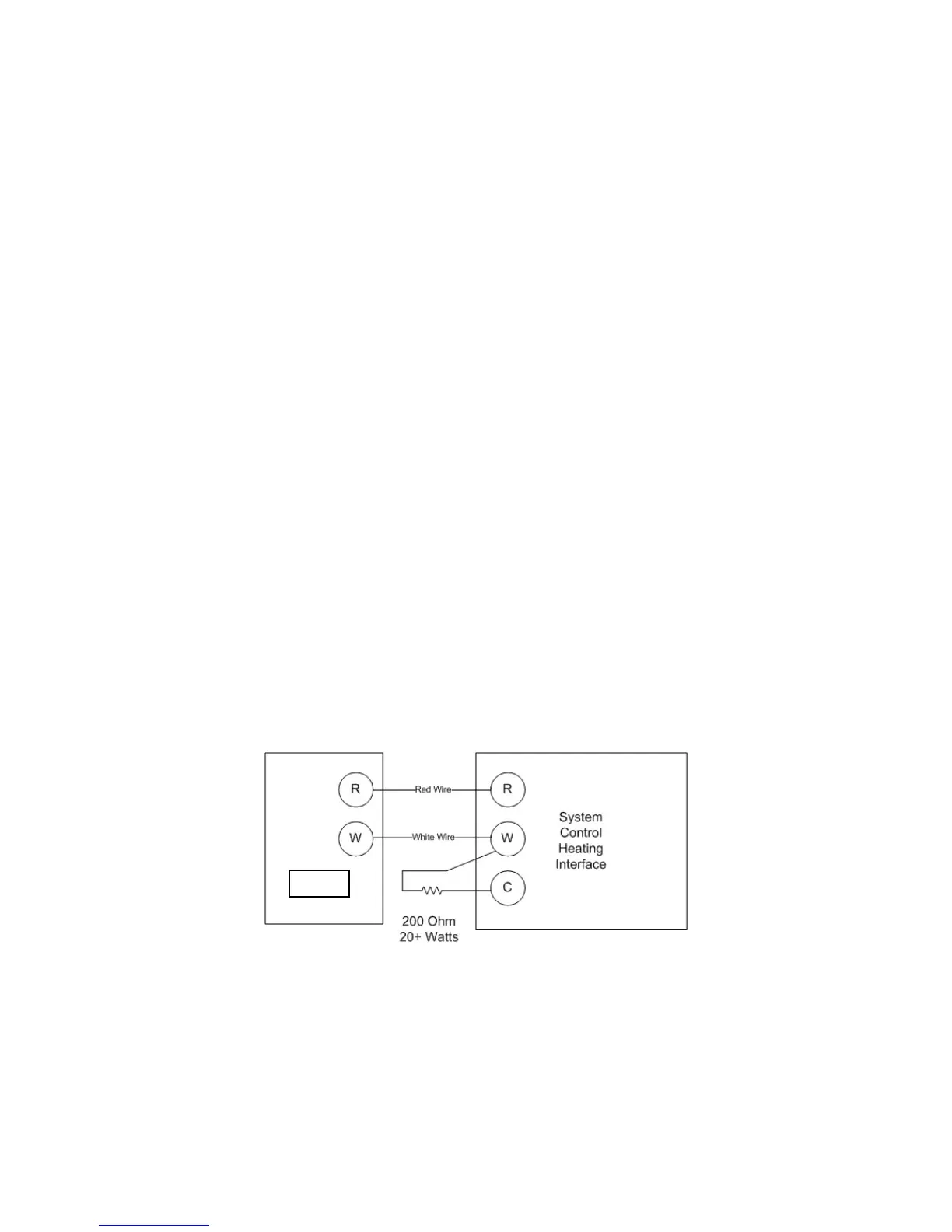
If the installation exhibits any of these issues, we recommend that you add a 200 ohm
(minimimum 20 watt) resistor from any output terminal to the C (common) terminal at the front
of the furnace control board, ignition module, or zone control valve.
Below is a wiring diagram showing a resistor placed from the W (heating) terminal to C
(Common). Other terminals may be used.
It is recommended that the resistor be mounted so that it is not touching anything and that
there is adequate ventilation around it as it will normally get warm. A 200 Ohm, 20 Watt
resistor is included with a metal lead from one end and a white wire whip from the other to
allow exibility during installation. The resistor has no polarity.
5



 To Next Page