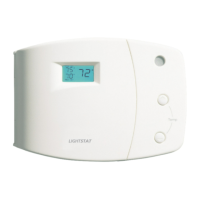
Setting the DIP switches:
Your thermostat may have up to (7) congurable DIP switches depending on the
features specied for your application. DIP switches may be congured in accordance with
the following table.
For TGHC Models, switch positions 1 through 5 should be set. Positions 6 and 7 have no
function.
For TGHP Models, all switch positions (1 through 7) should be set accordingly.
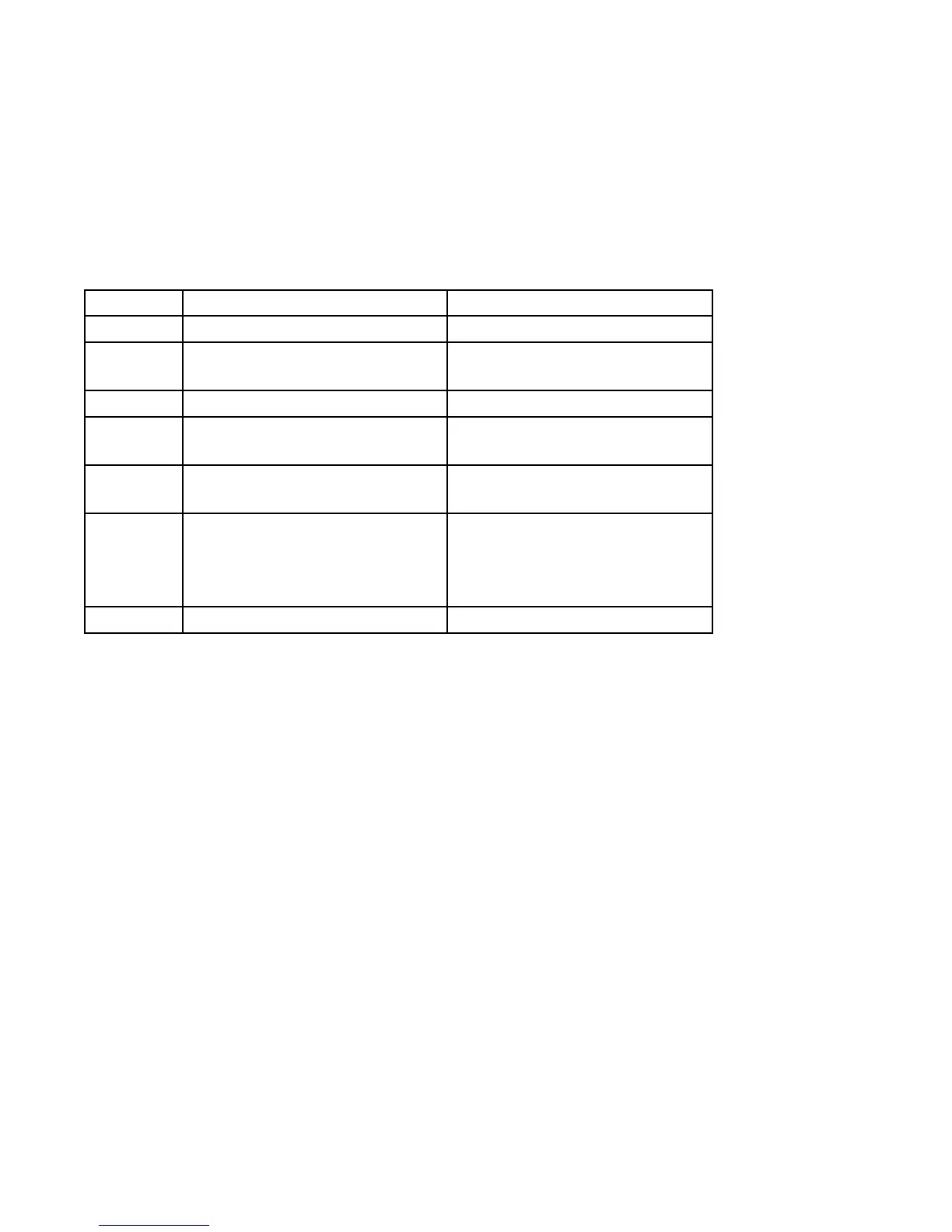
Position Off (left position) On (right position)
1 Fahrenheit Celsius
2 45 Second Lockon/lockoff
Timers Active
45 Second Lockon/lockoff
Timers Inactive
3 Lesser setback number Greater setback number
4 Fan controlled by thermostat
in heat mode.
Fan controlled by external
device in heat mode.
5 Fan locked in auto when in
setback.
Fan on allowed when in set-
back.
6 Backup Heat
Operating Differential
1.5 ° F
(0.8 ° C)
Backup Heat
Operating Differential
3.0 ° F
(1.7 ° C)
7 O output with cool O output with heat
Note: If any DIP switch is changed during operation, the thermostat will reset and the new
dipswitch setting(s) will be read.
7



 To Next Page