EasyManua.ls Logo

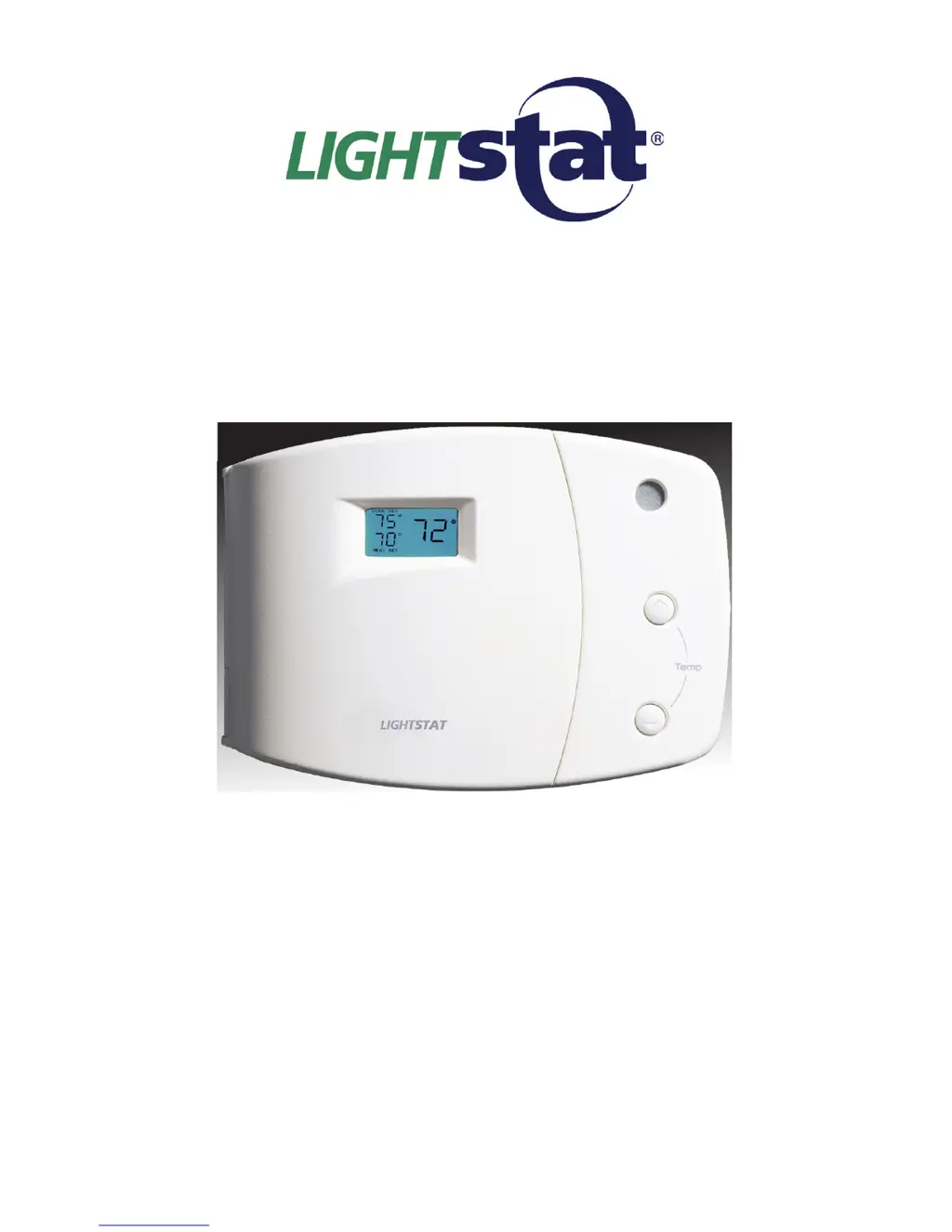
Lightstat TME series - User Manual

Lightstat TME series
28 pages
Print Icon
To Next Page IconTo Next Page
Loading...
INSTALLATION & OPERATION
MANUAL
Model TME-____________________*
* Balance of model number is determined by
customer specied limits and Setbacks.
AUTOMATIC SETBACK THERMOSTAT
LIGHT SENSING OR CONTACT CLOSURE
FOR LOW VOLTAGE (24VAC) SYSTEMS ONLY
REQUIRES A COMMON WIRE
Manufactured by:
LIGHTSTAT INC.
BARKHAMSTED, CT
(800)292-2444
www.lightstat.com

Questions and Answers

  • C
    Cassandra ColonAug 19, 2025
    What to do if Lightstat TME has no heating or cooling?
    • D
      Denise Elliott MDAug 19, 2025
      If your Lightstat thermostat isn't heating or cooling, there are several possible causes. First, check if the Lightstat TME is powered off and press the System ON/OFF button. Also, ensure that power is reaching the equipment and the Lightstat TME by checking switches, circuit breakers, fuses, the gas valve, and the pilot light. Verify that the Lightstat TME isn't in Night Setback. Finally, check the display to verify that the Lightstat TME is set at its Cooling Minimum or Heating Maximum.
  • K
    Karen GarciaAug 21, 2025
    Why is my Lightstat Thermostat fan blowing cold air during heating?
    • S
      Shawn ButlerAug 21, 2025
      If your Lightstat thermostat fan is blowing cold air during the heating season, it might be due to the Fan ON/AUTO setting. Move the Fan to the Auto position by pressing the FAN ON/AUTO button.
  • V
    vbooneAug 23, 2025
    What to do if heating or cooling will not come on with Lightstat TME?
    • S
      samuelwagnerAug 23, 2025
      If your heating or cooling isn't turning on with your Lightstat thermostat, it could be due to the O/B switch being set to the wrong position for your heat pump. Also, a time delay might be holding the heating or cooling off; try pressing the Check button to cancel any time delays.
  • R
    Rachel PooleAug 26, 2025
    How to fix a Lightstat TME Thermostat display that doesn't turn on?
    • T
      Trevor HooverAug 26, 2025
      If the display on your Lightstat thermostat doesn't come on during power-up, the issue might be a lack of power to the Lightstat TME. Verify that 24 VAC is present at the terminal block by measuring from R to C. If there's no voltage, check the breakers and fuses.
  • J
    Jessica HollandAug 28, 2025
    Why does my Lightstat Thermostat display go blank after powering up?
    • M
      Maria RandolphAug 28, 2025
      If your Lightstat TME powers up correctly but the display goes blank, it could be due to a transformer that is too small for the installation. The Lightstat TME needs a minimum of 21VAC to operate, so you may need to install a larger transformer to provide adequate power to keep the voltage at 24VAC. Also, check for a wiring short.
  • R
    Richard WilsonAug 30, 2025
    What does it mean when my Lightstat TME Thermostat shows room temp as '00'?
    • X
      xbenderAug 30, 2025
      If your Lightstat Thermostat displays the room temperature as '00', it could mean that the Remote Temp Sensor switch #5 is set to ON, but there is no Remote Room Sensor connected. Turn off the Lightstat TME and move switch #5 to the OFF position, then cycle the Lightstat TME power. It could also mean that there is a Remote Room Sensor installed, but the wiring connections are not correct, so check the wiring connections.
  • Y
    yanggregorySep 1, 2025
    Why is the green setback light stuck on my Lightstat TME Thermostat?
    • K
      Kara BaileySep 2, 2025
      If the green setback light stays ON or OFF on your Lightstat thermostat, it may be due to improper light sensor adjustment.
  • J
    Jennifer PorterSep 3, 2025
    What does it mean when my Lightstat TME displays supply temp as '00'?
    • M
      Mrs. Kelly McguireSep 4, 2025
      If your Lightstat thermostat displays the supply temperature as '00', there may be no Supply Air Sensor installed, or the wiring connections are incorrect. Check the wiring connections for the Supply Air Sensor.
  • V
    Vincent GomezSep 6, 2025
    What does it mean when my Lightstat TME Thermostat shows room temp as '99'?
    • S
      Sara SmithSep 6, 2025
      If your Lightstat thermostat displays the room temperature as '99', it indicates that there is a Remote Room Sensor installed, but the wiring connections are incorrect. You should check the wiring connections for the Remote Room Sensor.
  • S
    Stephanie HillSep 8, 2025
    What does it mean when my Lightstat TME Thermostat displays supply temp as '99'?
    • M
      Megan ReeseSep 8, 2025
      If your Lightstat thermostat displays the supply temperature as '99', it means that there is a Supply Air Sensor installed, but the wiring connections are incorrect. Check the wiring connections for the Supply Air Sensor.

Summary

HVAC Wiring and Connections

Connecting Thermostat Outputs

Details on wiring the R, C, O/B, Y1, Y2, W1, W2, and G terminals to HVAC equipment.

Remote Room Sensor Installation

Supply Air Sensor Installation

Switch #1: Heat Pump;Conventional Configuration

Setting Heat Pump Warm-Up Cycles

Guide for setting Switch #1 for heat pump warm-up or conventional system operation.

Switch #2: Compressor Time Delay Settings

Configuring Compressor Protection Delays

How to set Switch #2 to manage compressor time delays, minimum run, and off times.

Switch #3: O;B Output Control

Setting O;B for Heating or Cooling Calls

Instructions for setting Switch #3 to control the O/B output for heating or cooling calls.

Switch #4: Gas;Electric Heat Fan Control

Switch #5: Remote Room Sensor Enable

Pre-Conditioning Countdown Setup

Initial Thermostat Power-Up

Adjusting Light-Based Setback

Thermostat Control Features

Setting Temperature Parameters

Configuring Heat and Cool Limits

Guide to setting heating and cooling setpoints, including maximum heat and minimum cool limits.

Interpreting System Output Status

Manual System Testing Procedures

Visual Alarm for Equipment Malfunctions

Troubleshooting Common HVAC Issues

Resolving Basic Operation Problems

A table detailing common symptoms, their causes, and recommended solutions for thermostat operation.

Advanced Troubleshooting and Diagnostics

Diagnosing Display and Sensor Errors

Troubleshooting specific display messages like "00" or "99" for sensors and power issues.

Lightstat TME series Specifications

General IconGeneral
BrandLightstat
ModelTME series
CategoryThermostat
LanguageEnglish

Related product manuals