EasyManua.ls Logo

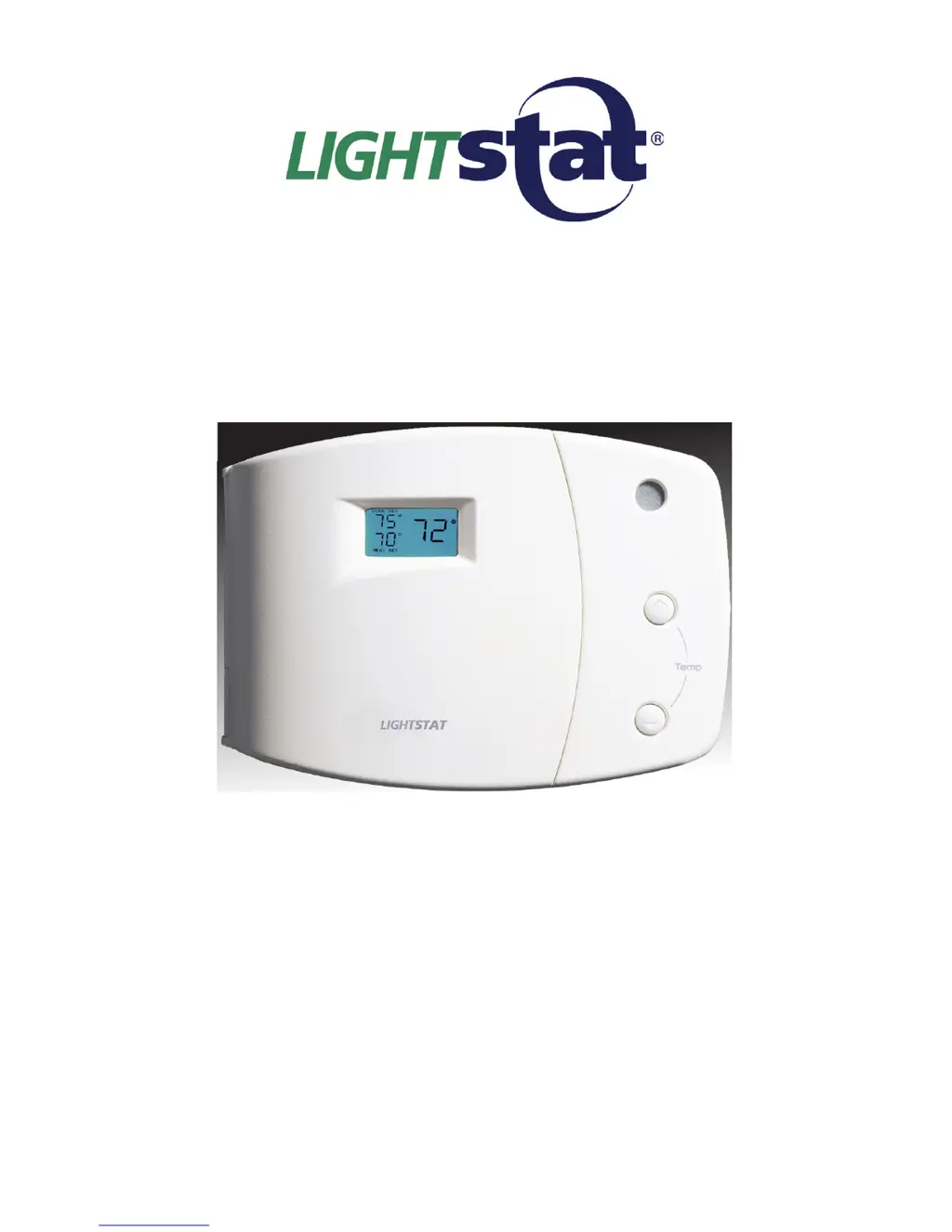
Lightstat TME series - User Manual

Lightstat TME series
28 pages
Print Icon
To Next Page IconTo Next Page
Loading...
INSTALLATION & OPERATION
MANUAL
Model TME-____________________*
* Balance of model number is determined by
customer specied limits and Setbacks.
AUTOMATIC SETBACK THERMOSTAT
LIGHT SENSING OR CONTACT CLOSURE
FOR LOW VOLTAGE (24VAC) SYSTEMS ONLY
REQUIRES A COMMON WIRE
Manufactured by:
LIGHTSTAT INC.
BARKHAMSTED, CT
(800)292-2444
www.lightstat.com

Questions and Answers

  • P
    plawsonSep 12, 2025
    Why can't I set the heating temperature higher on my Lightstat TME Thermostat?
    • M
      Michael EdwardsSep 12, 2025
      If the cooling temperature can be set higher but not the heating temperature on your Lightstat TME, it indicates that the Lightstat TME is at its heating maximum. The Lightstat TME has owner-specified limits to prevent overheating, and you cannot set the heating temperature above this limit.
  • K
    Katrina JenningsSep 13, 2025
    Why can't I set the cooling temperature lower on my Lightstat Thermostat?
    • B
      Barbara SchwartzSep 13, 2025
      If the heating temperature can be set lower, but not the cooling temperature on your Lightstat TME, it means that the Lightstat TME is at its cooling minimum. The Lightstat TME has owner-specified limits to prevent overcooling, and you cannot set the cooling temperature below this limit.
  • W
    wwhitneySep 15, 2025
    Why is the visual alarm not working on my Lightstat TME?
    • M
      Mary HarrisonSep 15, 2025
      If the visual alarm isn't working on your Lightstat thermostat, verify the jumper is in the correct position. For AC/DC versions only, measure the signal to verify the polarity of wiring is correct at the thermostat. Also, verify the correct signal is at the terminal blocks on the thermostat.

Summary

HVAC Wiring and Connections

Connecting Thermostat Outputs

Details on wiring the R, C, O/B, Y1, Y2, W1, W2, and G terminals to HVAC equipment.

Remote Room Sensor Installation

Supply Air Sensor Installation

Switch #1: Heat Pump;Conventional Configuration

Setting Heat Pump Warm-Up Cycles

Guide for setting Switch #1 for heat pump warm-up or conventional system operation.

Switch #2: Compressor Time Delay Settings

Configuring Compressor Protection Delays

How to set Switch #2 to manage compressor time delays, minimum run, and off times.

Switch #3: O;B Output Control

Setting O;B for Heating or Cooling Calls

Instructions for setting Switch #3 to control the O/B output for heating or cooling calls.

Switch #4: Gas;Electric Heat Fan Control

Switch #5: Remote Room Sensor Enable

Pre-Conditioning Countdown Setup

Initial Thermostat Power-Up

Adjusting Light-Based Setback

Thermostat Control Features

Setting Temperature Parameters

Configuring Heat and Cool Limits

Guide to setting heating and cooling setpoints, including maximum heat and minimum cool limits.

Interpreting System Output Status

Manual System Testing Procedures

Visual Alarm for Equipment Malfunctions

Troubleshooting Common HVAC Issues

Resolving Basic Operation Problems

A table detailing common symptoms, their causes, and recommended solutions for thermostat operation.

Advanced Troubleshooting and Diagnostics

Diagnosing Display and Sensor Errors

Troubleshooting specific display messages like "00" or "99" for sensors and power issues.

Lightstat TME series Specifications

General IconGeneral
BrandLightstat
ModelTME series
CategoryThermostat
LanguageEnglish

Related product manuals