Device setup
Linking the relay to the App / controllers
NOTE: This procedure applies to the LightwaveRF Smartphone and Web App
and all LightwaveRF controllers (e.g. Handheld Remote or Mood Controller).
LightwaveRF relays each have 6 unique memory slots which means they can
link with up to 6 LightwaveRF controllers in total. If you are using a
smartphone/tablet/PC to control the relay via the Lightwave Link, this will
always count as ONE controller and take up one memory slot even if you are
using multiple smartphones/tablets.
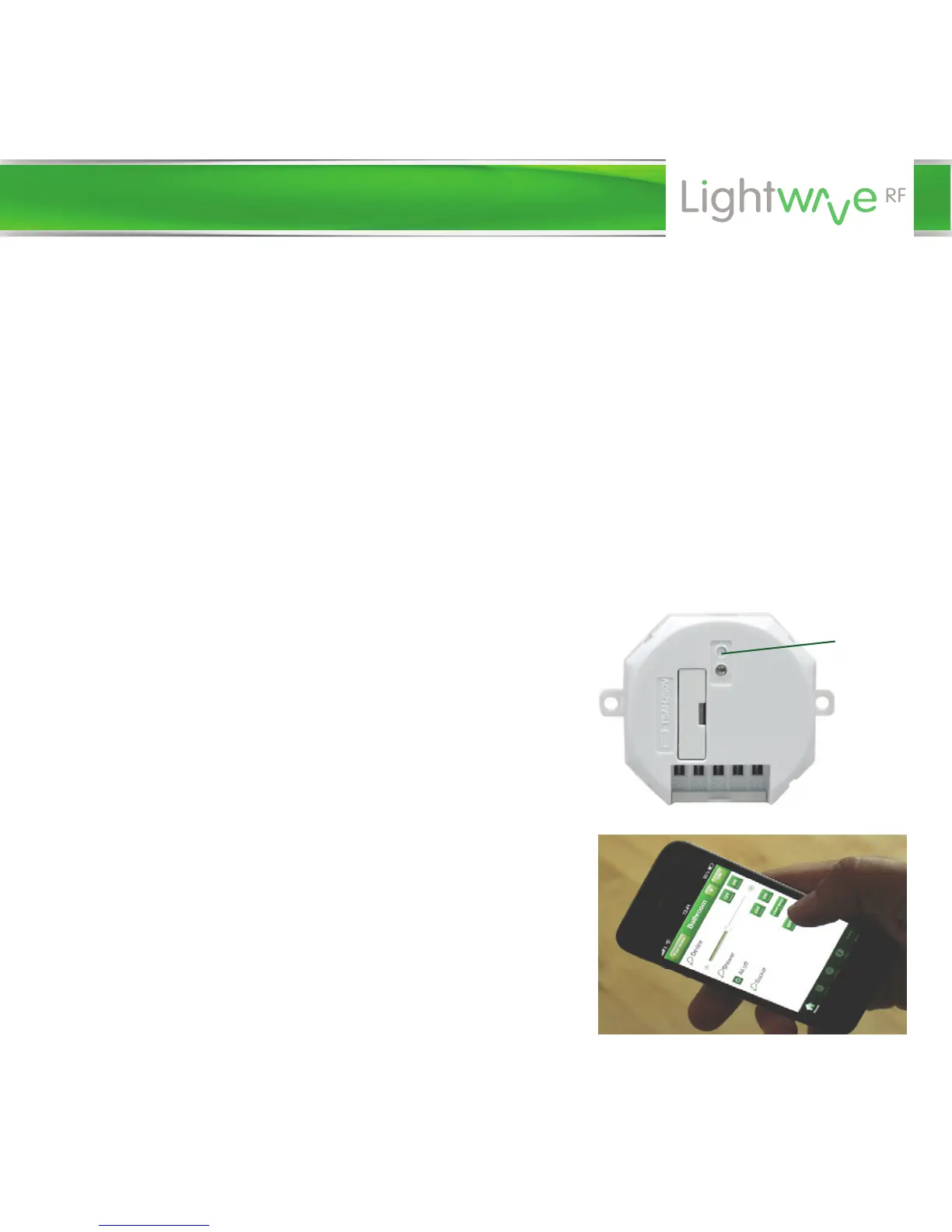
1. On the relay, press and hold down the
linking button until the LED flashes then
release it. The relay is now in linking mode.
2. Using the LightwaveRF Smartphone App,
press the ‘connect’ button (the App
instructions will guide you through this). If
using another controller press the button
that you intend to link. The blue light on the
relay will flash more quickly to confirm that
the App/controller is now linked.
Linking
button


 To Next Page