Manual Operation
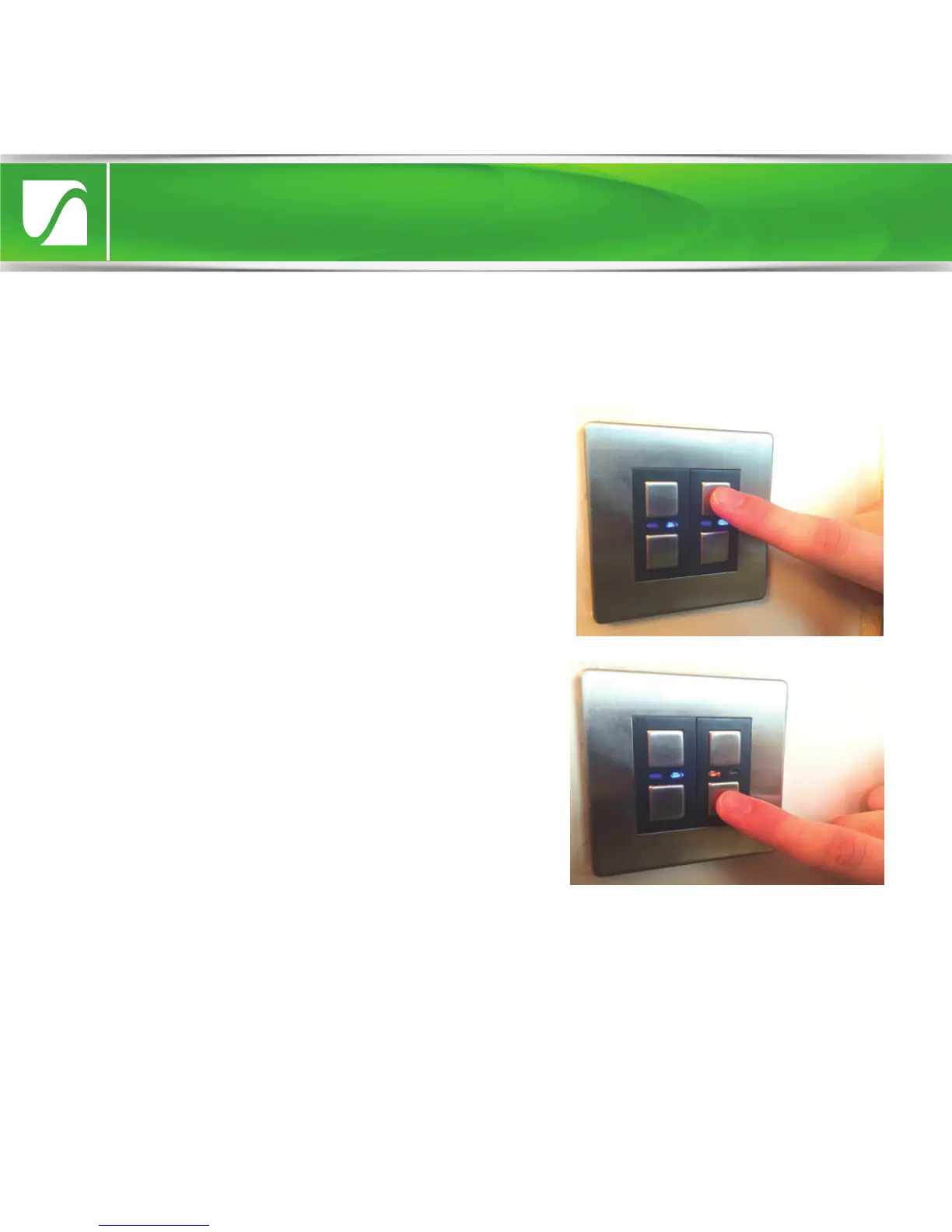
• Tap the ‘on’ (top) button once to
switch the dimmer on (blue LED
indicator will illuminate). Press and
hold the ‘on’ button to raise the light
level.
• Tap the ‘o’ (bottom) button once
to switch the dimmer o (amber LED
indicator will illuminate). Press and
hold to lower the light level.
Manual operation
Manual dimming
NOTE: When the ‘on’ button is tapped to turn on the dimmer, the light level
will return to that at which it was last at before the dimmer was turned o.
The ‘on’ or ‘o’ buttons can then be pressed and held to customise the light
level.


 To Next Page