Quick Start Guide
Installation
1. IMPORTANT: Turn o the mains electrical supply.
2. Ensure that the wall (back) box has a minimum depth of 35mm.
3. Remove and disconnect the existing lightswitch (if applicable). It may be
useful at this point to mark out or take a photograph of the connections to
the existing switch so that the correct wires can easily be transferred to the
new dimmer. Some existing wiring configurations can be complex so take
care.
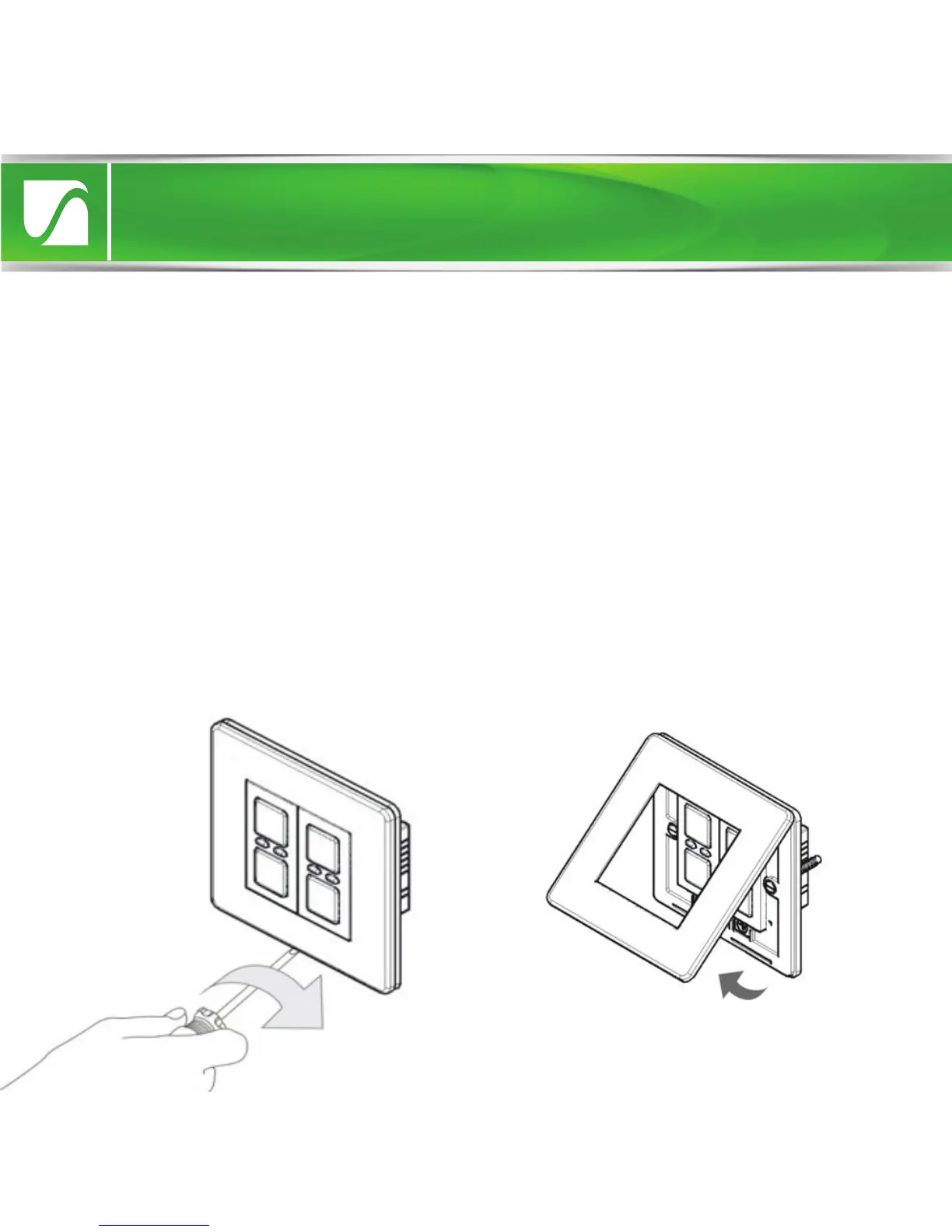
4. Gently remove the dimmer faceplate by inserting a screwdriver into one
of the bottom slots and lifting away from the unit as shown.


 To Next Page