8
Wood Floor Installation
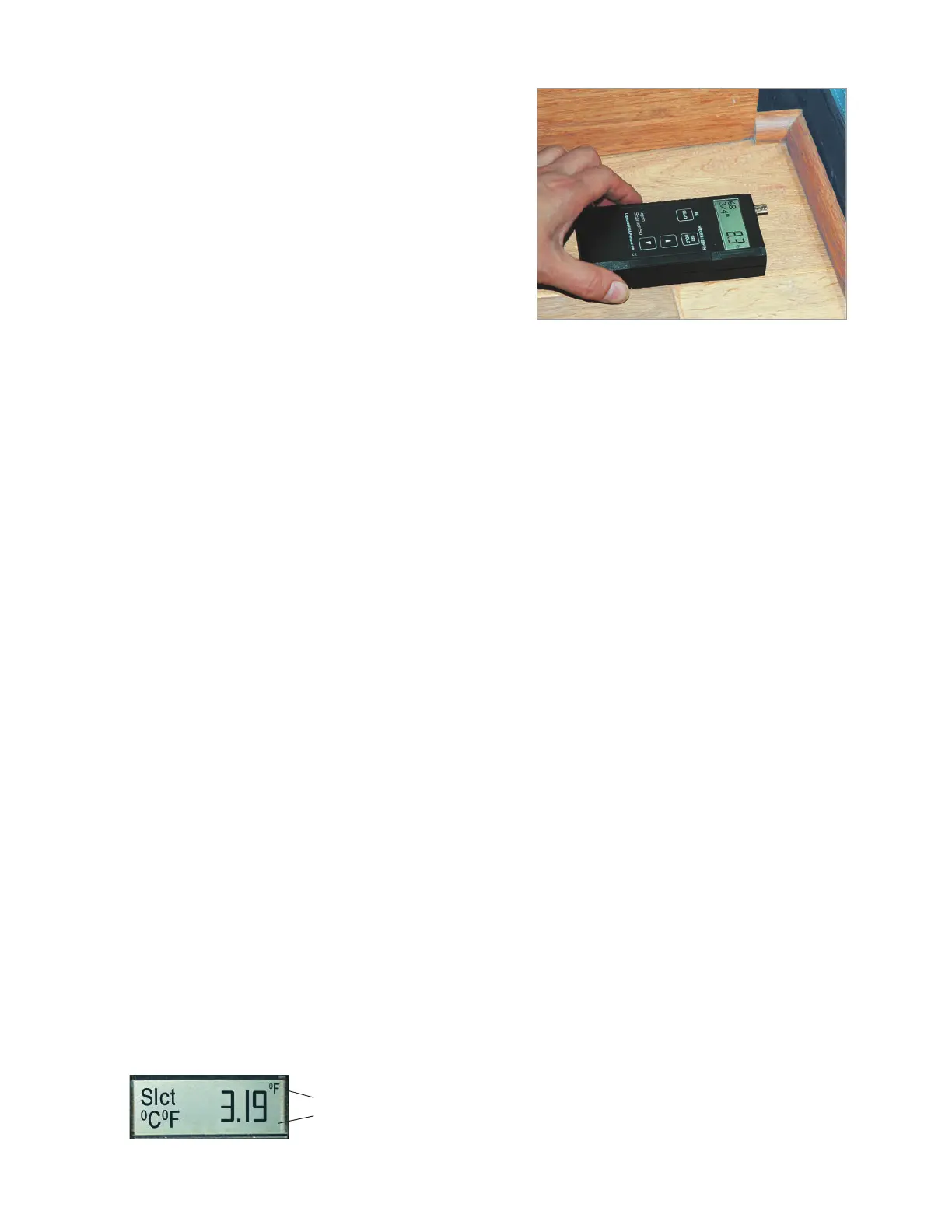
Wood moisture meters and thermo-hygrometers
are essential tools for fl oor installers. Lignomat
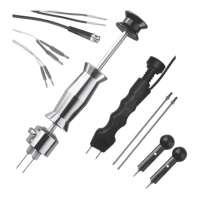
off ers the Thermo-Hygrometer PN or a combi-
nation meters: pin/pinless/RH:
Ligno-Versatec
Ligno-DuoTec BW. (Summary last pg)
First: Take measurements when the fl oor is de-
livered, make sure the fl oor is dry.
Next: Take measurements (moisture and RH) before, during and after acclimation.
Mark sample boards and take readings of the same spot repeatedly.
Last: The moisture content of a fl oor should be documented at the time the customer signs
off on the installation. Select several moisture sensitive areas, under windows, in-
side doors, by the refridgerator, etc. Take readings with both depth levels and doc-
ument the measurements with moisture content, species setting, measuring depth
and location. Take a photo to pinpoint the location. Use a thermo-hygrometer to
take relative humidity and temperature measurements.
Keeping track of moisture conditions may in the end protect you from unwarranted claims
and help fi nd the cause of a problem. If you ever have to go back to check out a complaint,
you can measure the same areas again and compare with the original measurements.
The dual-depth readings can indicate if moisture was absorbed from the down-side of the
fl oor or from the up-side of the fl oor. See EMC chart on page 10 for equilibrium moisture
contents and the corresponding relative humidity and temperature. If EMC and MC are
kept in close range, wood fl oors are absolutely stable.
Change Measuring Depth from US to Metric System
Check Software Version
To change from US to metric system, disconnect the battery and press the SET key twice.
Connect the battery again. Display shows software version as a 3-digit number. Example
3.19. To the right side of the software number in the upper or lower corner °C or °F ap-
pears. By changing from °F to °C, the measuring depth will change from mm to inches.
Use ▲ or ▼ keys to change settings.
The setting can only be changed, while the 3-digit software number is displayed.
To switch the setting from °F to °C, use down key.
To switch the setting from °C to °F, use up key.


 To Next Page