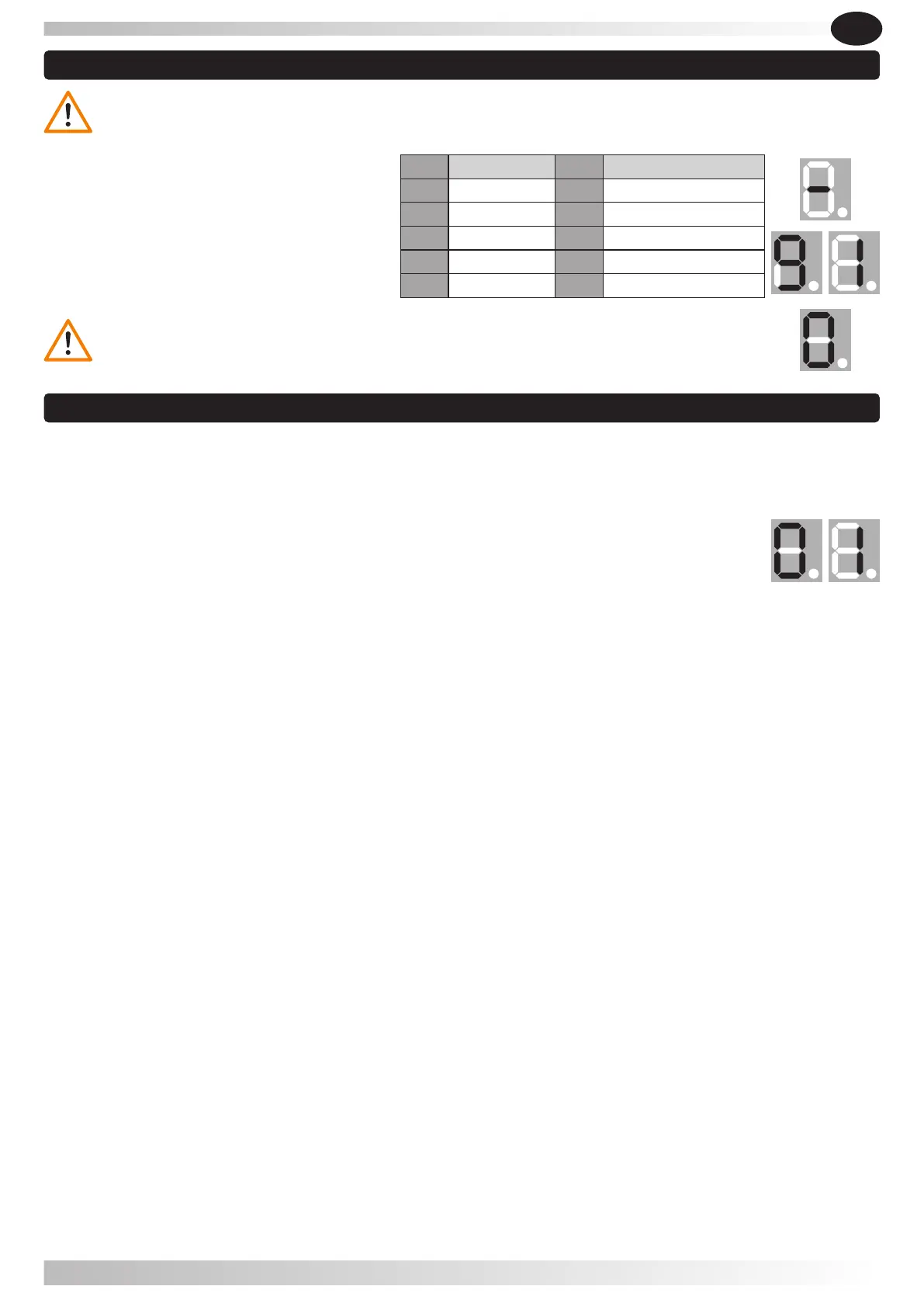
Press and hold the SET button until the display shows " 5 ". When you release the button
the display shows " 0 " or " 1 ".
The default value is " 0 ".
Press the UP button, to change for " 1 " (function: when the door is openning, if the remote
control is pressed, the door doesn't stop the movement and always opens up to the end of
the open position. When the door is closing, pressing the remote control stops and reverse
the door movement).
Press the DOWN button, to change for " 0 " (the remote control works normally: open, stop,
close, stop).
Press button SET to confirm.
5.8 Função condomínio
WARNING: To activate the auto-close ON/OFF is required to use additional safety devices
(e.g. photocells).
5.7 Auto-close ON / OFF
5.7.1- Press and hold button UP, until it
displays " - " Next the display will show a
number between 0-9, press the buttons UP
or DOWN to adjust auto-close time. Press
button SET to confirm the change.
5.7.3- The default setting is " 0 ", which is auto-close OFF.
EN
LIKE IT
46


 To Next Page