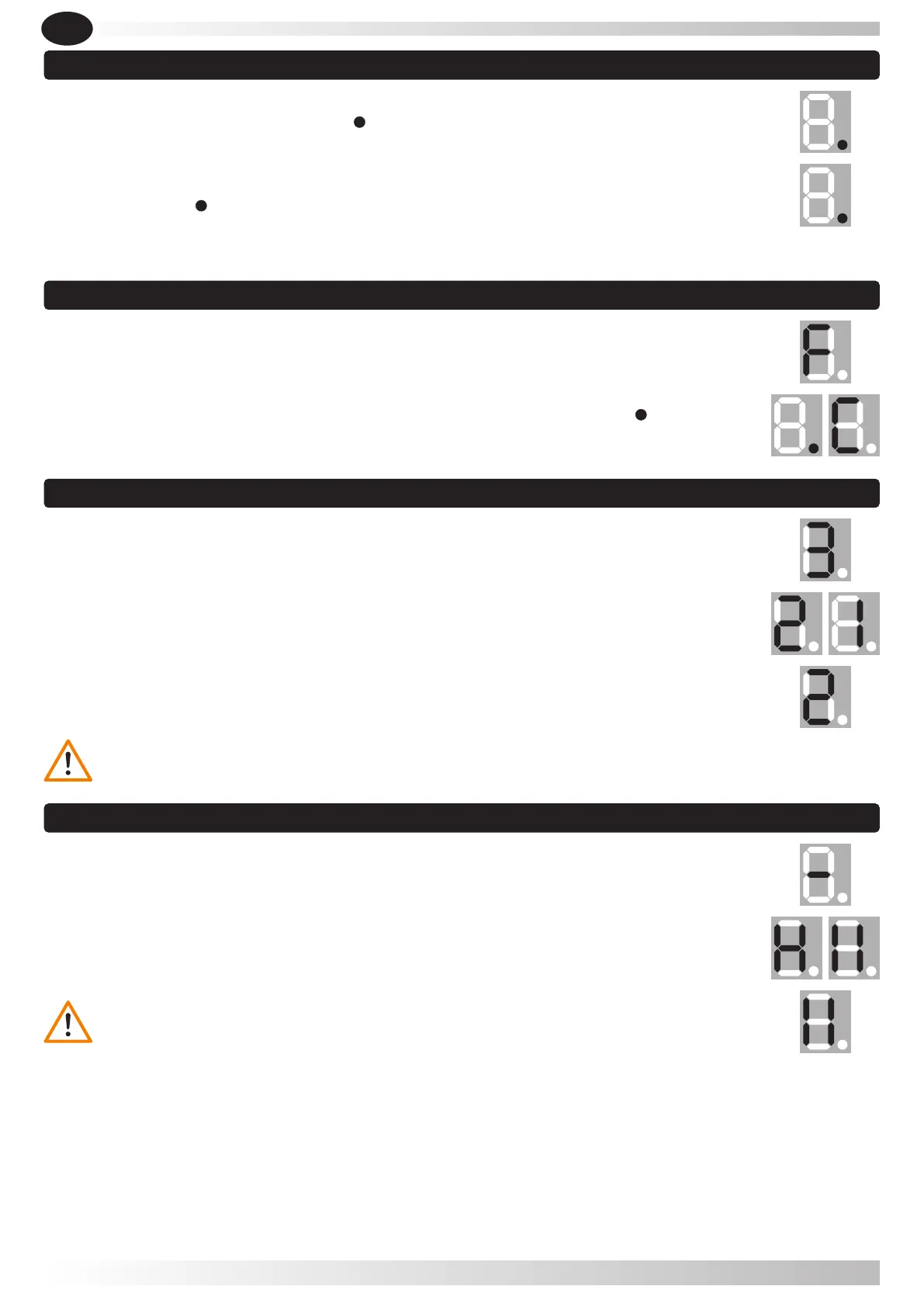
5.3.1- Press button CODE, it displays " ".
5.3.3- Repeat the previous steps to code a maximum of 20 different remote controls.
5.3.2- Press two times the button desired on the remote control , Remote control / push
button / digicode, " " flashes.
5.3.1- When the unit has stored 20 codes, it flashes " F " (memory full), you should not store
more codes. If you need to store more than 20 codes, you will need to use an external
receiver.
5.3.2- Press and hold button CODE more than 8 seconds, it flashes " ". After the 8
seconds it flashes " C ", all the codes were cancelled.
5.3 Adding or changing remote control / push button / digicode
5.5 Force adjustments (if necessary)
5.5.1- Press and hold button SET pressed, until it displays " 3 ", and as soon as you release
the button, it shows the number relative to the current level of Force (" 1 " or " 2 "). The
default setting is " 2 ".
5.5.2- Now that it is showing the current situation, press button UP to increase the force
one value, or press button DOWN to decrease one value. The maximum value is " 2 " and
minimum is " 1 ".
5.5.4- After finishing all the settings, please check if the force is ok according to the
European standards.
5.5.3- Press button SET to confirm.
The default setting is " 2 ".
5.6 Photocell
5.6.1- Press and hold button DOWN, it displays " - "Next it will show " H " (photocell
enabled) or " I I " (photocell disabled).
5.4 Remote control / push button / digicode – full capacity & erase stored codes
5.6.2- Press button UP for change " to " H ", our Press button DOWN for change to" I I ".
Press button SET to confirm and exit.
5.6.3- If you do not use photocell device, please make sure it displays " I I " to
disable this function.
EN
LIKE IT
45


 To Next Page