2
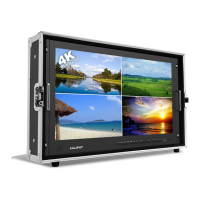
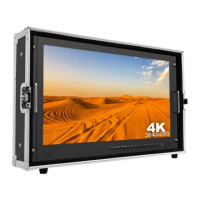
1. PRODUCT DESCRIPTION
1. Auto backlight receiving window (Optional).
2. Infrared signal receiver (work with remote control).
3. Power indicator light (red while standby; green while working).
4. Dial: Turn the dial to adjust volume;
Turn the dial to select menu option and adjust the option
value;
Press the dial to confirm.
5. M/EXIT: To activate or exit OSD menu.
6. FN: Image auto capture function under VGA mode;
Underscan function under HDMI mode.
7. INPUT: circularly switch among of AV1, AV2, PC, HDMI, DVI or
SDI.
8. POWER: ON/OFF.
9. Mounting socket.


 To Next Page