51
Advanced Features
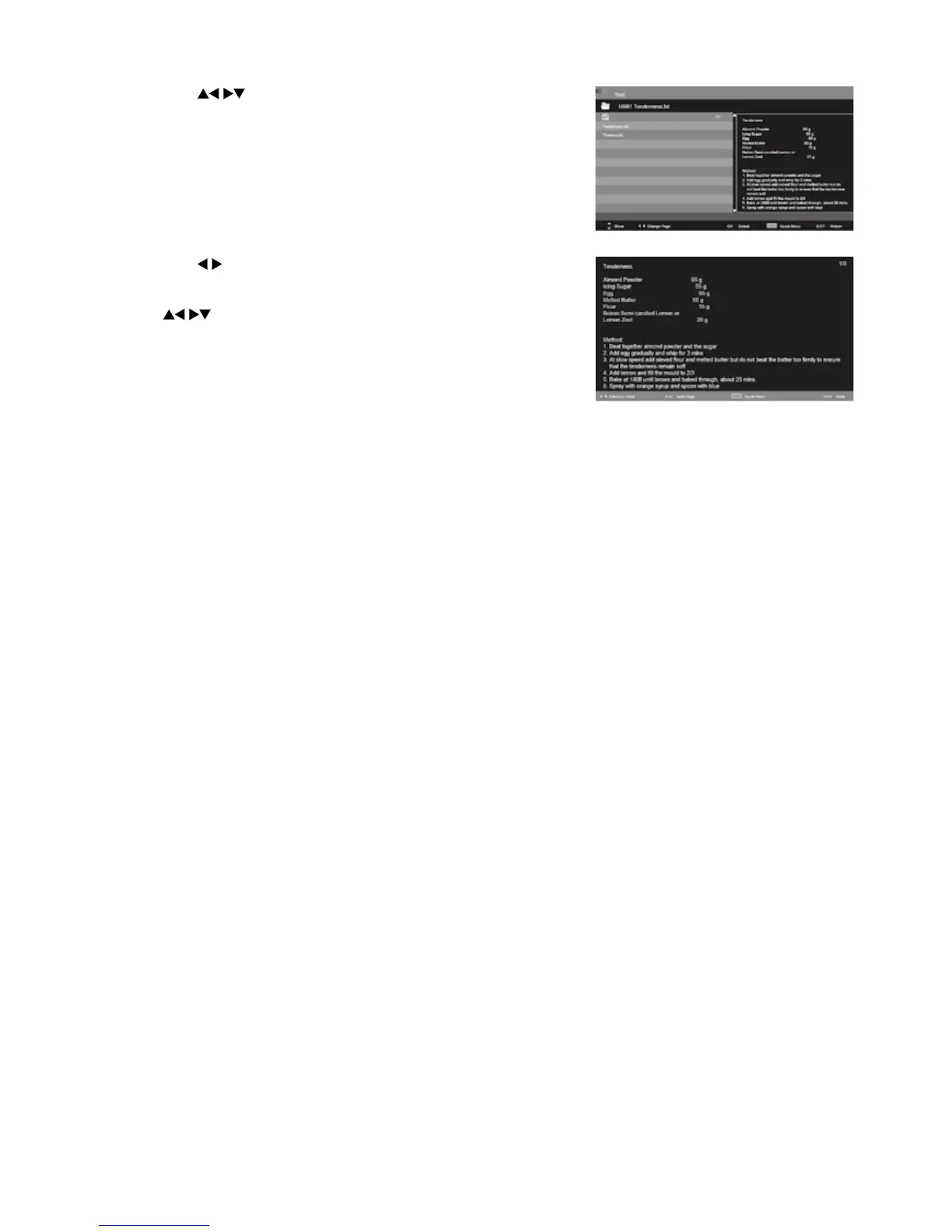
4. Press the buttons to navigate in the text folder and then
press the OK button to view.
5. Press the
buttons to go to previous or next page.
Use 0-9 buttons to goto the specified page.
Press the BLUE button to enter the Quick Menu. And then press
the
buttons to select the functions: Repeat / Background
Music / Encode Type.
6. Press the EXIT button to return to the previous menu.



 To Next Page