Undercounter coolers
9
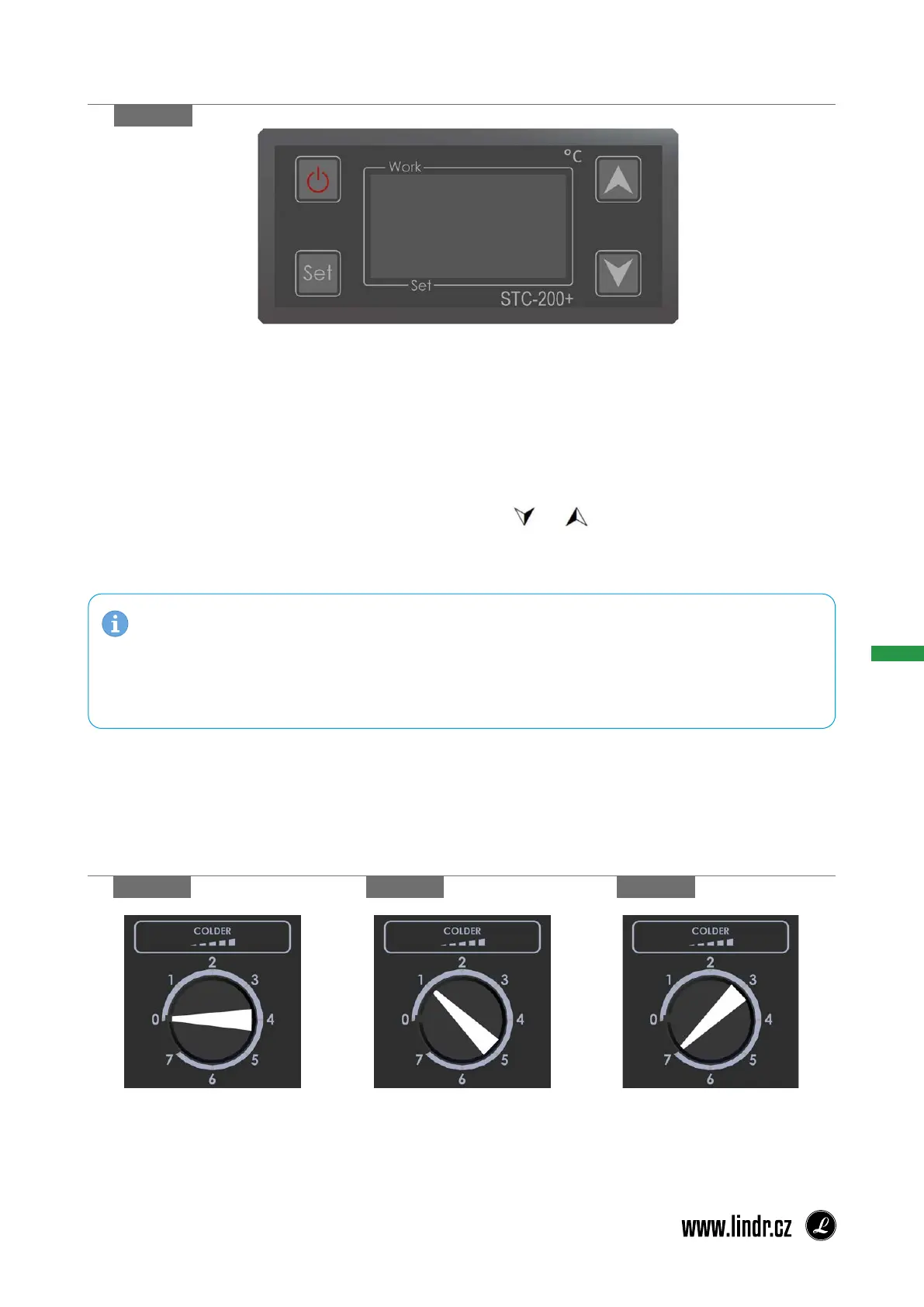
Displaying Set Temperature:
1. Short-press the SET button. The display will show the set value.
2. To return the display to the current temperature, again short-press the SET button or wait
5s.
Changing Set Temperature:
1. Hold the SET button for more than 2 s.
2. The set temperature will be displayed and the °C indicator will begin ashing.
3. The set temperature can be changed by pressing or (within 10 s).
4. The newly set temperature can be saved by pressing the SET button again or automatically
by waiting 10 s.
12. STC 200 THERMOSTAT:
gure 9 a
gure 9 b gure 9 c
gure 9 d
No.7 = COOLS MAXIMUMNo.1 = COOLS MINIMALLY 0 = OFF
Cooler temperature CWP 300 4 PUMPS Green Line with digital thermostats is controlled by a
mechanical thermostat, which is located on the radiator door and monitors the water bath tem-
perature in the range of 0 - 12 ° C.
13. MECHANICAL THERMOSTAT:
NOTE: The temperature in double-walled tanks, external vessels is controlled by digital
thermostats (CWP 300 4 PUMPS Green Line with digital thermostats), which are located
on the chiller body. Set the required temperatures on the thermostats for individual double-
-walled tanks, external vessels.


 To Next Page