REAR PANEL CONNECTIONS
2 • 10
your own taste, so your customized version of the amp or effect comes up instantly
when you turn Amp Models or Effects. See Chapter 7 for the details on that.
MIDI - This button is used to set POD’s MIDI channel and dump sounds
via MIDI. Details are in the Deep Editing & MIDI Control chapter.
REAR PANEL CONNECTIONS
Here’s the part where we go behind-the-scenes of your POD Pro. Looking at the
rear panel, we’ll start from the left side:
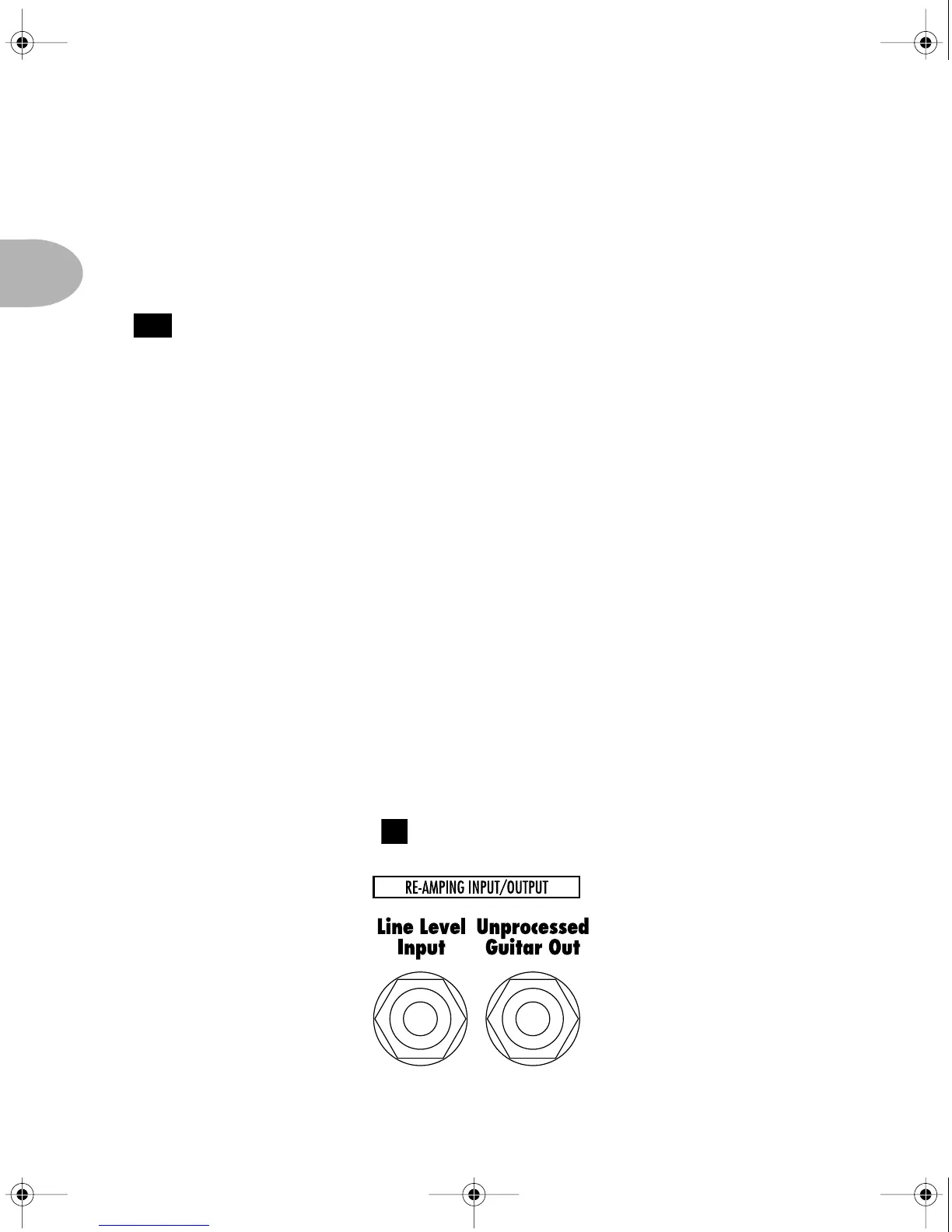
Line Level Input & Output - The two jacks illustrated below. These 1/4"
connectors carry line level signals into and out of your POD, and run signals that
are unbalanced at -10 dBV level. If you want to use the Line Level Input, be sure
to set the front panel switch to the Line Input position.
19
3
POD Pro Manual Ch. 2 - Rev C Page 10 Monday, September 11, 2000 10:57 PM



 To Next Page