SETTING UP IN THE STUDIO: RE-AMPING
3 • 7
RE-AMPING
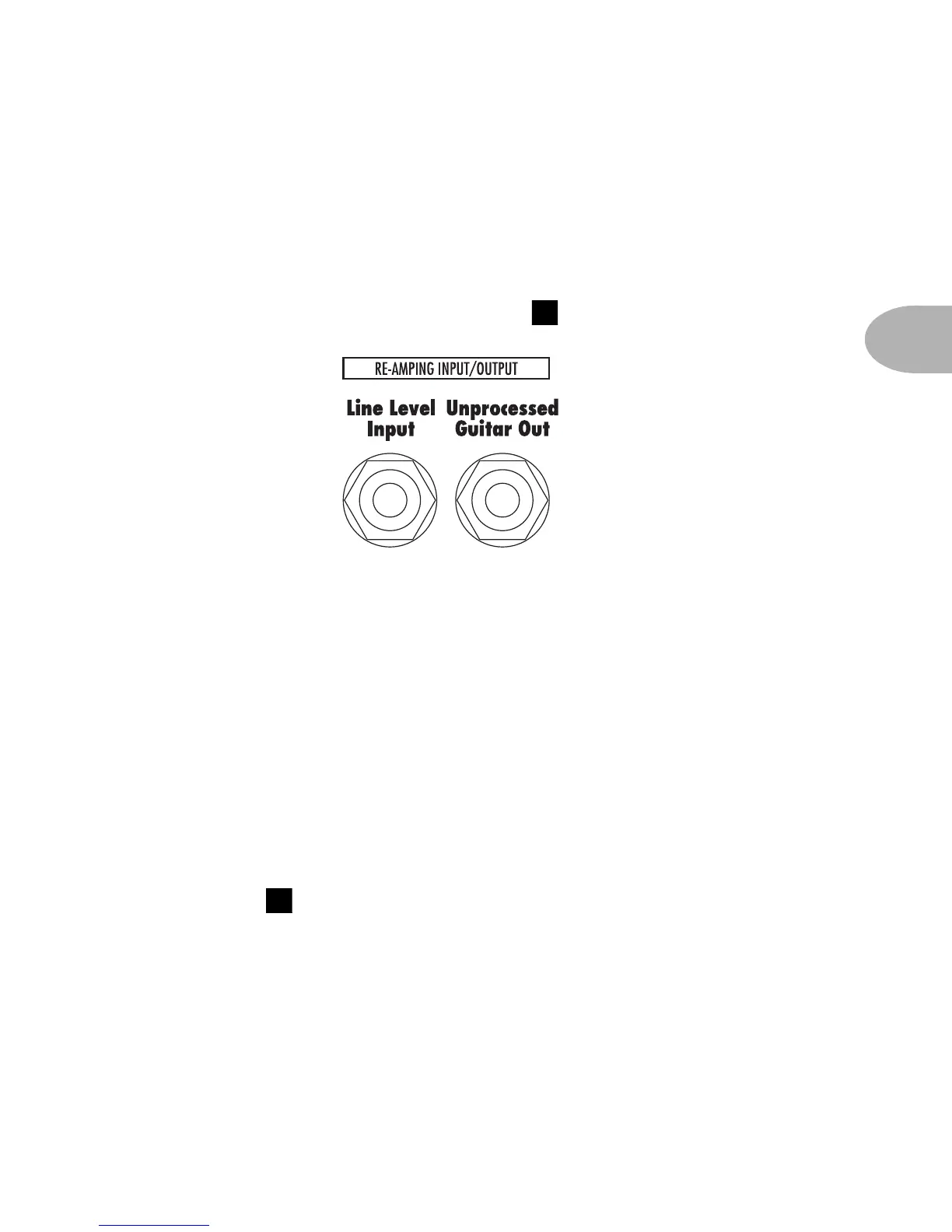
You’ve got a pair of 1/4 inch connectors that carry line level signals into and out of
your POD, running unbalanced at -10 dBV level. If you want to use this Line
Level Input, be sure to set the front panel switch to the Line Input position.
So what can you do with these jacks? Lots of stuff:
Re-Amping – One of the things that made the original POD a valued tone
tool was its value in re-amping of guitar tracks. Here in Los Angeles where
Line 6 is headquartered, you can walk into any number of top-tier studios
and see a shiny red kidney bean shaped thingy hanging around the control
room, ready to massage the pre-recorded tracks that have been brought in for
mixing. Say somebody has already recorded some guitar tracks, and you are
now mixing them. If the guitars seem to need a bit more edge, or some other
sort of further tone shaping, you can run your outputs from your tape or disk
tracks into the POD and make magic. Don’t forget to set the front panel Input
Select switch to the Line Input position.
Hardware Amp Farm – Line 6’s Amp Farm software is sort of like a
software POD that runs on a Pro Tools system. One of the things that Amp
Farm lets you do is record un-processed guitar to disk, while hearing it
processed non-destructively by the Amp Farm plug-in software. You hear the
3



 To Next Page