Deep Editing & MIDI Control: STEP-BY-STEP WITH SOUNDDIVER
9•12
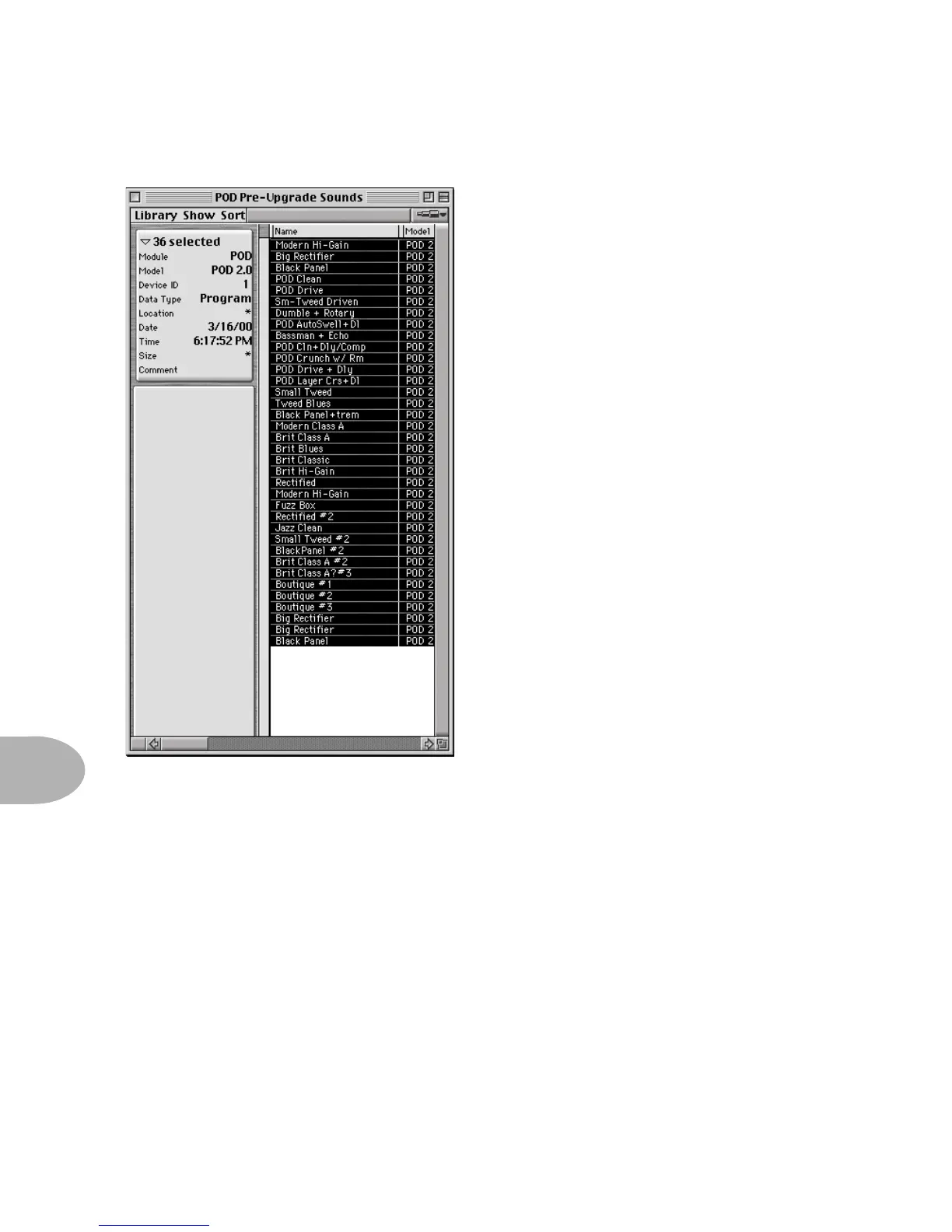
Step 8 - As a final check to make sure
everything went as it should, choose Open
from the File menu, and open the library
you just saved. You should see a window
similar to the one at the left, listing all 36
of your POD’s memories.
Congratulations! You’ve now backed up
the memory of your POD, and gotten
started with SoundDiver’s library features
in the process!



 To Next Page