15
OFF THE CPS with this grid.
1) Press continuously ON / OFF for longer than a second to switch off the 'inverter operating.
2) At this point, the display shows the level of battery charge, also once the 'Inverter turns off the machine returns to standby
mode.
3) After switching off the 'INVERTER to completely turn off the machine, remove the main power supply. The machine
performs a self-diagnosis and after a few seconds the display and the machine completely shuts down.
OFF without main electric power supplied (in battery mode).
1) Press and hold ON / OFF for longer than a second to turn the CPS.
Caution is advised to switch off all loads connected to the CPS before turning it off both in battery mode in which
electric network mode present.
METHOD 'FAULT
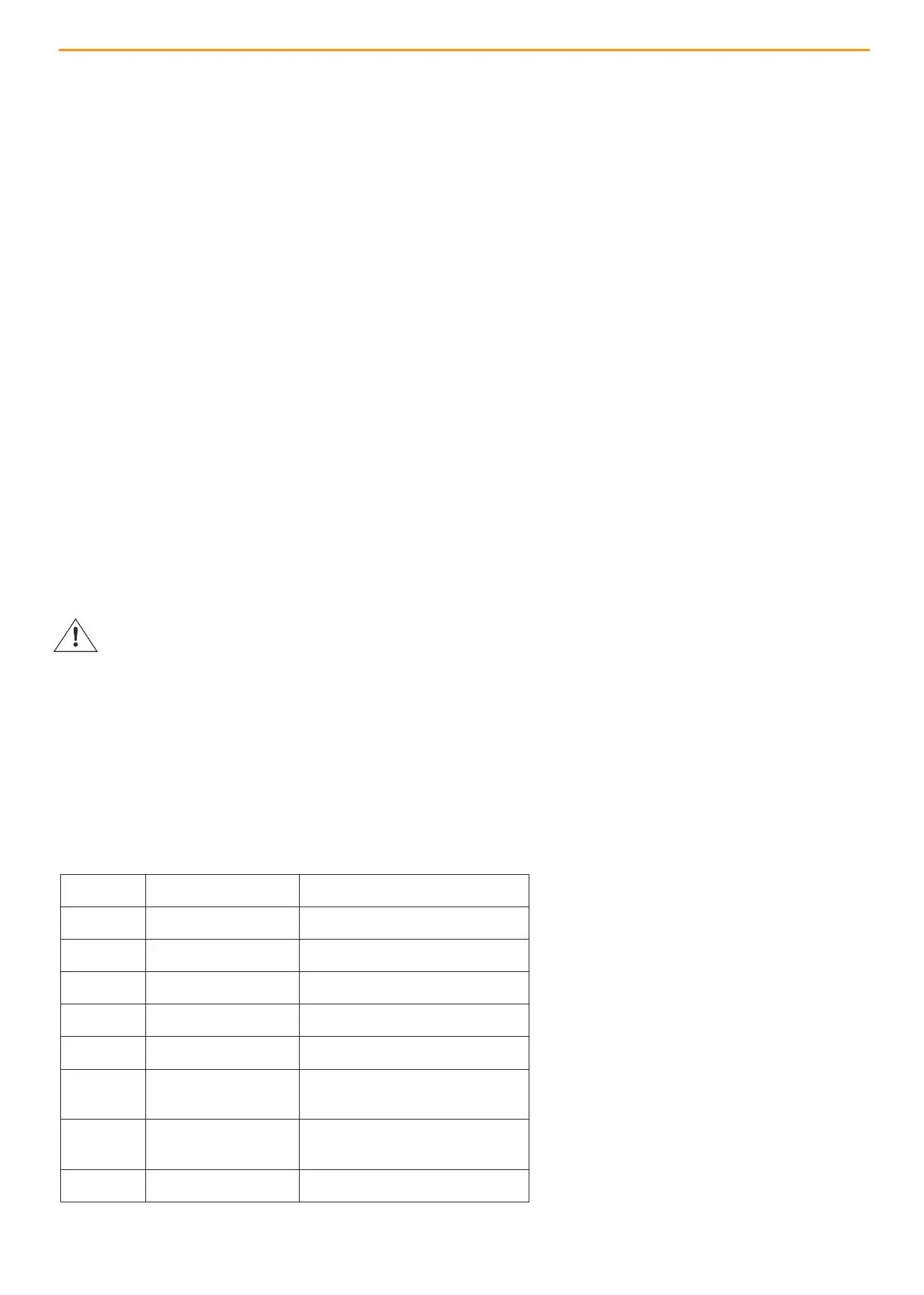
In case of errors the red FAULT LED flashes and indicates the presence of errors.
11 Inv. Soft start fail Software Inverter Fault
12 Inv. Volt High High Voltage Inverter
13 Inv. Low Volt low-voltage inverter
27 Battery Too High High battery voltage
28 Battery Too Low Low battery voltage
41 over Temperature overheating
43 Overload Fault input voltage Overload
44 Fan Fail Fault Cooling fan fault
45 Charger Fail Fault fault Charger
WARNING AND ERROR CODES


 To Next Page