40
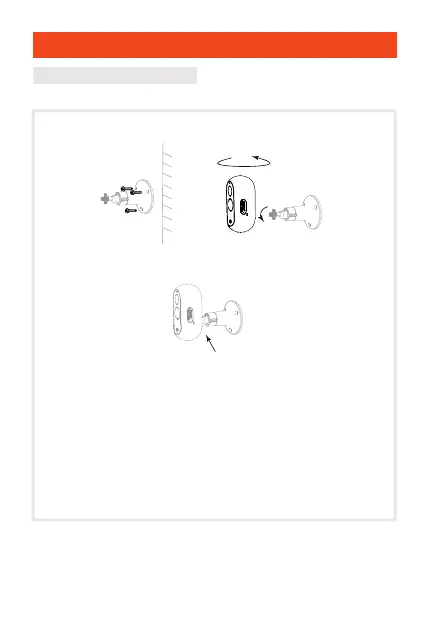
Setup wall mounting bracket
0~90°
0~360°
Adjust the camera’s viewing angle,
then screw the bracket all the way in.
Setup
1.After positioning the wall plugs, fix the wall mounting
bracket with the screws provided.
2.After adjusting the camera’s viewing angle, attach the
camera to the bracket and screw it.
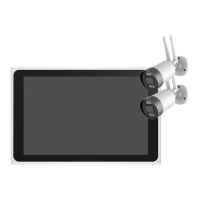
3.Repeat everything for the second camera.
4.The camera must be installed near a Wi-Fi box to ensure
a good Internet connection.


 To Next Page