24
DTV Settings
- Press SOURCE button on the remote control to select DTV input source.
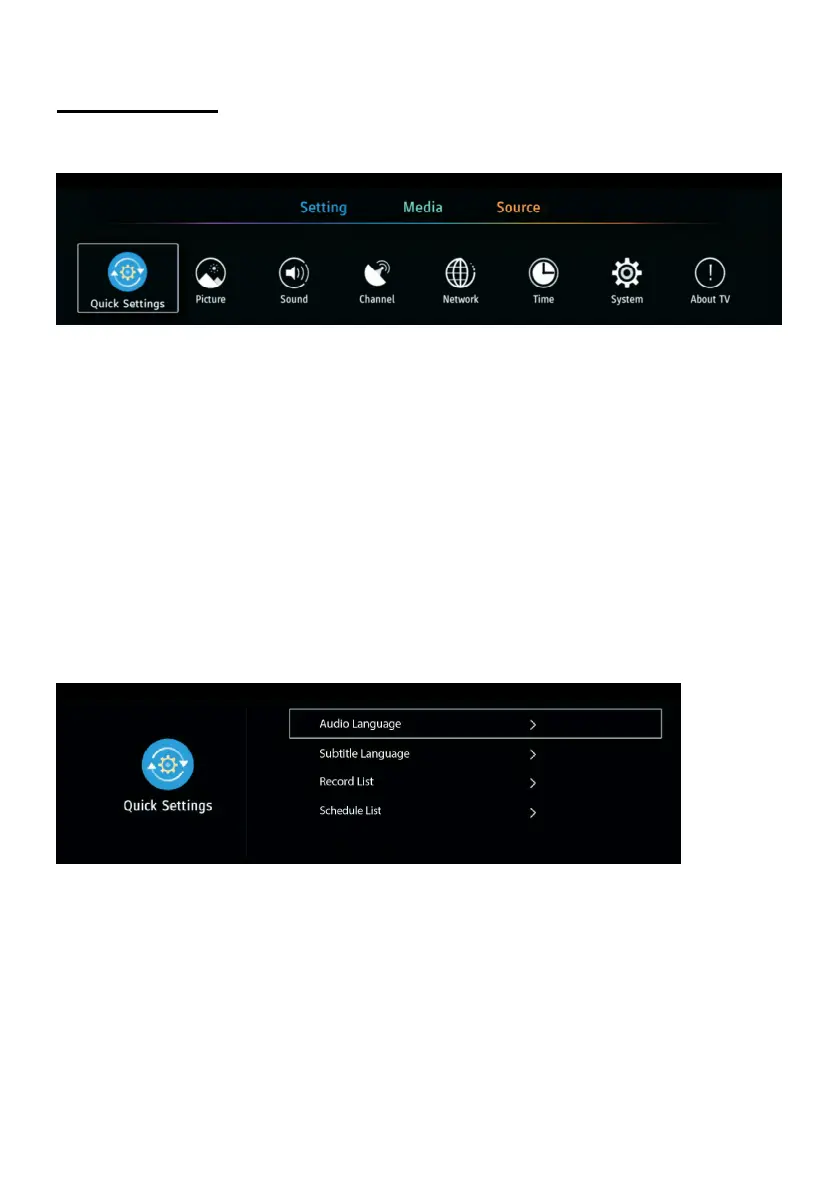
- Press the MENU button on remote control to open main menu.
Notes:
- If Setting is not highlighted on menu title, press UP navigation button to move the cursor to
title. Select Setting and press DOWN navigation button to enter it.
- Some options under “Settings” only appear when TV received available signals.
Common procedure for initial settings
- Press the MENU button on remote control to display the main menu.
- Press the UP/DOWN/LEFT/RIGHT navigation buttons to move the cursor.
- Press the OK or RIGHT navigation button to enter the submenu.
- Press the MENU button to save current setting and return to the previous menu page.
- Press the EXIT button to exit the menu page.
1. Quick Settings
1.1 Audio Language
- Select available audio language.
1.2 Subtitle Language
- Select available subtitle language.
1.3 Record List
- Show recorded list if you have recorded a program before.
- You can watch all recorded programs here.



 To Next Page