25
1.4 Schedule List
- Show schedule list if you have scheduled a program through EPG menu.
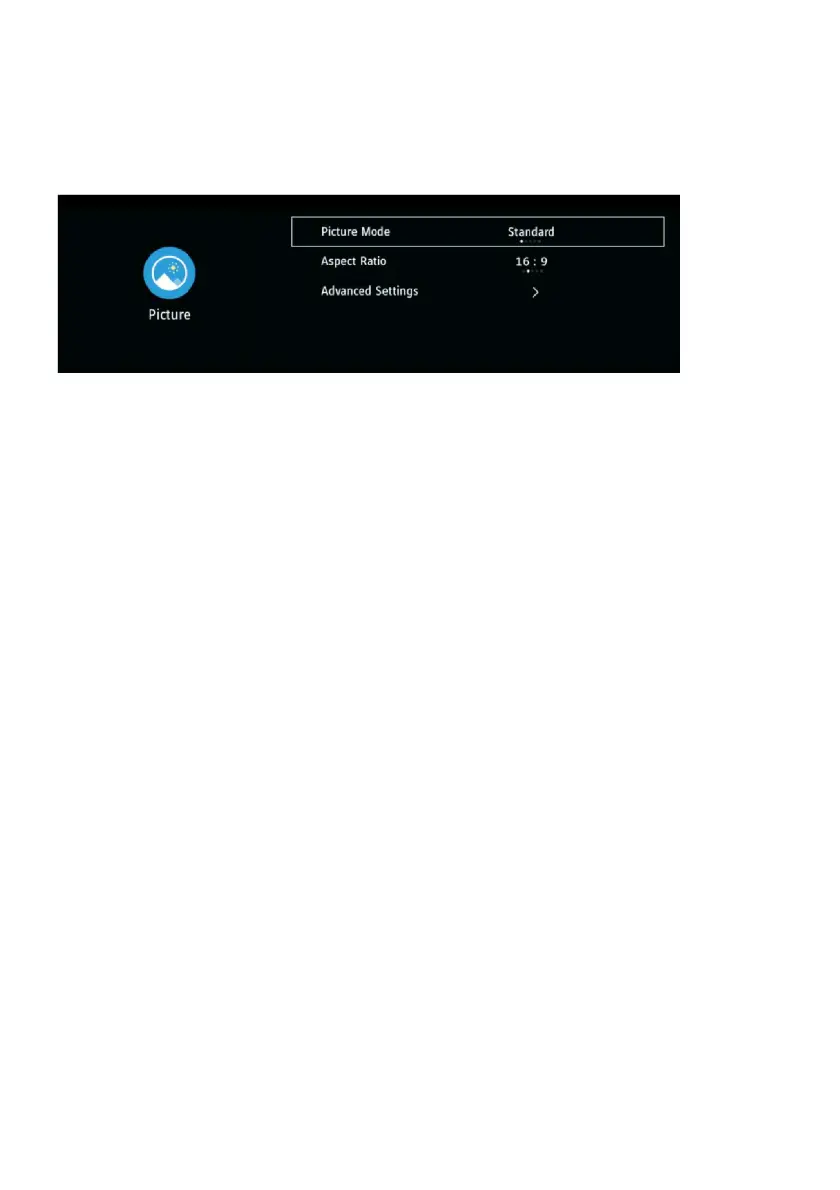
2. Picture
2.1 Picture Mode
- Press the LEFT/RIGHT navigation buttons to select an option.
Picture Mode: available options: Standard, Personal, Dynamic, Movie, Economy
Note: When Picture Mode is “Personal”, you can see and adjust Brightness, Contrast,
Colour, Tint, Sharpness and Backlight.(Tint is only for NTSC system.)
2.2 Aspect Ratio
This item is used to adjust the video size.
Available options: Auto, 4:3, 16:9, Zoom1, Zoom2.
Note: The available video size may be different for different input source.
2.3 Advanced Settings
OverScan: turn on/off OverScan.
Colour Temperature: adjust the optimum color temperature for suitable viewing (Standard,
Cold, Warm).
Dynamic Contrast: select dynamic contrast level (Off, Low, High).
Noise Reduction: select noise reduction level (Off, Low, Medium, High).



 To Next Page