MEDIA PLAYBACK
- Insert a USB memory device into the USB slot before the following operations.
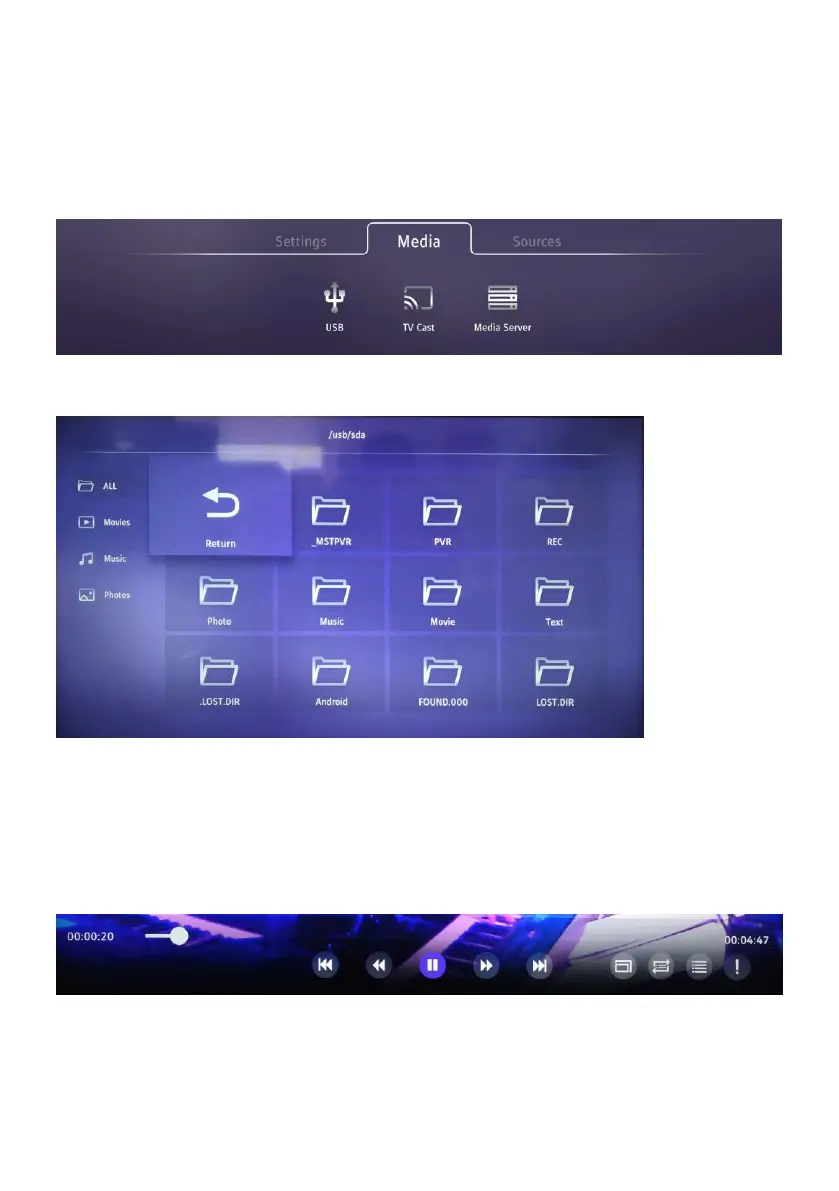
- Press the MENU button on remote control to open main menu. Then press UP navigation
button to move the cursor to title. Select Media and press DOWN navigation button to
highlight USB.
- Press OK button to enter it.
- Press the UP/DOWN/LEFT/RIGHT navigation button to move the cursor.
- Press the EXIT button to return to the previous page.
a. MOVIE
- Use the navigation buttons to select a desired folder or file.
- Press the OK button to start playback.
- Press LEFT/RIGHT navigation button to select a desired option in the tool bar and press
OK to confirm the selection.
- Press the EXIT button to return.



 To Next Page