1.4 Teletext
- Show teletext information if available.
1.5 Record List
- Show recorded list if you have recorded a program before.
- You can watch all recorded programs here.
1.6 Schedule List
- Show schedule list if you have scheduled a program through EPG menu.
2. Picture
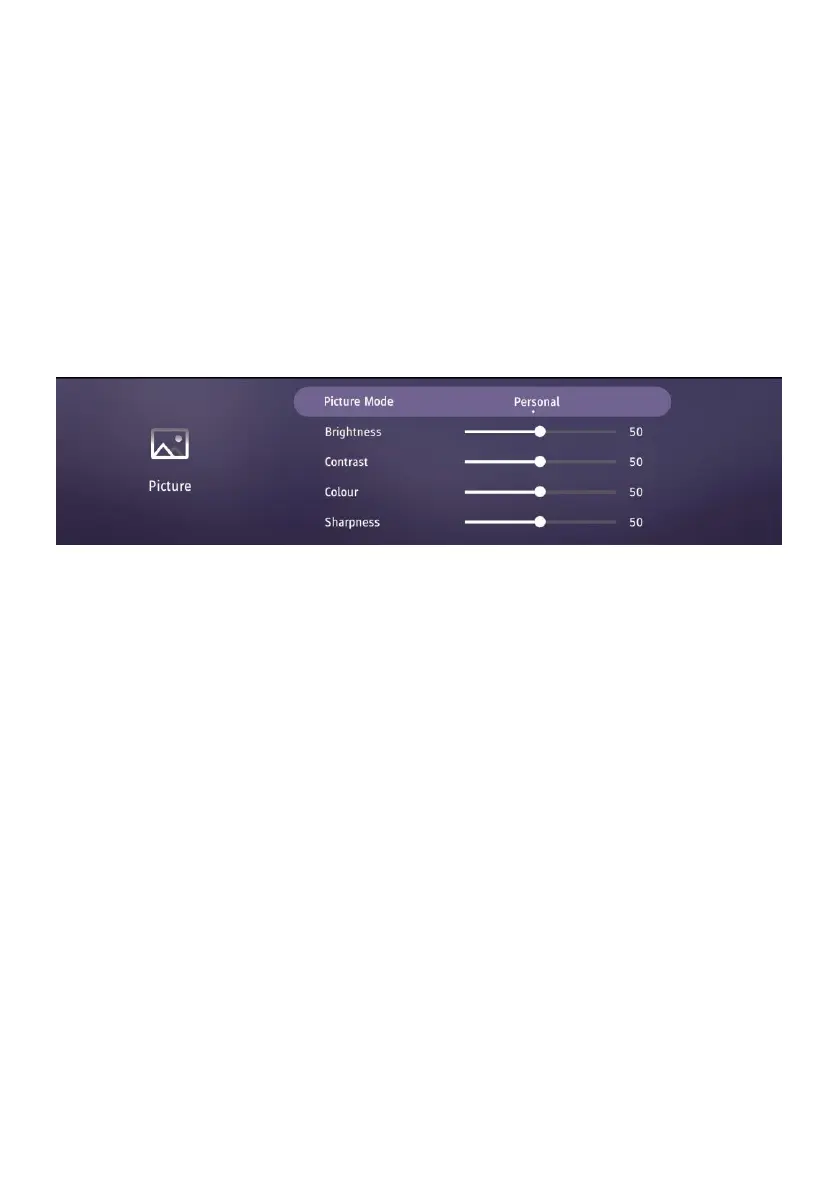
2.1 Picture Mode
- Press the LEFT/RIGHT navigation buttons to select an option.
Picture Mode: available options: Standard, Music, Movie, Sports, Personal.
Brightness / Contrast / Color / Sharpness: adjustable value: 0-100.
Note: If you adjusted Brightness, Contrast, Colour or Sharpness, Picture Mode will turn to
“Personal” automatically.
2.2 Color Temperature
Select the optimum color temperature for suitable viewing.
Available options: Standard, Warm, Personal, Cold.
2.3 Aspect Ratio
This item is used to adjust the video size.
Available options: Auto, 4:3, 16:9, Zoom1, Zoom2.
Note: The available video size may be different for different input source.
2.4 Expert Settings
Noise Reduction: select noise reduction level (Off, Low, Medium, High).
Gamma: select suitable gamma (Low, Medium, High).
Active Contrast: turn on/off active contrast.



 To Next Page