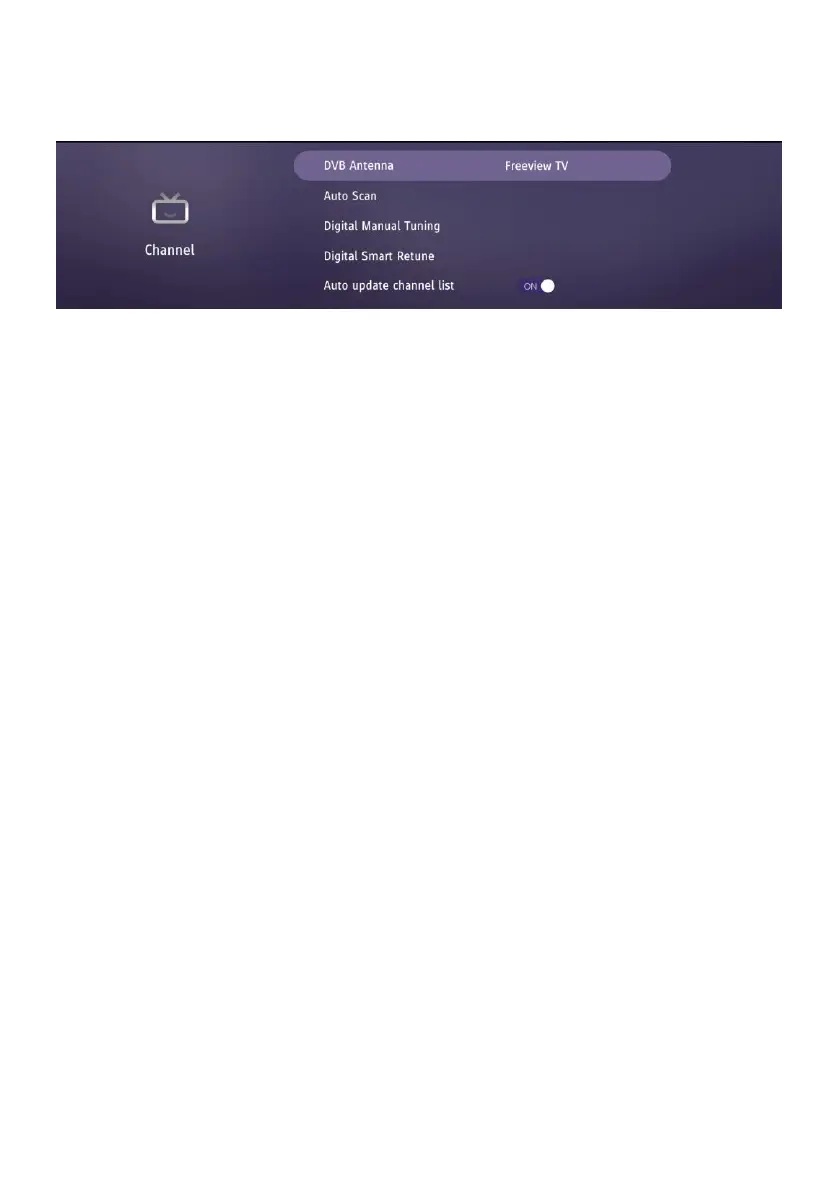
4. Channel
4.1 DVB Antenna
- Select your antenna type according to which kind of antenna you have connected.
(It can’t be changed for this model).
4.2 Auto Scan
- Choose Digital or Analogue tuning firstly.
- Then enter “Auto Tuning” to scan available channels.
4.3 Digital Manual
- Press LEFT/RIGHT navigation button to select the channel.
- Then enter “Start Scan” to scan available channels.
4.4 Digital Smart Retune
Quickly scan channels if current saved signals are updated.
4.5 Auto update channel list
Updated channels list automatically if any updating.
4.6 HbbTV
Turn on/off HbbTV.
4.7 Standby Scan
Turn on/off Standby Scan. This product will scan channels before getting standby.
4.5 CI Information
When an available CAM (Conditional Access Module) card is connected to the CI slot, you
can view related information or manage the CAM card.
4.6 Signal Information
- Display signal details, for example: channel number and strength.



 To Next Page