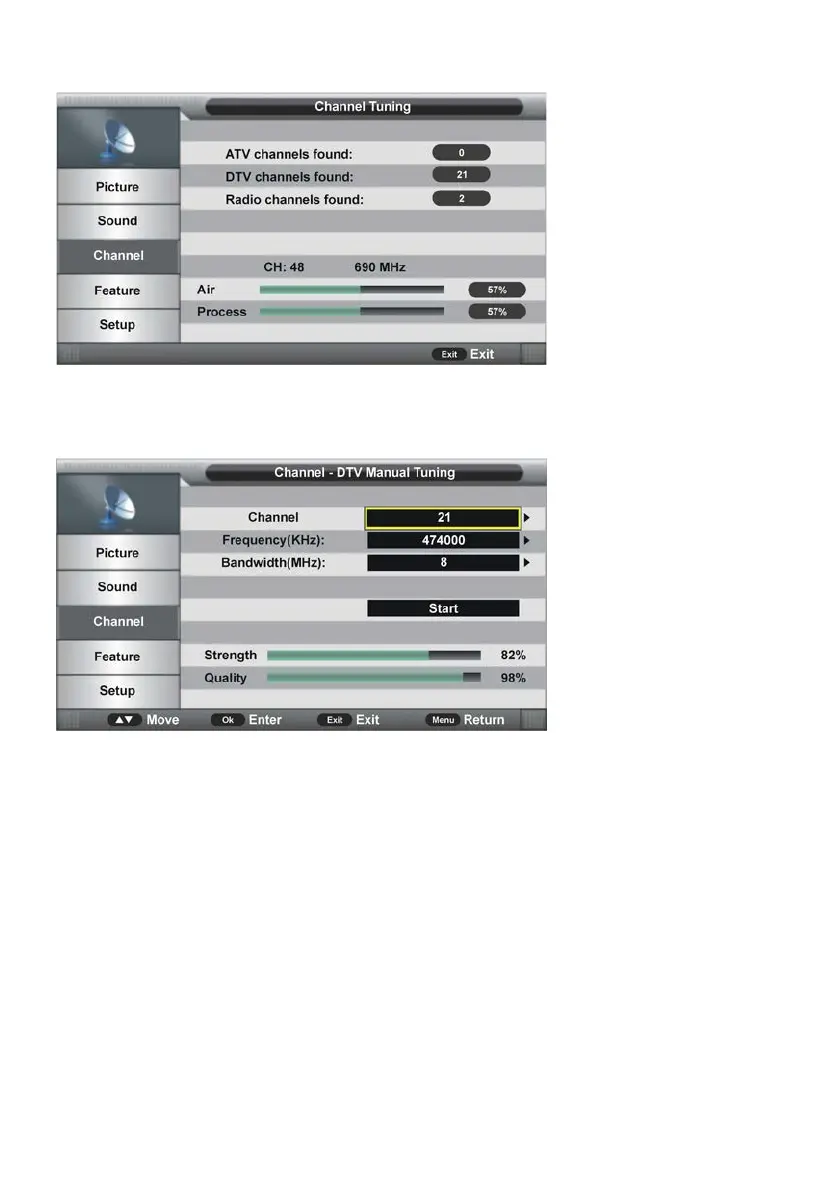
To exit auto tuning, press MENU or EXIT button and select OK.
3.5 DTV Manual Search
3.51 Channel
- Press OK or RIGHT navigation button to enter submenu and press UP/DOWN navigation
button to select preferred program.
3.52 Frequency (KHz)
- Press OK or RIGHT navigation button to enter submenu.
- Press LEFT/RIGHT navigation button to move the cursor; press number buttons on
remote control to input desired value.
3.53 Bandwidth (MHz)
- Press OK or RIGHT navigation button to enter submenu and press UP/DOWN navigation
button to select preferred bandwidth.
Once the settings of part 3.51 to part 3.53 are finished, select Start in the menu and press
OK button to start searching.



 To Next Page